Free · No watermark · Runs in your browser
Imagine Image — Free AI Image Generator Built on Grok imagine image 2.0
Text to image, image to image, and image to video AI in one place. Describe it, imagine it, generate it — free and instantly in your browser.
- No watermark on your renders
- Works on phone and desktop
- Commercial use allowed
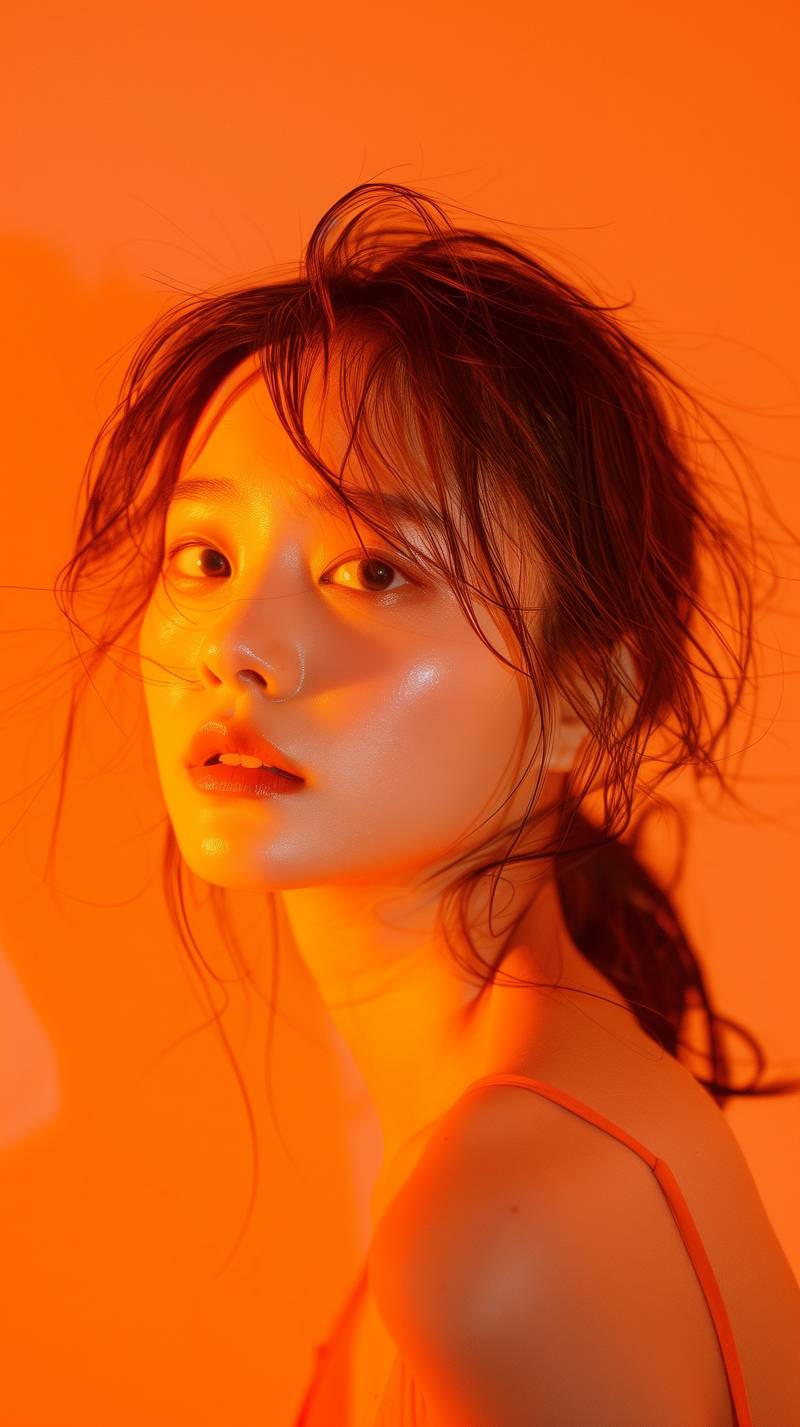
Portrait restyle
Case Showcase
Click an example to apply its prompt, then adjust details and generate.
What Is Imagine Image?
Imagine Image is a free online AI image generator that turns text prompts and reference photos into high-quality visuals. Type a sentence, choose a shape, and the imagine generator renders your idea in seconds — nothing to install, no credit card, no waiting list.
- 01
Prompt in plain English
Short descriptions work as well as detailed art direction. There is no syntax to memorise.
- 02
Keep your reference
Upload a photo and the render follows its framing instead of starting from a blank canvas.
- 03
Stills and motion
One prompt box drives both pictures and short clips, so ideas never get stuck between two apps.
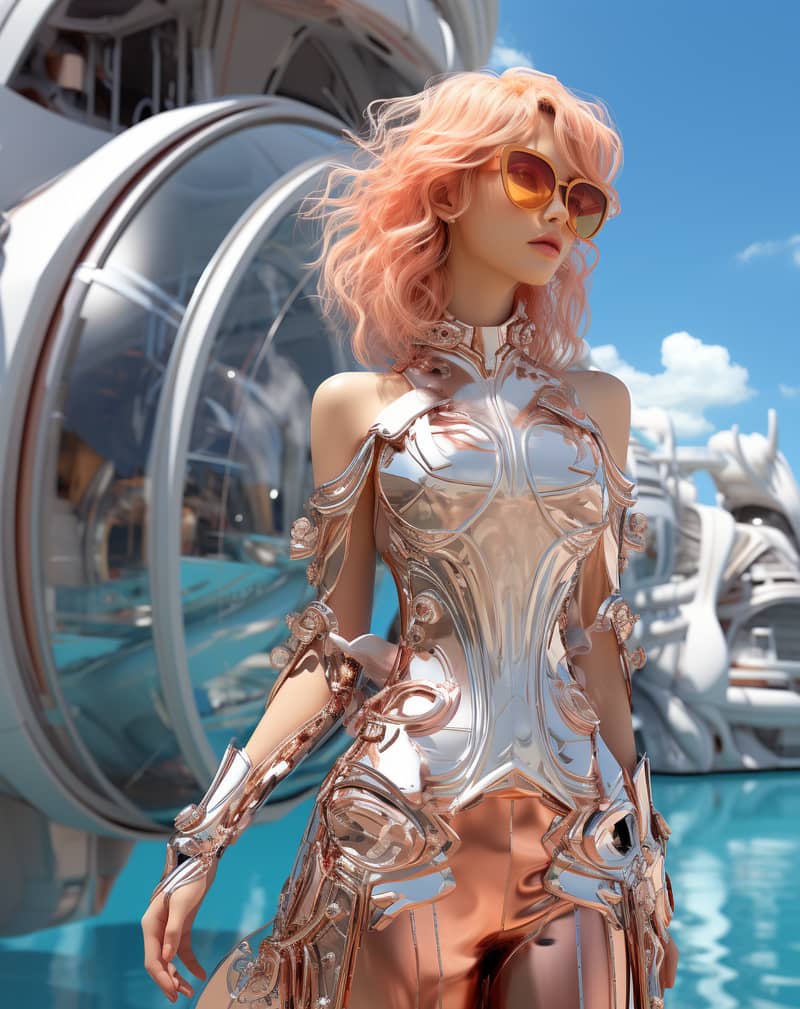
Concept restyle
Image to Image: Transform Any Photo with AI
Image to image ai takes a picture you already have and rebuilds it around a new instruction: upload the photo, describe the change, and get back a fresh render that keeps the framing you started with.
Most people who look for image to image ai free tools expect a trial counter or a stamped corner. Here the free tier returns clean, full-resolution files, so a restyled portrait or a repainted product shot is usable the moment it lands.
It works well for style transfer, background swaps, colour grading, outfit and material changes, sketch-to-render passes, and cleaning up a photo that was almost right. Iterate by editing one clause of your prompt at a time — small edits are cheap and fast.
Image to Video: Bring Still Pictures to Life
Image to video turns a single still frame into a short moving clip — the same picture, now with camera movement, drifting light and gentle motion in the parts of the scene that should move.
Our image to video ai reads the depth and subject of the frame before it animates, so a portrait gets a slow push-in rather than a warped face, and a landscape gets parallax rather than a sliding flat plane. Describe the motion you want and the ai image to video engine follows the direction.
Because it is image to video ai free on the starter tier, testing an idea costs nothing: generate a still, animate it, and only commit to a longer render once the six-second version looks right.
- 01
Upload or generate a still frame
- 02
Describe the camera move and the motion
- 03
Render a short clip and download the MP4
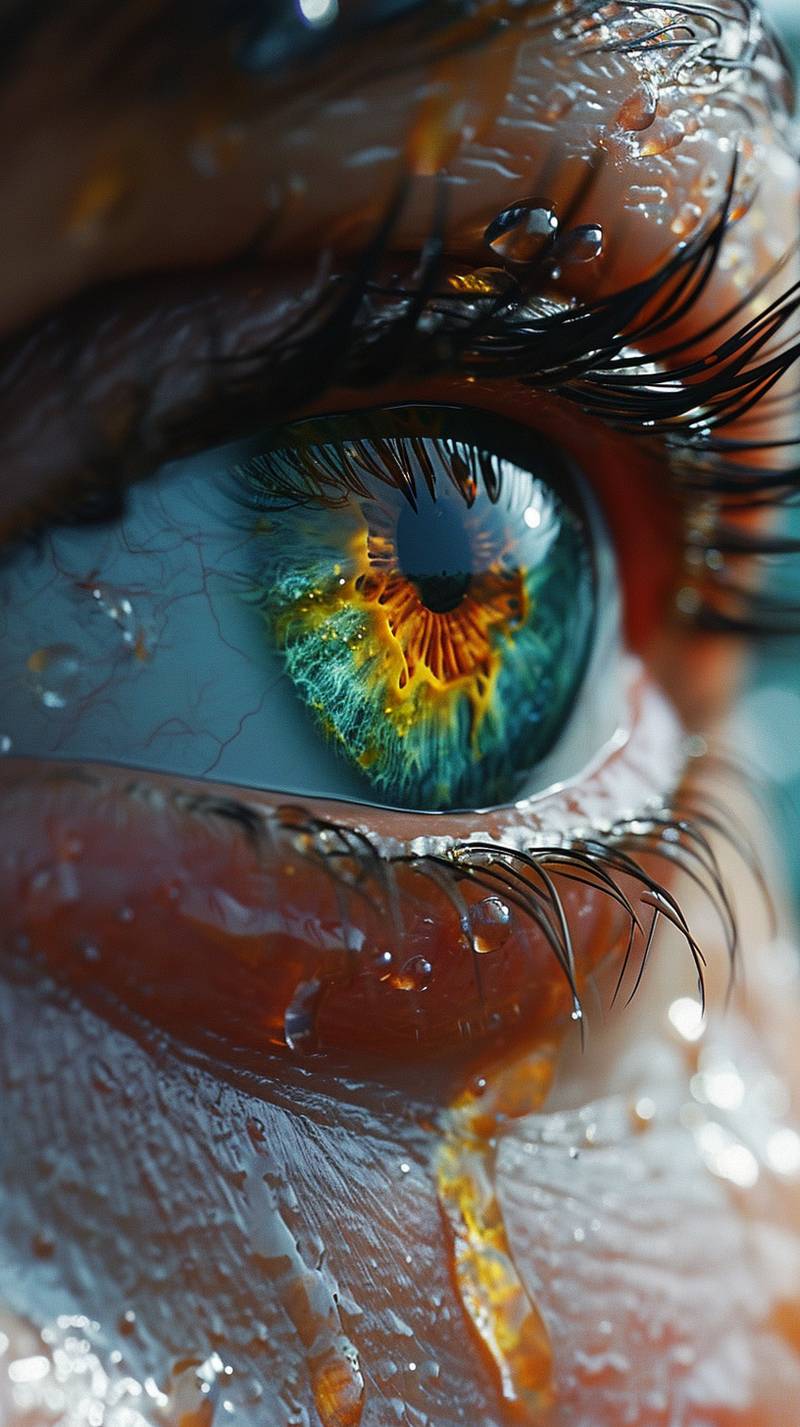
Macro rework
Imagine Image 2.0 — What's New
Looking for "Imagine 2.0", "Image 2.0" or "Imagine AI 2.0"? Version 2.0 became a common search term the moment second-generation image models arrived in 2026, and people rarely remember which product the number belongs to. Imagine Image 2.0 is our own upgraded generation engine — built for sharper text rendering, more consistent faces and faster output. It is a separate, independent tool, not a mirror of any other product.
Readable text in images
Signage, posters and packaging mock-ups come back with letterforms that hold together instead of dissolving into shapes.
More consistent faces
Identity holds across re-rolls and across image-to-image passes, which makes character sets and avatar batches practical.
Faster first render
Queue time and render time both dropped, so the gap between typing a prompt and judging the result is measured in seconds.
Better prompt following
Counts, positions and colour instructions land more often, so you spend fewer attempts fighting the model.
Free AI Image Generator, No Watermark
Every render on the starter tier comes out clean — no logo, no diagonal banner, no blurred corner — which is what people actually mean when they search for an ai image generator free of catches.
A free image generator is only worth using if the output is usable, so the free tier serves full-resolution files from the same image generator ai models that paid plans use. Paying adds volume, longer clips and priority queueing; it does not unlock a better model or strip a watermark you were never given.
A lightweight image editor sits next to the canvas for the small fixes that always come up: re-crop, adjust the frame, re-roll a single region, or send the result straight back through another pass without leaving the page.
No watermark
Free renders are unbranded and print-ready.
No install
It is a web app — nothing to download or update.
Commercial use
You own what you make, including for client and product work.
Mobile first
The whole generator is reachable one-handed on a 375px screen.
How to Use Imagine Image in 3 Steps
From a blank prompt box to a finished file, the whole loop takes under a minute.
- 1
Describe your idea or upload a photo
Type what you want to see in plain English. For an image-to-image or image-to-video run, upload the source photo first and describe the change instead of the whole scene.
- 2
Pick a mode and a shape
Pick the mode that matches your input — text-to-image, image-to-image or image-to-video — then set the aspect ratio — square for social, wide for banners, tall for phone screens.
- 3
Generate and download
Hit generate, wait a few seconds, and download the full-resolution file. Re-roll or tweak one clause of the prompt until it is right.
Imagine Image vs Other AI Image Generators
A plain-text feature comparison between Imagine Image 2.0 and the other second-generation image models people weigh it against. Where a competitor's behaviour depends on the plan or region, the cell says so rather than guessing.
| Feature | Imagine Image 2.0 | Grok Imagine 2.0 | GPT Image 2 | Gemini |
|---|---|---|---|---|
| Free tier | Yes, daily free renders | Varies by plan | Varies by plan | Varies by plan |
| Signup required | No account needed to start | Account required | Account required | Account required |
| Text to image | Yes | Yes | Yes | Yes |
| Image to image | Yes | Yes | Yes | Yes |
| Image to video | Yes | Yes | Varies by plan | Varies by plan |
| Watermark on free tier | No watermark | Varies by plan | Varies by plan | Varies by plan |
| Public API | Waitlist open | Varies by plan | Yes | Yes |
| Runs in browser | Yes | Yes | Yes | Yes |
Product names and trademarks mentioned are the property of their respective owners. Imagine Image is an independent tool and is not affiliated with, endorsed by, or sponsored by xAI, OpenAI, or Google.
Imagine Image API for Developers
One REST endpoint for text-to-image, image-to-image and image-to-video, with the same models the web app uses. We are onboarding developers in small batches — leave an email and we will send a key when your slot opens.
- Single endpoint, three modes
- Async jobs with webhook callbacks
- Predictable per-render pricing
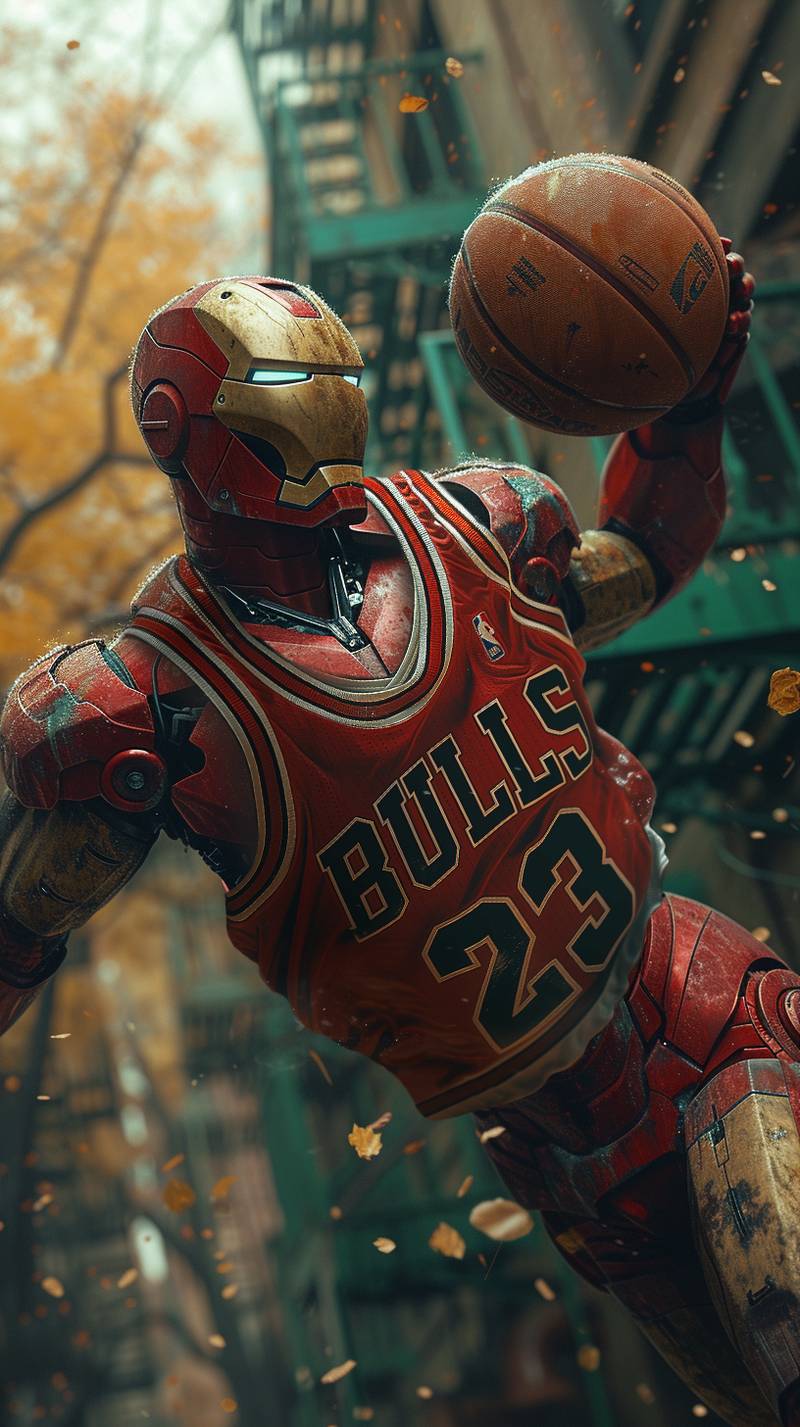
Background: Style transfer
What You Can Create
Because a prompt box and an ai video generator sit on the same page, most projects never need a second tool.
Social posts
Square and vertical visuals sized for feeds and stories, straight from a one-line brief.
Product mock-ups
Drop a product photo in and restyle the scene, season or background around it.
Concept art
Explore characters, environments and props at speed before committing to a direction.
Thumbnails
Bold, readable key art for video and article thumbnails that survives being shrunk.
Ad creative
Generate a dozen variations of one layout and test which framing performs.
Avatars
Consistent character portraits across a whole set, in one style.
Book and album covers
Cover art with legible titles, in print-friendly resolution.
Short clips
Animate a finished still into a six-second loop for a banner or a story.
Frequently Asked Questions
Short answers to what people ask most before their first render.
Is Imagine Image free to use?
Yes. The starter tier is free and includes daily renders across text-to-image, image-to-image and image-to-video. Paid plans add volume, longer clips and priority queueing — they do not unlock a different model.
What is Imagine Image 2.0?
Imagine Image 2.0 is our current generation engine, and it is what every render on this site uses. Compared with the first version it renders text inside images far more reliably, keeps faces consistent across re-rolls, and returns the first result noticeably faster.
What do people mean by Imagine 2.0 or Imagine AI 2.0?
Those are shorthand searches rather than official product names — people usually mean whichever second-generation image model they last read about. On this site, imagine 2.0 and imagine ai 2.0 both point at the same thing: Imagine Image 2.0, the engine behind every render here.
Is Imagine Image 2.0 the same as Grok Imagine 2.0?
They are not the same product. Imagine Image 2.0 is our own release name for the current version of this site; Grok Imagine 2.0 is a model built by xAI, which Imagine Image can call through xAI's public API. Using an API makes us a customer rather than a partner, so nothing here is endorsed by or affiliated with xAI, and the matching version numbers are a coincidence.
Which AI models power Imagine Image?
Imagine Image routes each request to a third-party model accessed through its provider's public API, including the Grok Imagine family from xAI. We do not train our own foundation models — what we build is the prompt handling, the defaults, the editor and the free tier around them. Model choice is handled automatically so you never have to pick one.
How do I convert an image to another image with AI?
Open the Image to Image tab, upload your photo, and describe only what should change — for example the style, the background or the lighting. The render keeps the composition of your original and applies the instruction on top of it.
Can I turn an image into a video for free?
Yes. Upload a still, describe the camera move, and the starter tier will render a short clip at no cost. Longer durations and higher resolutions are available on paid plans.
Do generated images have a watermark?
No. Renders are returned clean at full resolution on every tier, including the free one. There is no logo, badge or corner stamp added to your files.
Can I use the images commercially?
Yes. You may use what you generate in commercial work, including client projects, products and advertising, provided the prompt and any uploaded source material do not infringe someone else's rights.
Do I need to sign up or create an account?
You can start generating straight from the home page without creating an account. Signing in is only needed if you want your history saved, higher daily limits or access to longer video renders.
Does Imagine Image work on mobile?
Yes. The generator is built mobile-first and is fully usable one-handed on a phone — there is no app to install, and uploads come straight from your camera roll.
Is there an Imagine Image API?
An API covering all three modes is in private testing. Join the waitlist above with your email and we will send credentials and documentation when the next batch of slots opens.
Is Imagine Image related to Grok Imagine?
Not as a company. Imagine Image is an independent product with no affiliation to xAI. We do access the Grok Imagine model family through xAI's public API, the same way any developer can — that is a customer relationship, not a partnership, sponsorship or endorsement. Both "imagine" and "image" are ordinary English words, so the similar names are coincidence. If you were looking for xAI's own interface instead, you can find it here: x.ai/grok
