Generator below
Nano Banana Pro Online
Use Nano Banana Pro online to generate new images or edit your own photos: sign in, describe what you want, and download the result.
Imagine Image is an independent third-party site. We are not affiliated with, endorsed by or partnered with Google; we access Google's image models through an API provider.
Max 10MB per file
Examples
Configure parameters and click Generate

Posters with real text
A retro travel poster for Lisbon, a yellow tram climbing a steep street at sunset, the headline "LISBON" in bold letters across the top and "Summer 2026" in small type at the bottom, flat screen-print style
Product shots
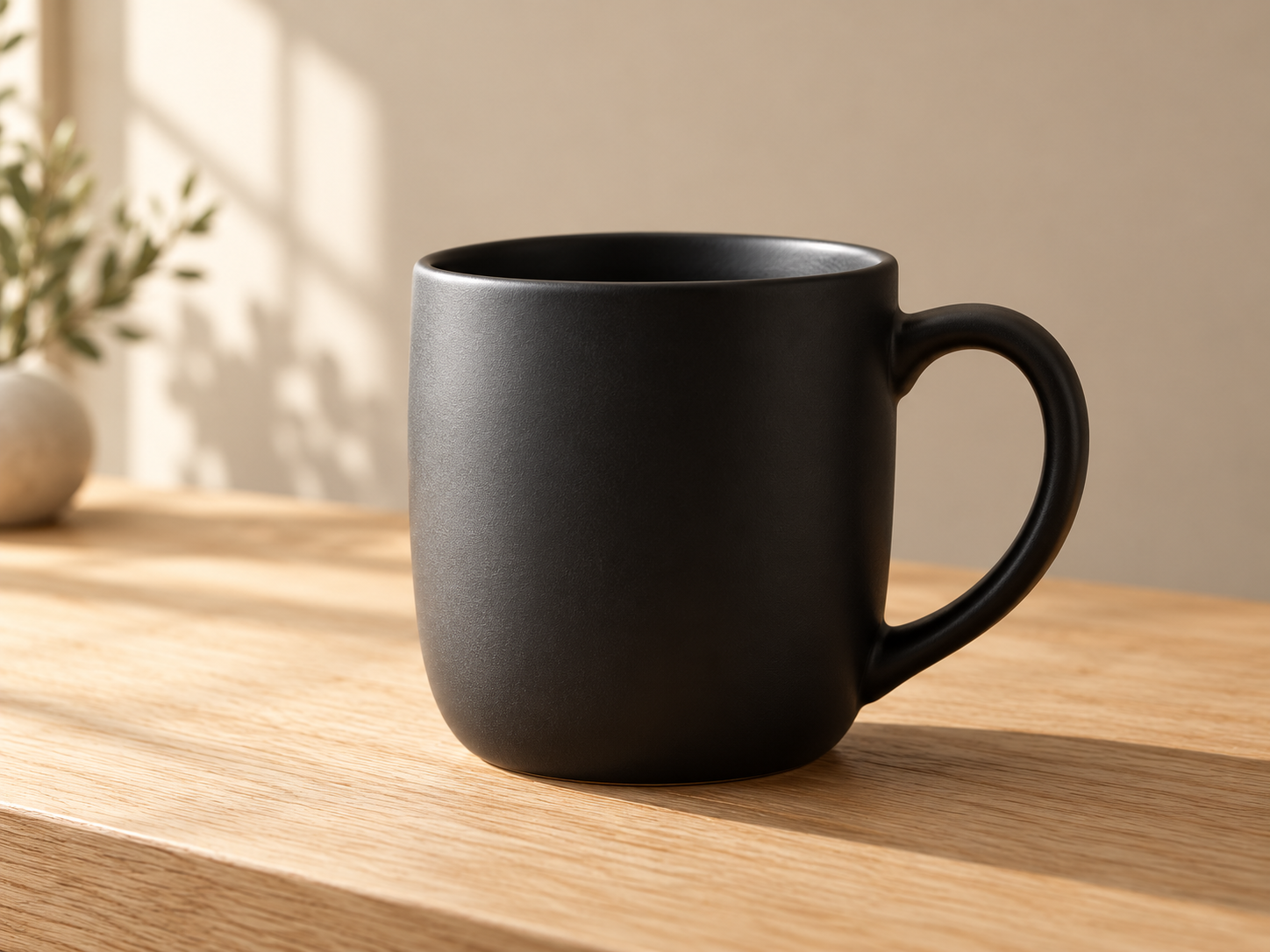
Studio product photo of a matte black ceramic coffee mug on a pale oak table, soft window light from the left, shallow depth of field, plain beige background
Simple infographics
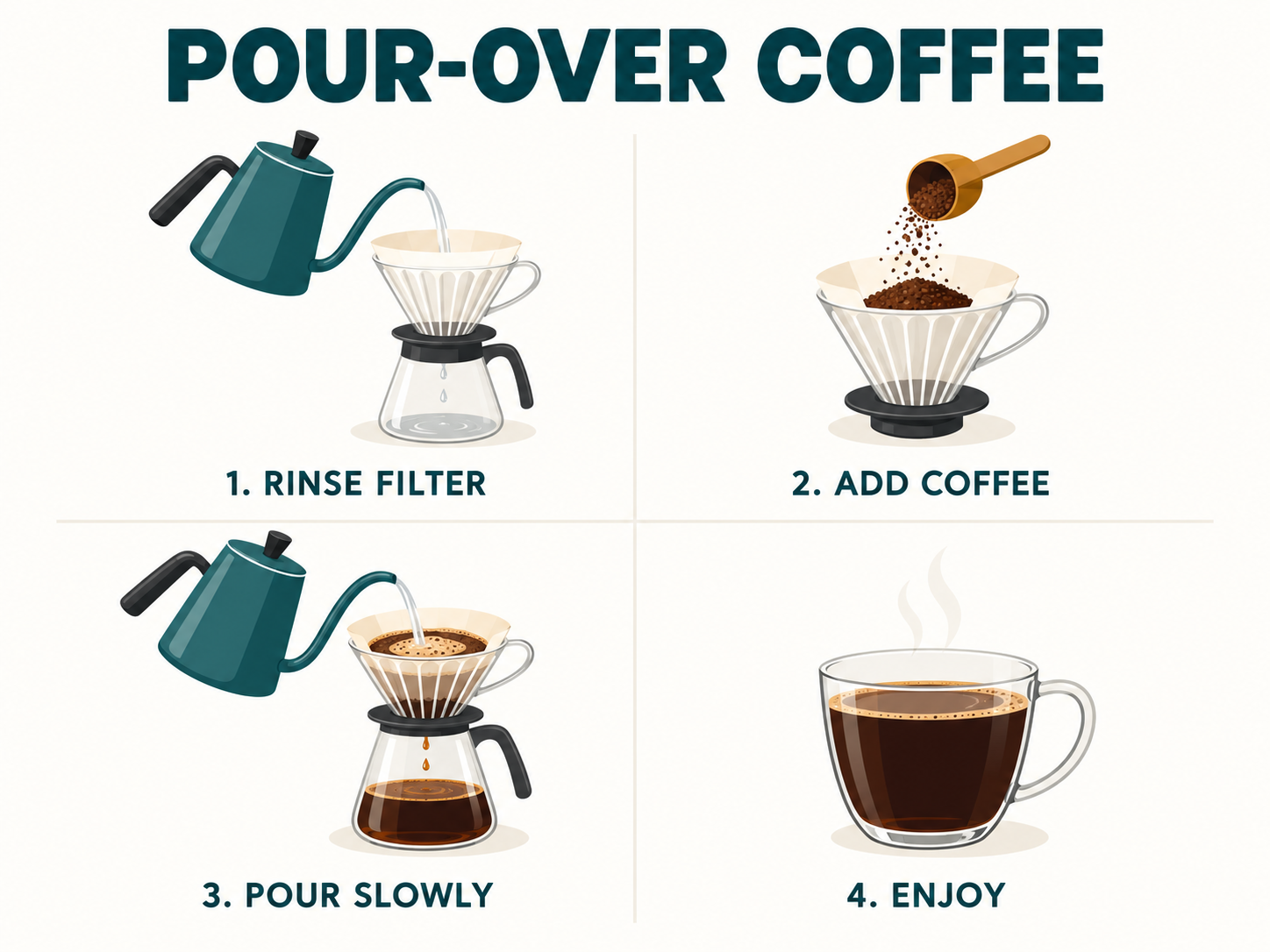
A clean infographic showing how to brew pour-over coffee in 4 numbered steps, flat icons, short labels in clear sans-serif text, white background
Background swaps
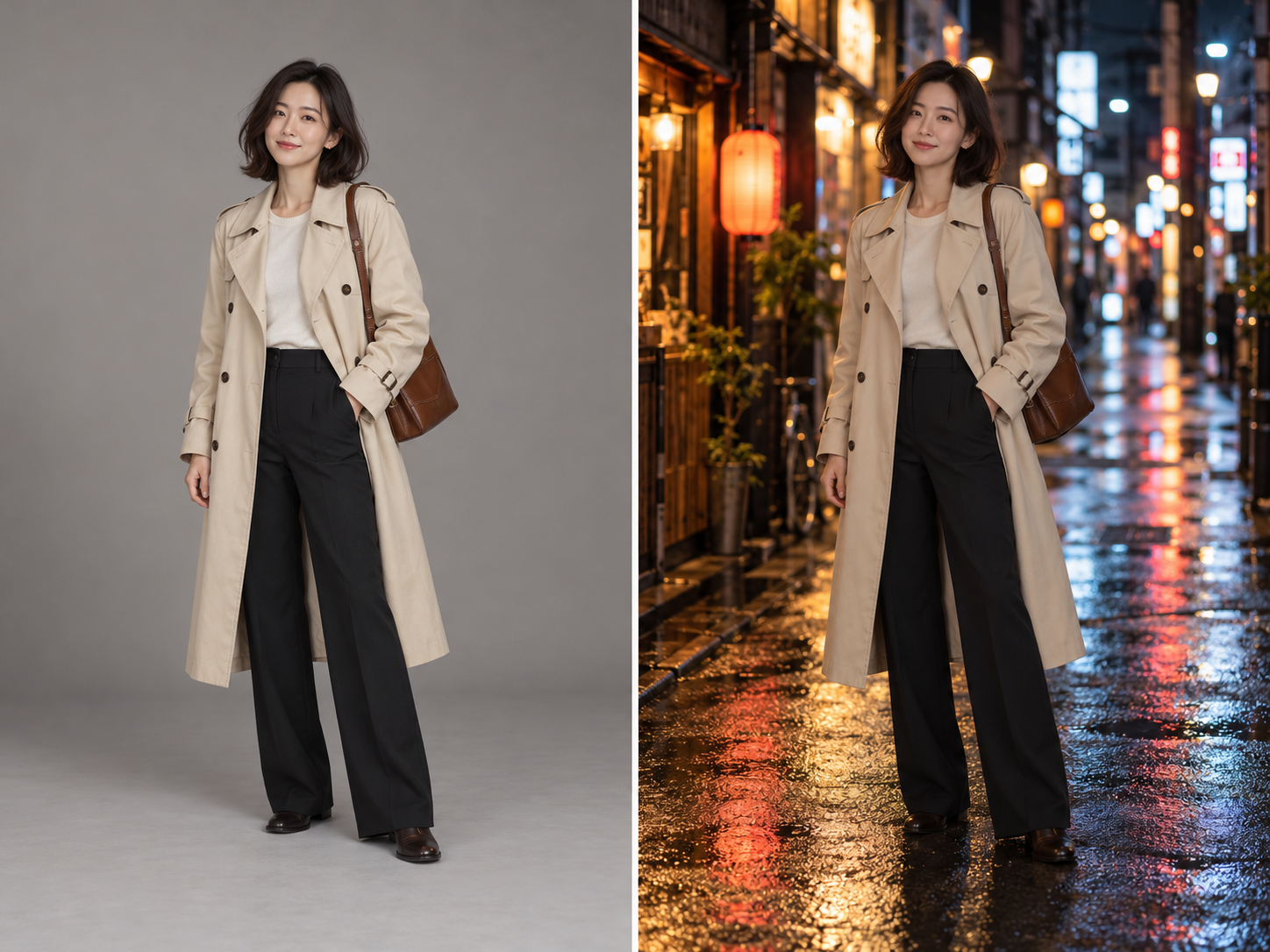
Keep the person, pose and outfit exactly the same. Replace the background with a quiet Tokyo side street at night, neon signs and wet pavement.
Day to night
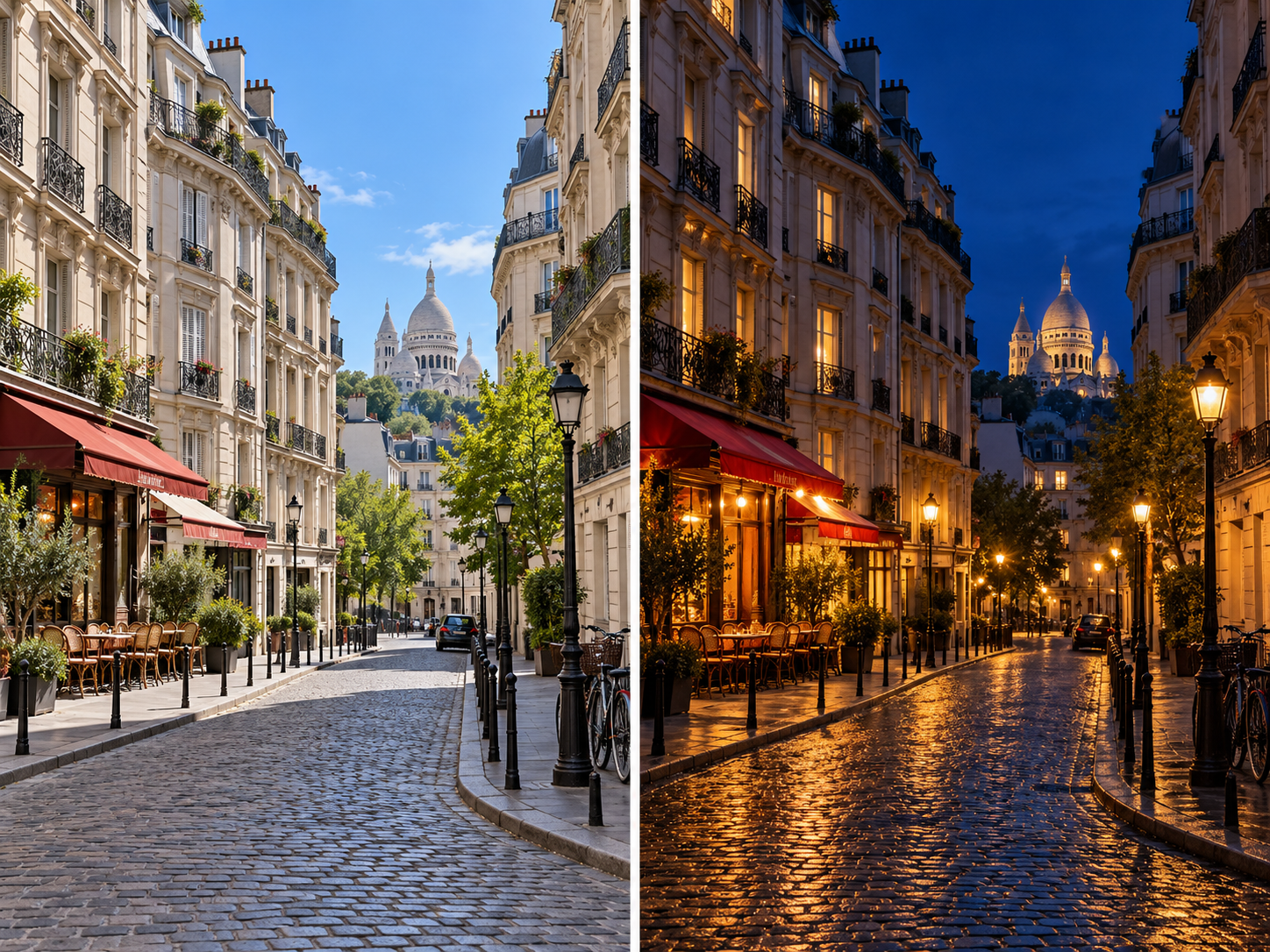
Turn this daytime photo into a night scene: warm streetlights, deep blue sky, lit windows. Keep the buildings and the framing unchanged.
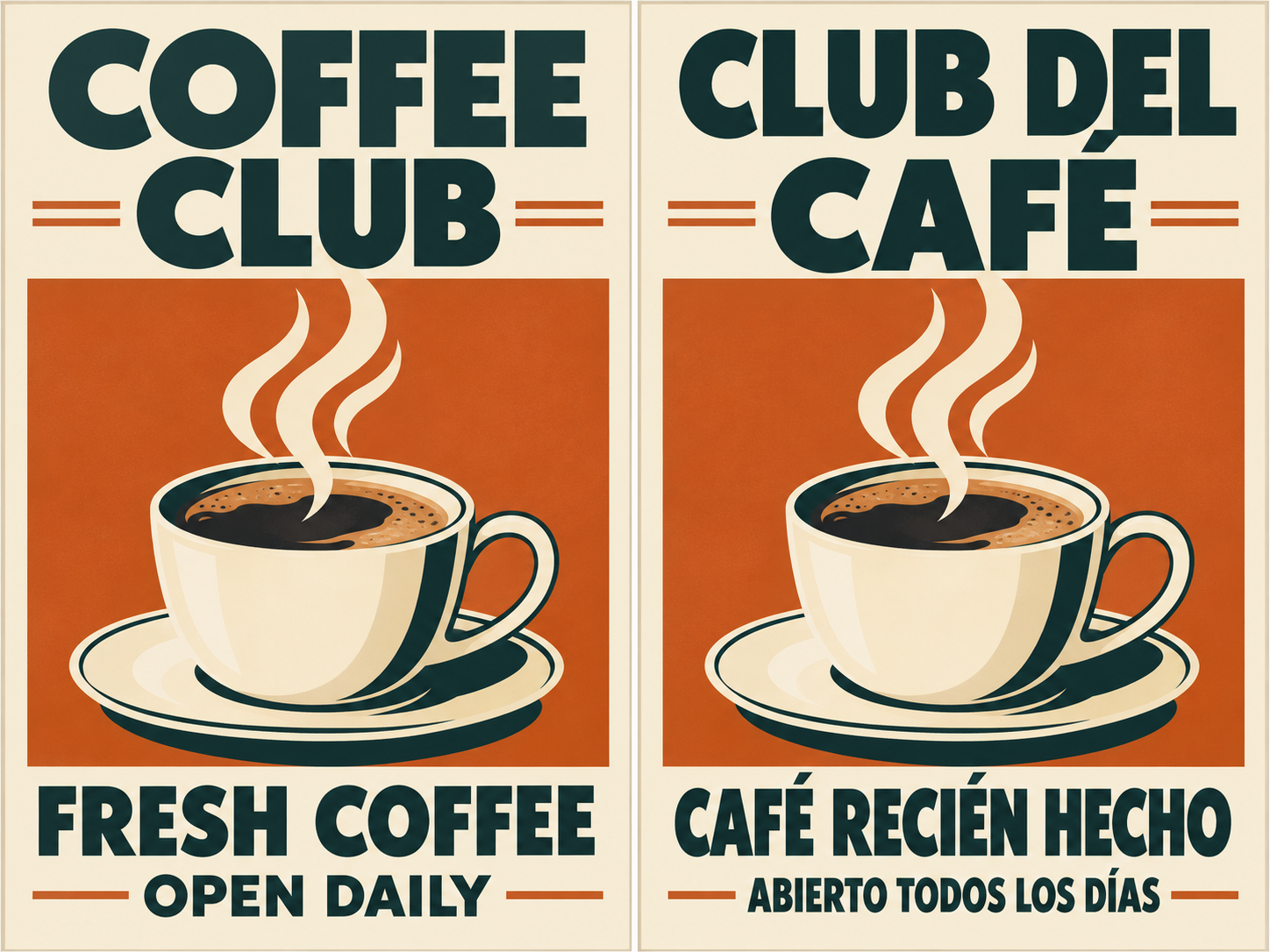
Translate the text in an image
Translate all the English text on this poster into Spanish. Keep the same fonts, colors, layout and image.
What Is Nano Banana Pro?
Nano Banana Pro is Google's image generation and editing model, also known as Gemini 3 Pro Image. Google built it on Gemini 3 Pro and positions it as the premium choice for the most complex visual tasks. So if you're asking what is Nano Banana Pro, the short answer is: the version of Google's image model meant for the hard jobs, where a quick draft isn't good enough.
Google pitches it at three things. First, text inside images: Google calls it its best model for correctly rendered, legible text, from a short tagline to a long paragraph, in multiple languages. Second, control: you can change camera angle, focus, color grading and lighting (turning a day scene into night, for example), or select and edit just one part of a picture. Third, consistency: it can blend up to 14 images into one composition and keep up to five people looking like themselves.
It isn't perfect, and Google says so. Its own model page notes that it can still struggle with small faces, accurate spelling and fine details, and that facts in infographics and translated text should be checked before you use them. On Imagine Image you run this Nano Banana Pro AI model in your browser through our generator. We're a third-party site, not part of Google.
Nano Banana vs Nano Banana Pro vs Nano Banana 2.1
Three Google models share the Nano Banana name, and the differences matter for what you pay and what you get. Here's how they stack up, based on Google's own descriptions and what each one costs on this site.
| Nano Banana | Nano Banana Pro | Nano Banana 2.1 | |
|---|---|---|---|
| Best for | Quick, simple edits and throwaway ideas | Complex, final images: posters, text-heavy designs, detailed product shots | Everyday generation and editing, lots of iterations |
| Image quality & detail | The first model in the line; Google's docs now list it as legacy | Built for studio-quality precision and control | Newer; in Google's own human-preference tests it rated above Pro overall |
| Text rendering | The earliest of the three; Google's newer models put more focus on text | Google's pick for legible text, from taglines to long paragraphs, in multiple languages | Clear text for posters and diagrams; Google lists small text and long paragraphs as weak spots |
| Generation speed | A Flash model, built to be quick | Tuned for quality over volume, so expect longer waits | Tuned for speed and high-volume use |
| Credits on this site | 6 credits per image | More than Nano Banana 2; the exact cost shows in the generator before you run it | Our 2.1 page runs Nano Banana 2 (12 credits per 1K image) and Nano Banana Edit (6 credits per edit) |
| Covered by sign-up credits | Yes, in most regions | No, you'll need a credit pack or plan | Edits yes; new images need a credit pack or plan |
Model descriptions come from Google's published pages and model cards. They're a guide, not a benchmark, so test your own prompts before settling on one.
Which one should you pick?
If you're weighing Nano Banana vs Nano Banana Pro, think quick versus careful. The original Nano Banana model is cheap here and fine for fast edits and rough ideas. Pro is what you reach for when the image has to hold up: a poster with real words on it, a product shot for a store page, or a scene with several people who need to stay consistent.
Nano Banana Pro vs Nano Banana 2.1 is the closer call. 2.1 is newer, and in Google's own side-by-side tests people preferred its images to Pro's overall, and for editing and infographics too. It's also built for speed and volume. Pro is still Google's premium pick for the most complex jobs and for long blocks of text, which the 2.1 model card lists as a weak spot. So the Nano Banana 2.1 vs Pro question mostly comes down to text and complexity: lots of words or a tricky composite, go Pro; everything else, try Nano Banana 2.1 first.
Comparing Nano Banana 2 vs Nano Banana Pro works the same way. Nano Banana 2 is the faster, cheaper everyday model, and Pro is the step up for detail-heavy final images. A habit that saves credits: draft on the lighter model, then switch to Pro for the one image you'll actually publish.
How to Use Nano Banana Pro Online
Three steps, and the first one is making an account. You don't need a Google subscription or any install.
- 01
Sign up or log in
Create an Imagine Image account, or log in if you have one. New accounts get a few starter credits; running Pro needs a credit pack or plan from the pricing page.
- 02
Pick Nano Banana Pro and write a prompt
Choose Nano Banana Pro in the model menu. For a new image, describe the subject, setting and light, and put any words you want in quotes. To edit, switch to image to image and upload your photo.
- 03
Generate and download
Check the credit cost shown next to the generate button, run it, and download the result. Want another pass? Change one thing in the prompt and run it again.
What You Can Create with Nano Banana Pro
Use it as a Nano Banana Pro image generator for new pictures, or for Nano Banana Pro image editing on photos you upload. Copy a prompt below into the generator and adjust it. For more editing tools, try image to image or our AI photo editor.
AI-generated concept illustrations for the prompts below; these are not verified Nano Banana Pro outputs. Editing concepts show the original scene on the left and the intended change on the right.
Text to image
Posters with real text
Headlines, dates and small print that you can actually read.
Prompt
A retro travel poster for Lisbon, a yellow tram climbing a steep street at sunset, the headline "LISBON" in bold letters across the top and "Summer 2026" in small type at the bottom, flat screen-print style
Text to image
Product shots
Clean, store-ready product photos where you control the light.
Prompt
Studio product photo of a matte black ceramic coffee mug on a pale oak table, soft window light from the left, shallow depth of field, plain beige background
Text to image
Simple infographics
Step-by-step diagrams with labels. Double-check the wording before you share.
Prompt
A clean infographic showing how to brew pour-over coffee in 4 numbered steps, flat icons, short labels in clear sans-serif text, white background
Image edit
Background swaps
Move a person or product to a new scene without changing them.
Prompt
Keep the person, pose and outfit exactly the same. Replace the background with a quiet Tokyo side street at night, neon signs and wet pavement.
Image edit
Day to night
Change the lighting and time of day while the scene stays put.
Prompt
Turn this daytime photo into a night scene: warm streetlights, deep blue sky, lit windows. Keep the buildings and the framing unchanged.
Image edit
Translate the text in an image
Swap the words on a sign, menu or poster into another language.
Prompt
Translate all the English text on this poster into Spanish. Keep the same fonts, colors, layout and image.
Nano Banana Pro FAQ
What is Nano Banana Pro?
Nano Banana Pro is Google's image generation and editing model, also called Gemini 3 Pro Image. It's built on Gemini 3 Pro and aimed at complex images: lots of legible text, precise control over lighting and camera, and several people who need to stay consistent across a picture.
Is Nano Banana Pro free?
Not on Imagine Image. Pro costs more credits per image than Nano Banana or Nano Banana 2, so you'll need a credit pack or plan to run it. New accounts get a small batch of starter credits (10 in most regions), which is enough to try the lighter Nano Banana model but not Pro. Google's Gemini app has its own limited Pro quota for free users.
Do I need an account?
Yes. You need to sign up and log in before you can generate anything. Your account holds your credits and keeps your past generations in My Creations.
Nano Banana vs Nano Banana Pro: which should I use?
Use the original Nano Banana for quick, low-cost edits and rough ideas. Use Nano Banana Pro when the image is the final one: posters with readable text, detailed product shots, or scenes with several people. Many people draft on the cheaper model and switch to Pro at the end.
Is Nano Banana 2.1 better than Nano Banana Pro?
Sometimes. In Google's own human-preference tests, Nano Banana 2.1 rated above Pro overall and for editing, and it's built for speed. Pro is still Google's premium choice for the most complex jobs and for long passages of text, which Google lists as a weak spot for 2.1.
Is this the official Google Nano Banana Pro?
No. Imagine Image is an independent third-party platform that accesses Google's model through an API provider. We are not affiliated with, endorsed by or partnered with Google. Google's own apps for Nano Banana Pro include Gemini and Google AI Studio.
Can I use the images commercially?
Our Terms of Service let you use your outputs for lawful personal or commercial purposes, subject to those terms, other people's rights and any restrictions from the model provider. Google also embeds an invisible SynthID watermark in images made with its models.
Can Nano Banana Pro edit my photos?
Yes. Switch the generator to image to image, upload your photo and describe the change, such as a new background, different lighting or translated text. Say what should stay the same and the model will try to keep it.
Try Nano Banana Pro
Sign in, pick Nano Banana Pro in the model menu and run your first prompt. Not sure Pro is the right fit? Start with a lighter model instead:
Open the generatorNano Banana
The original model: quick, low-cost edits.
Nano Banana 2.1
The newer everyday model, built for speed.
Imagine Image is an independent tool and is not affiliated with, endorsed by, or sponsored by Google. Nano Banana, Gemini and related names are trademarks of their respective owners. Last updated: 2026-10-26.