AI Style Transfer
Upload a photo, pick a style, and get a new version of your picture in seconds. Your subject and composition stay; only the look changes.
Max 10MB per file
Examples
Configure parameters and click Generate
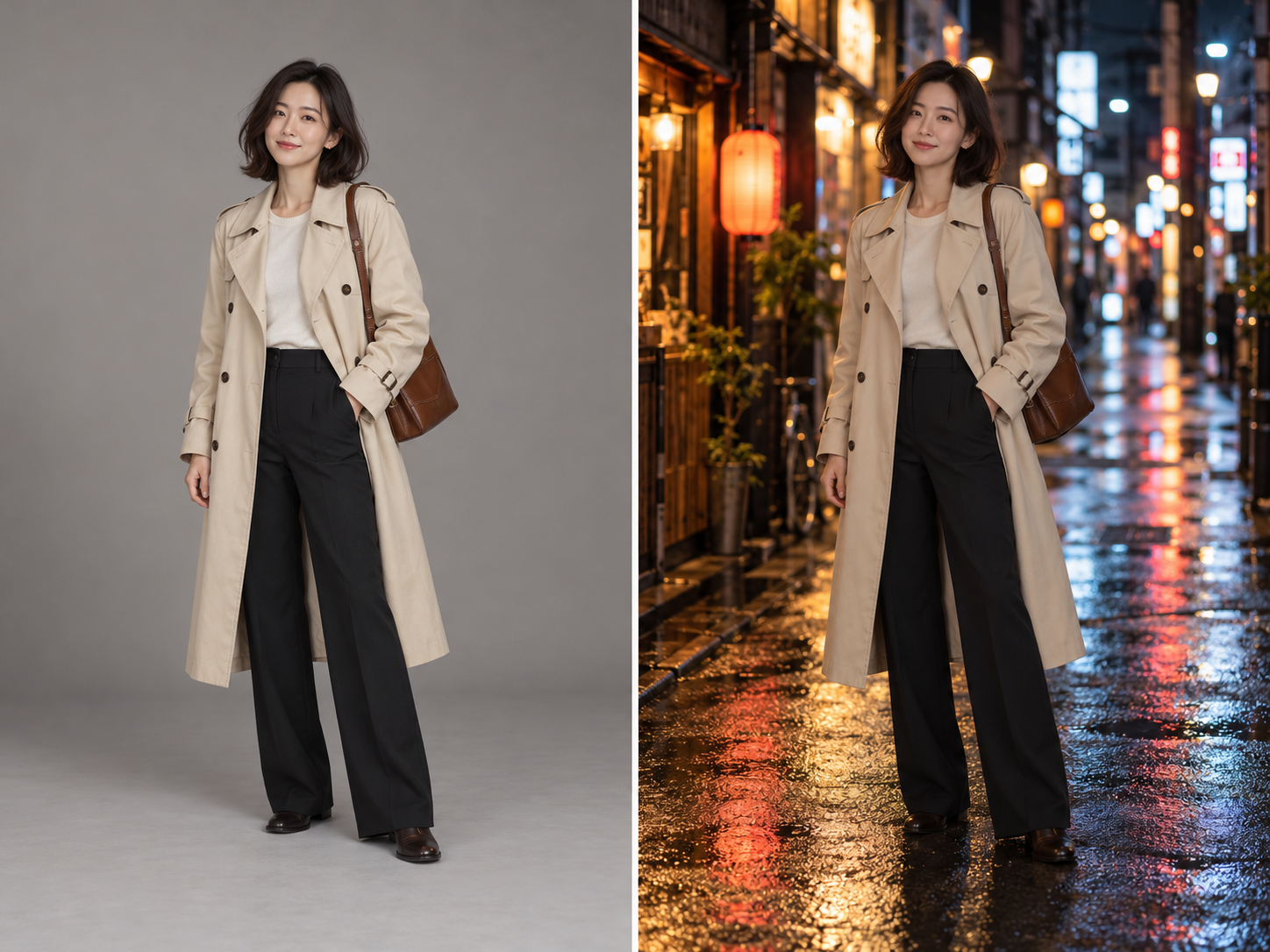
Background swaps
Keep the person, pose and outfit exactly the same. Replace the background with a quiet Tokyo side street at night, neon signs and wet pavement.
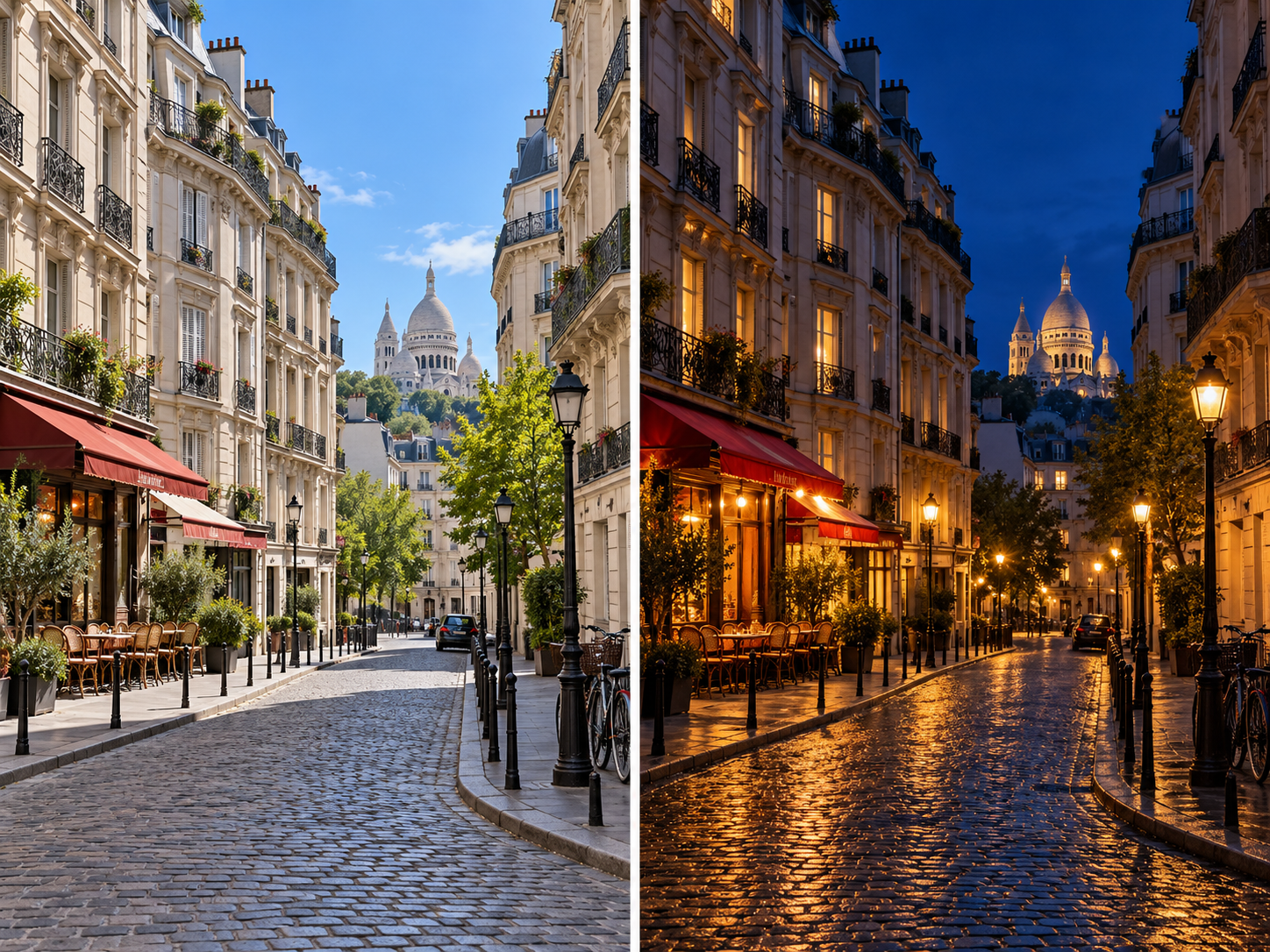
Day to night
Turn this daytime photo into a night scene: warm streetlights, deep blue sky, lit windows. Keep the buildings and the framing unchanged.
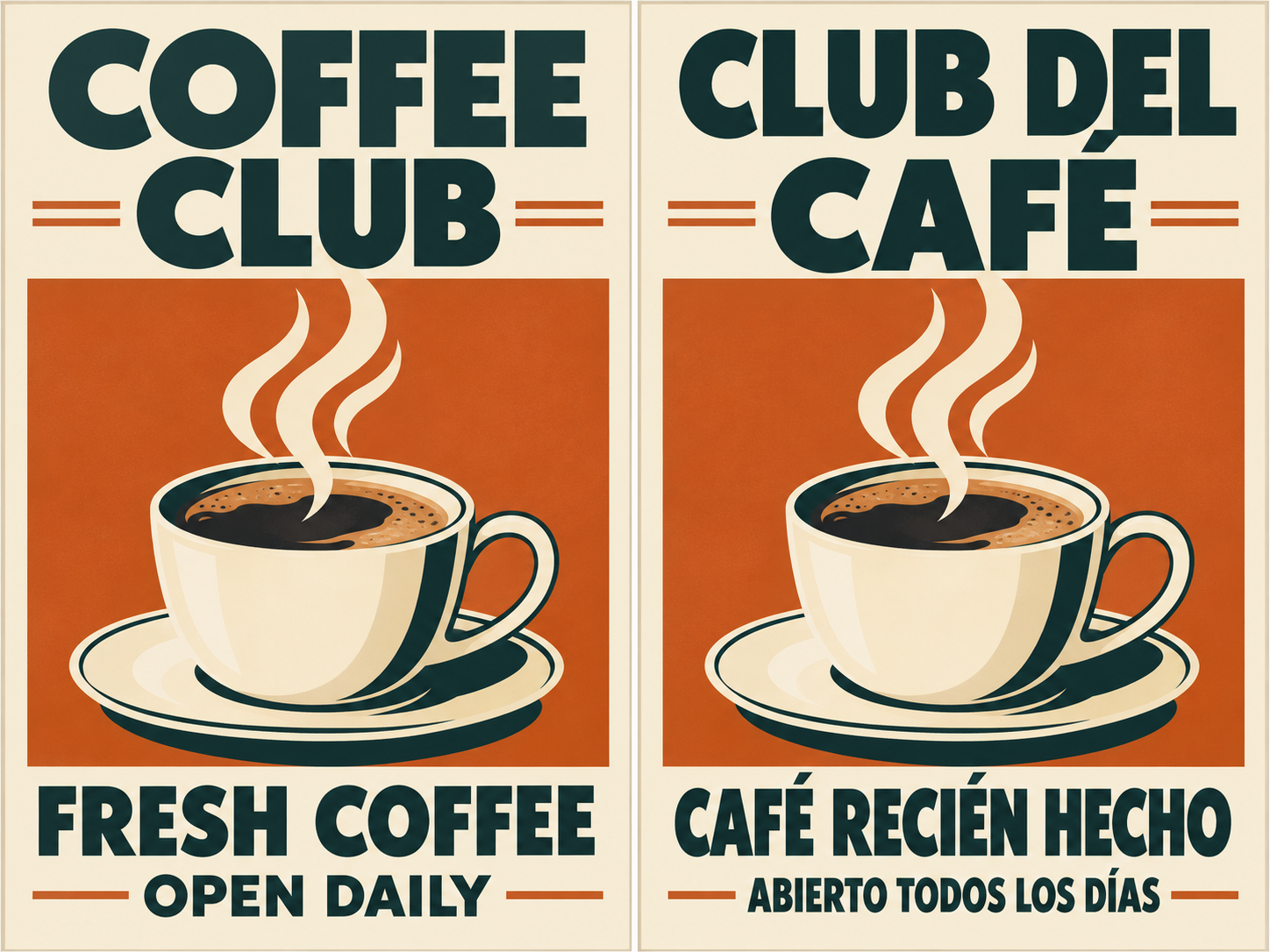
Translate the text in an image
Translate all the English text on this poster into Spanish. Keep the same fonts, colors, layout and image.
Transfer Any Style to Your Image with AI
Image style transfer takes the content of one picture — a face, a pet, a street, a product — and redraws it in a completely different visual language. The people and objects stay where they are; the line work, color and texture change.
Pick one of the ready-made styles above, or upload a painting, poster or illustration you like and use it as the style reference for your own photo. It works well for profile pictures, gifts, social posts and quick concept art.
Want to change more than the style, such as the background, outfit or lighting? Try our image to image AI and describe the edit in your own words.
Popular AI Style Transfer Effects
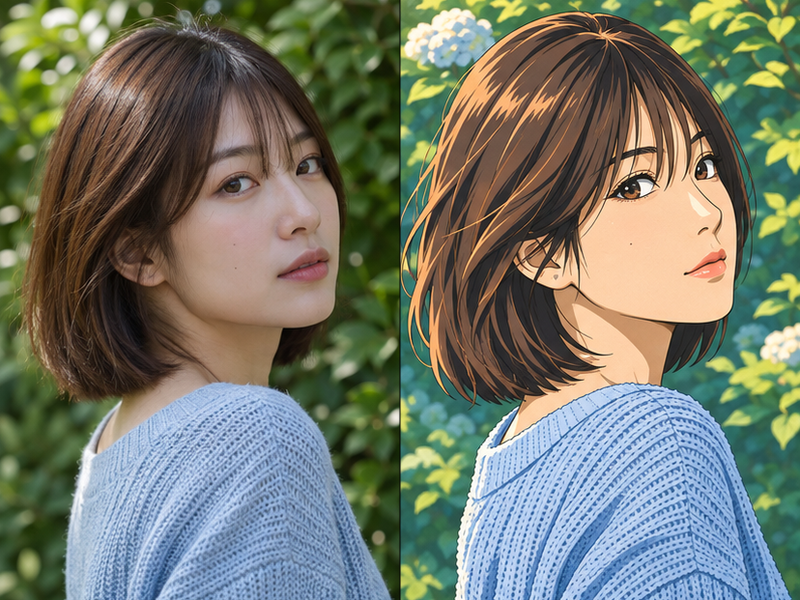
Anime
Clean line art and cel shading that turns portraits and pets into characters from an animated series.
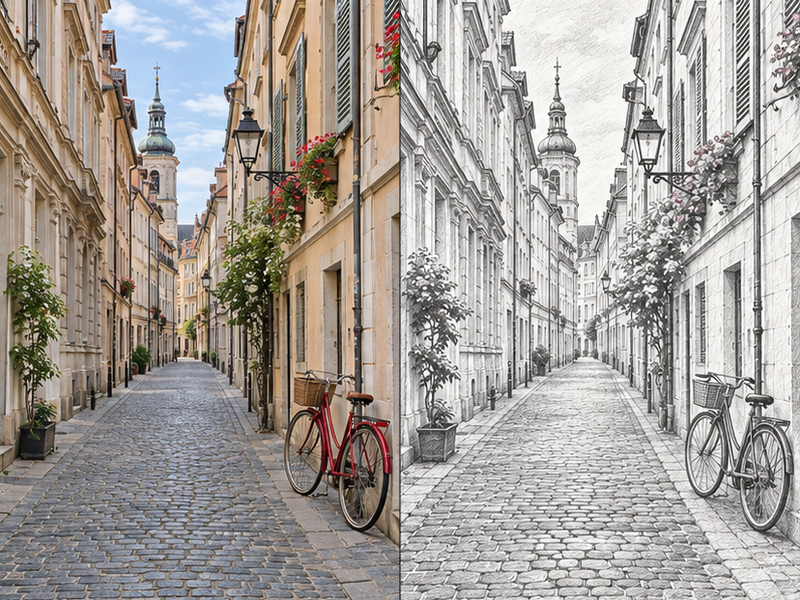
Sketch
Graphite pencil lines and hatching that make any photo look hand drawn on paper.
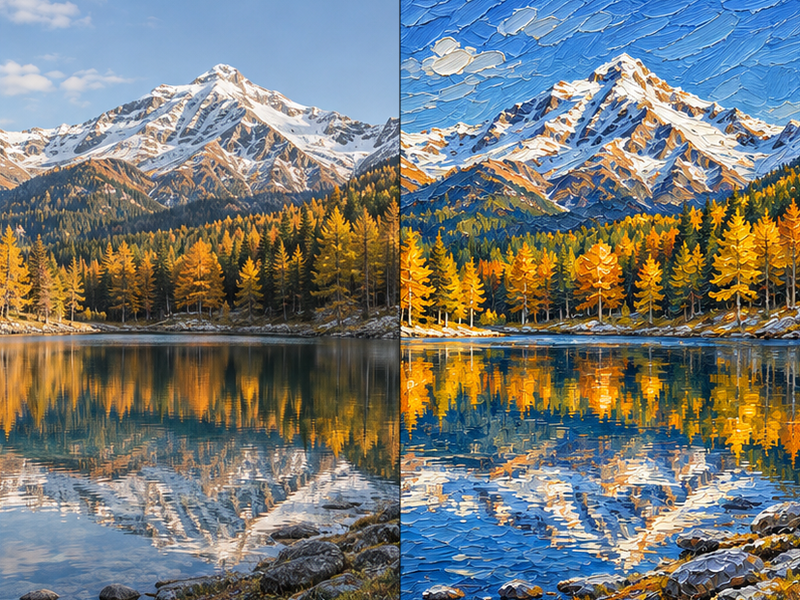
Oil Painting
Thick brushstrokes and rich color for a gallery-style portrait or landscape.
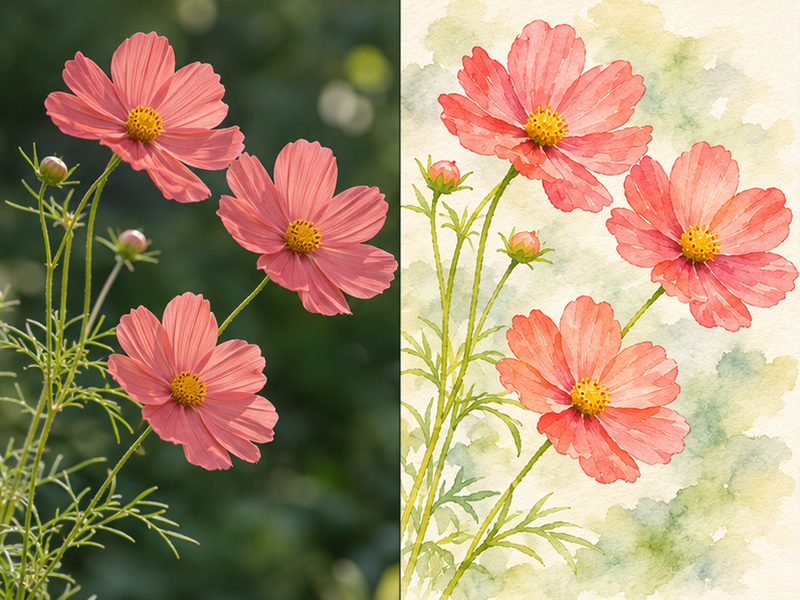
Watercolor
Soft washes and bleeding edges that suit travel photos, flowers and calm scenes.
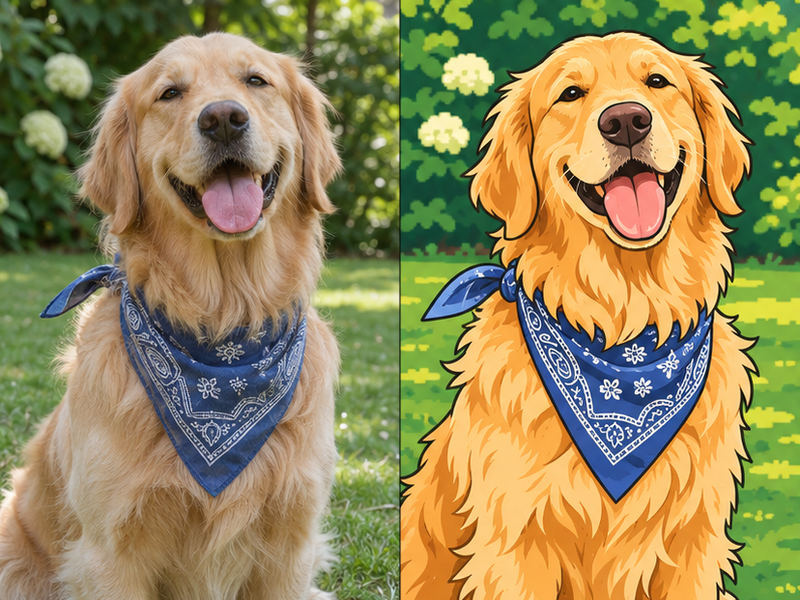
Cartoon
Bold outlines and bright flat colors for playful avatars and stickers.
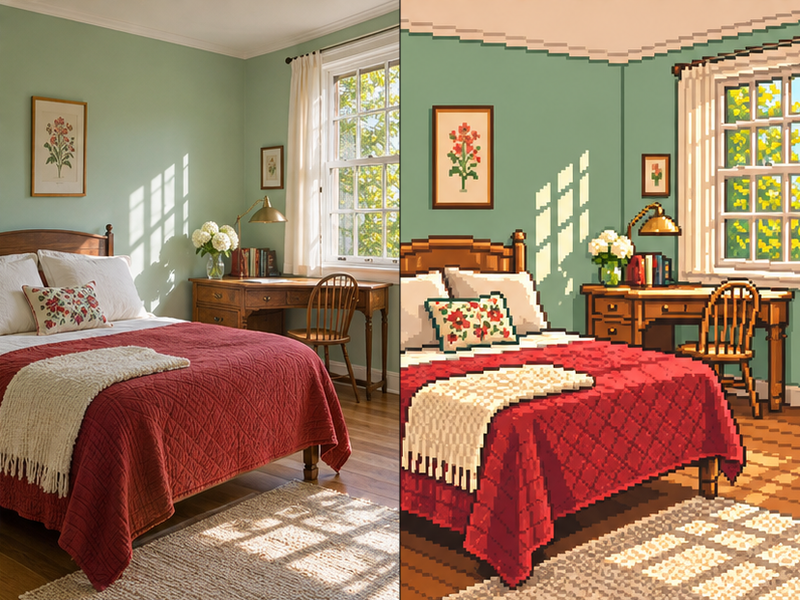
Pixel Art
A limited palette and visible pixels that give your photo a retro video game look.
How to Change Photo Style with AI
- 1
Upload your photo
Add a clear, well-lit photo. Sharp sources with one main subject give the most faithful results.
- 2
Choose a style
Pick anime, sketch, oil painting, watercolor, cartoon or pixel art, or upload your own style reference as a second image. You can edit the style prompt before generating.
- 3
Download the result
Generate, compare it with your original, and download the new image. Not quite right? Run it again or try another style.
Why Use Our AI Style Transfer
Free to start
Free daily credits let you change image style without paying. Paid plans add more generations.
Quick sign-in
Browse styles and set up your edit right away. A free account is needed to upload photos and generate, so your results are saved to My Creations.
Fast results
Most images are ready in under a minute, so you can try several styles on the same photo.
High-resolution output
Download clean, high-resolution files as PNG, ready to share or print.
Frequently Asked Questions
Is AI style transfer free?
Yes, you can start for free. New and returning users get free daily credits that cover style changes, and paid plans are available if you need more generations.
What is AI style transfer?
It is a technique that keeps the content of your photo — the subject, pose and layout — and redraws it in a different artistic style, such as anime, watercolor or oil painting. Think of it as a photo style changer powered by an image model.
Can I use my own style reference image?
Yes. Choose "Upload your own style reference", add your photo as the first image and the artwork whose look you want as the second image. Only upload references you have the right to use.
What image formats are supported?
You can upload JPG, PNG and WebP images up to 10MB. Results are downloaded as PNG.
Do I need to sign up?
You can open the tool and pick a style without an account. To upload a photo and generate a result, sign in with a free account — it only takes a few seconds and keeps your creations in one place.