Free 4K Image Upscaler
Upload a small or blurry picture and upscale image to 4K in one pass. Our AI image upscaler redraws real-looking detail instead of stretching pixels, so the result stays sharp on big screens, wallpapers and prints.
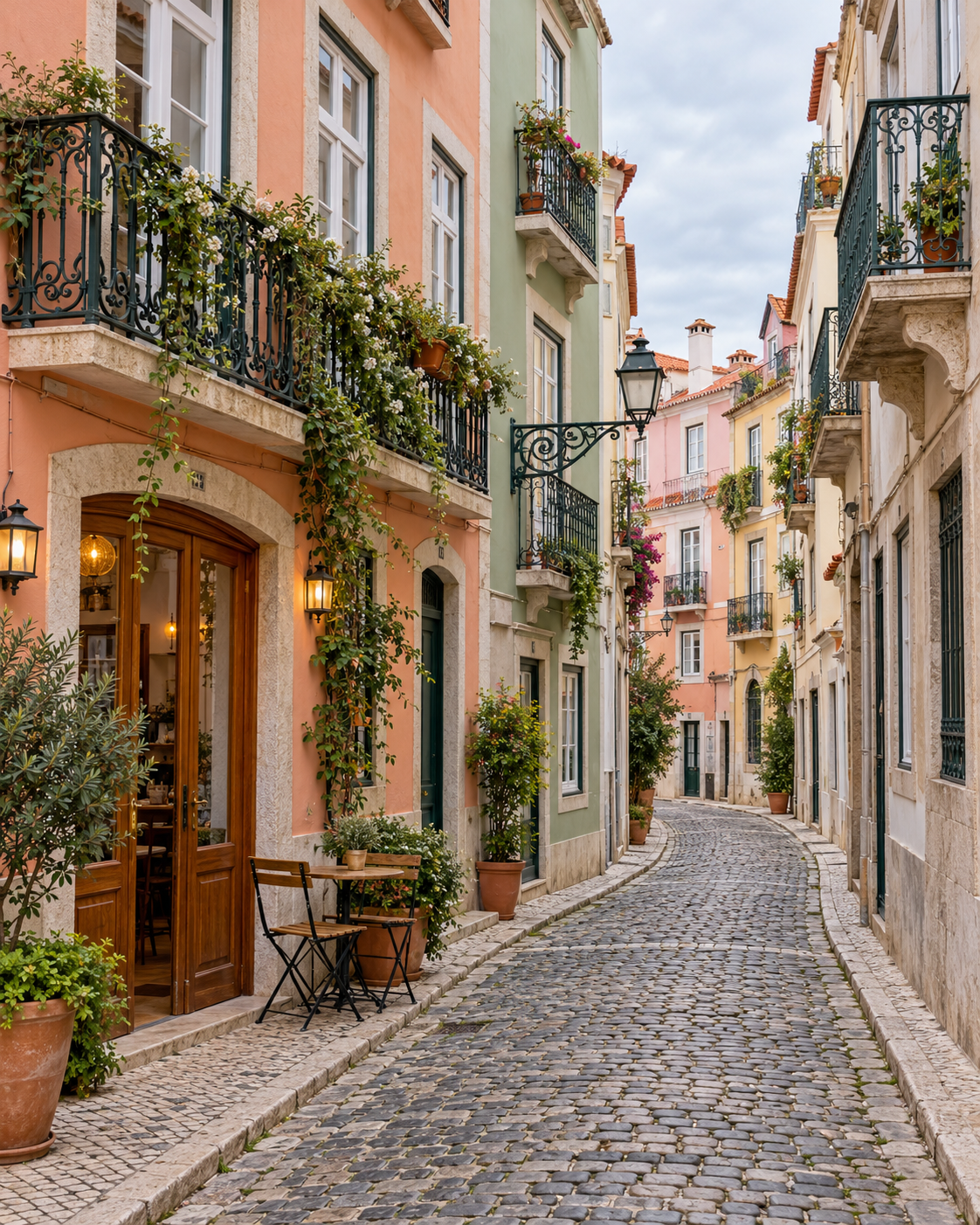
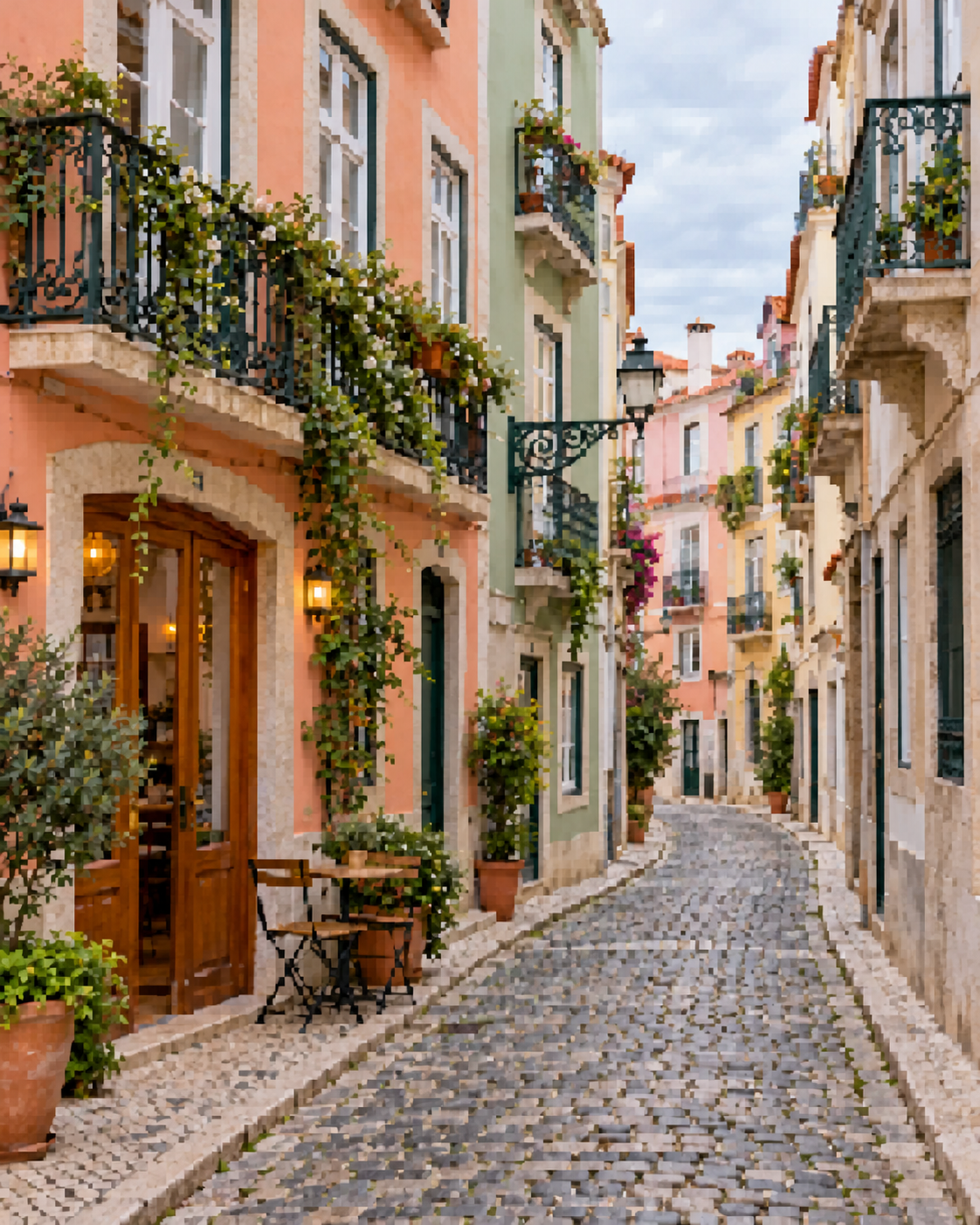
Example comparisons are illustrations. Loading a sample is free; Enhance uses the credits shown on the button.
Imagine Image is an independent site, not affiliated with or endorsed by Google. Upscaling runs on Google's Nano Banana image models, which we access through a third-party API provider.
How to Upscale an Image to 4K
The free 4K image upscaler needs no editing skills. You do need a free account, because every upscale runs on a paid image model and uses credits.
- 01
Upload your image
Click the upload box, drop a file onto it or paste with Ctrl/⌘ + V. JPG, PNG and WebP files up to 10 MB work.
- 02
Choose 4K
4K is already selected on this page. Pick what kind of image it is (any photo, portrait, old photo, product or landscape) so the model knows what detail to protect. The credit cost shows on the button before you run it.
- 03
Download the result
Press Upscale, drag the slider to compare before and after, then download as PNG or JPG. Every image upscale is also saved to My Creations.
AI Image Upscaler That Keeps Details Sharp
Most editors enlarge a picture with interpolation, usually bicubic. Each new pixel is an average of its neighbours, so the image gets bigger but not clearer: edges go soft, noise grows with everything else and blur stays blurry.
An AI upscaler works differently. When you AI upscale an image, the model redraws it at the larger size, filling in edges, hair, fabric and text with detail that matches what it has learned about real photos. That is why an AI image upscaler with 4K output can turn a soft 1000-pixel picture into one that still looks crisp on a 4K monitor.
This upscaler runs on Google's Nano Banana 2 model, the same one you can use for generation on our Nano Banana 2.1 page. The trade-off is that new detail is plausible, not recovered: if a face or a line of text is unreadable in the original, the model has to guess, so compare the result before you rely on it.
Convert Any Image to 4K
Screenshots, downloads, phone photos, scans and AI art can all go from image to 4K here. Think of the free 4K image upscaler as an image 4K converter that redraws instead of resizing: it keeps the same framing, colours and content and raises the resolution so the long side lands at roughly 4,000 pixels. The exact size depends on the shape of your image.
To make an image 4K, start from the cleanest copy you have. A 4K upscale works best on images that are small but in focus, such as thumbnails, web images and 1024-pixel AI renders. Very tiny or heavily blurred sources still reach 4K resolution, but the model can only invent so much believable detail.
Input
JPG, PNG or WebP, up to 10 MB.
Output
4K, 2K or Standard (around 1K), downloaded as PNG or JPG.
What stays the same
Composition, framing, people and objects. The model is told not to add, remove or restyle anything.
What You Can Upscale
A free 4K image upscaler is useful any time a picture is too small for where it needs to go. These are the jobs people use it for most.
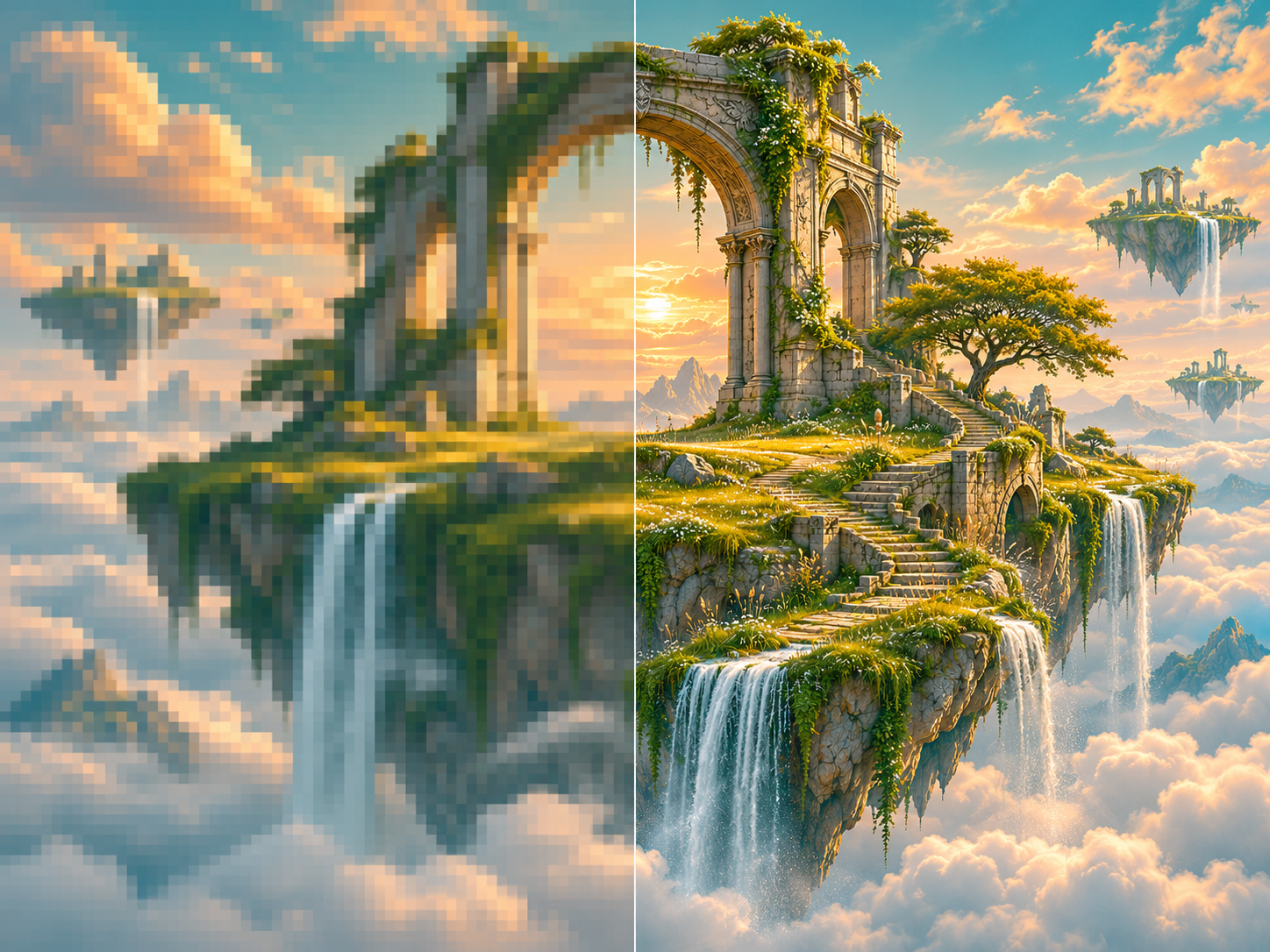
AI-generated images
Many AI image generators return pictures around 1024 pixels wide by default, which looks soft as a wallpaper or poster. Create an image with GPT Image 2.6, Nano Banana 2.1 or our text to image generator, then upscale it to 4K here.
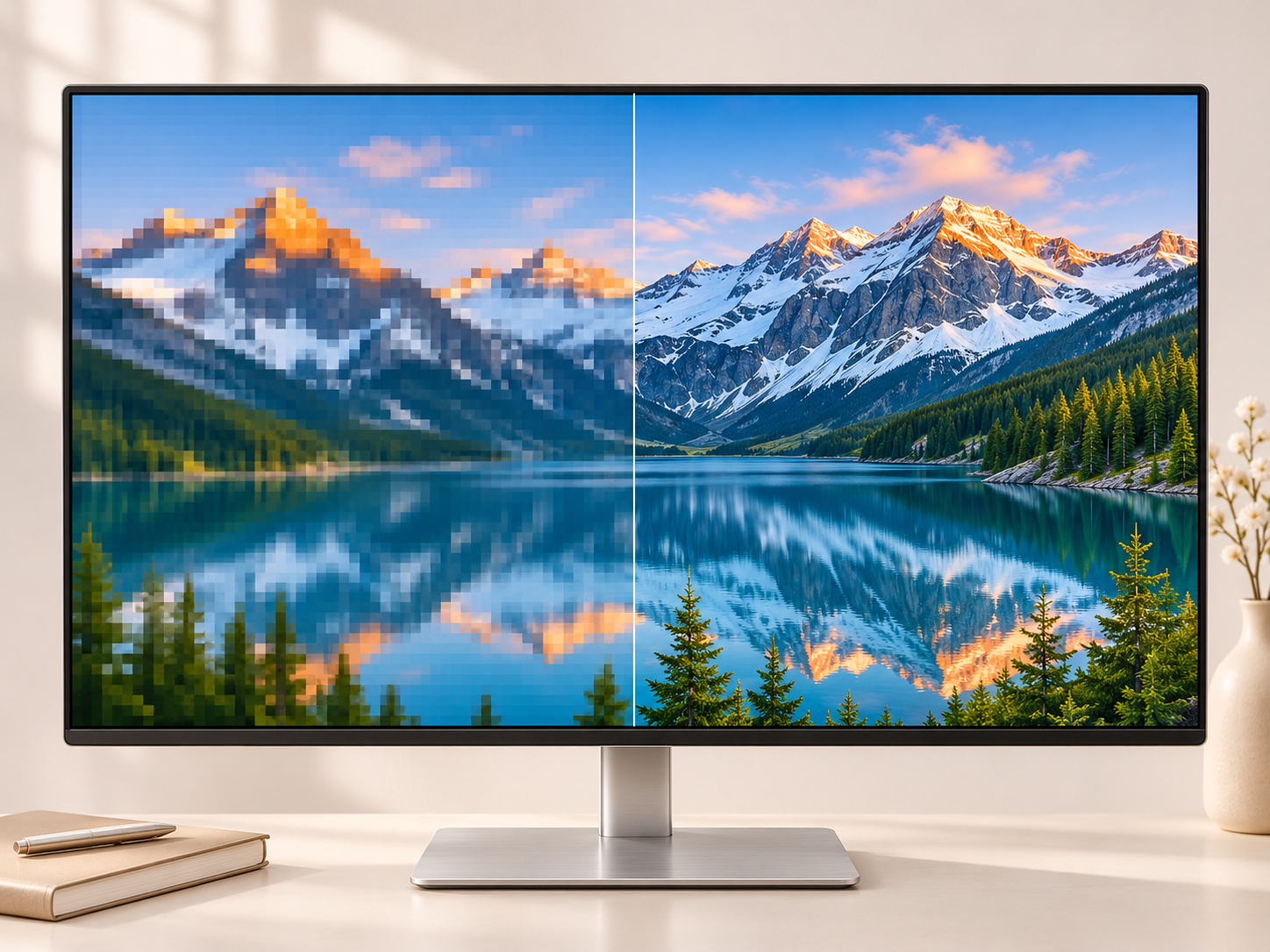
4K wallpapers
Upscale a wallpaper to 4K so it fills a 3840 × 2160 desktop or TV without blur. It works well for landscapes, illustrations and game screenshots that started out at 1080p or lower.
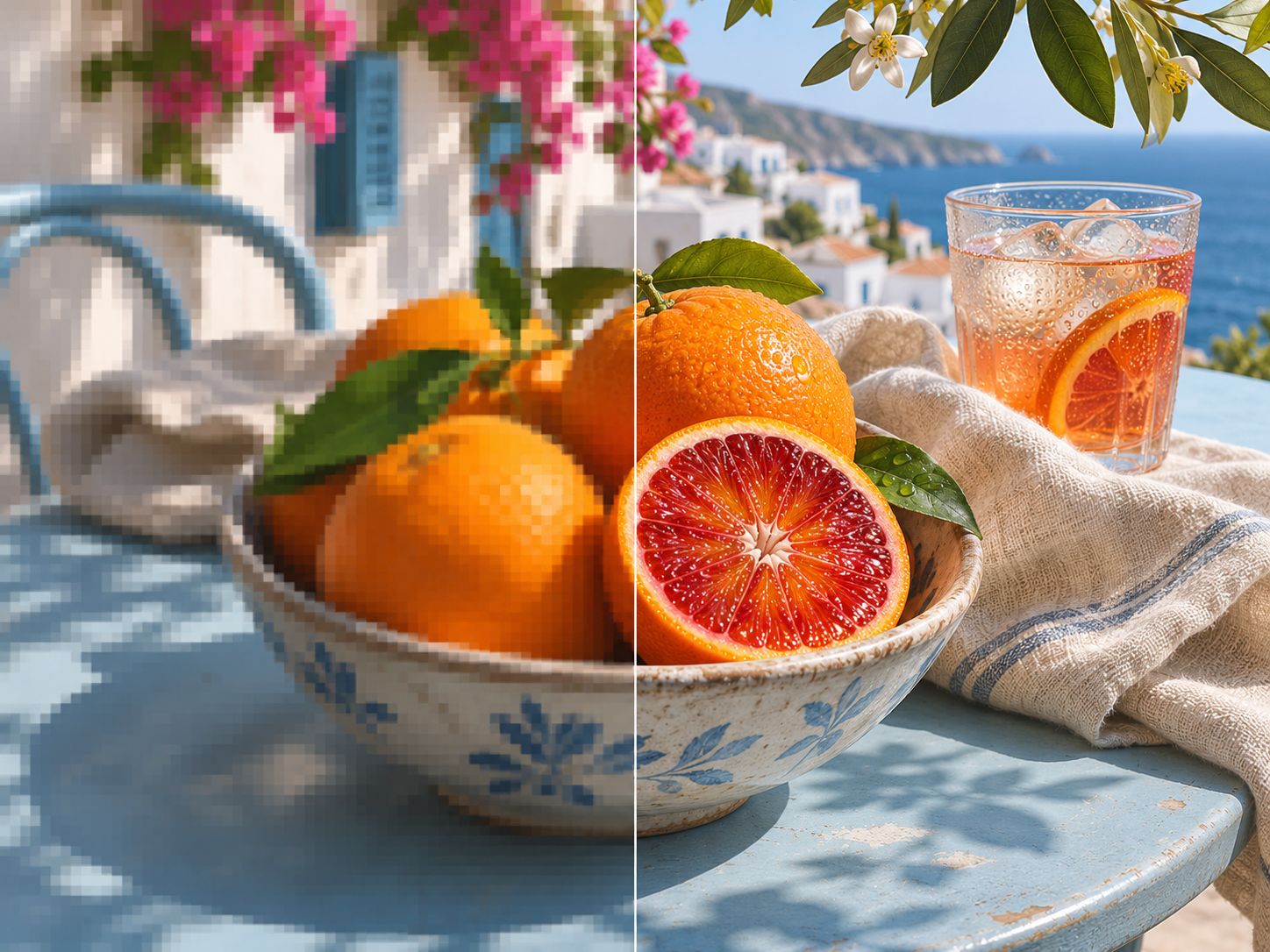
Low-res images from Pinterest and social media
Images saved from Pinterest, Instagram or chat apps are compressed and shrunk. A photo upscaler cleans up the compression blocks and gives you a version big enough to reuse. Only upscale images you have the right to use.
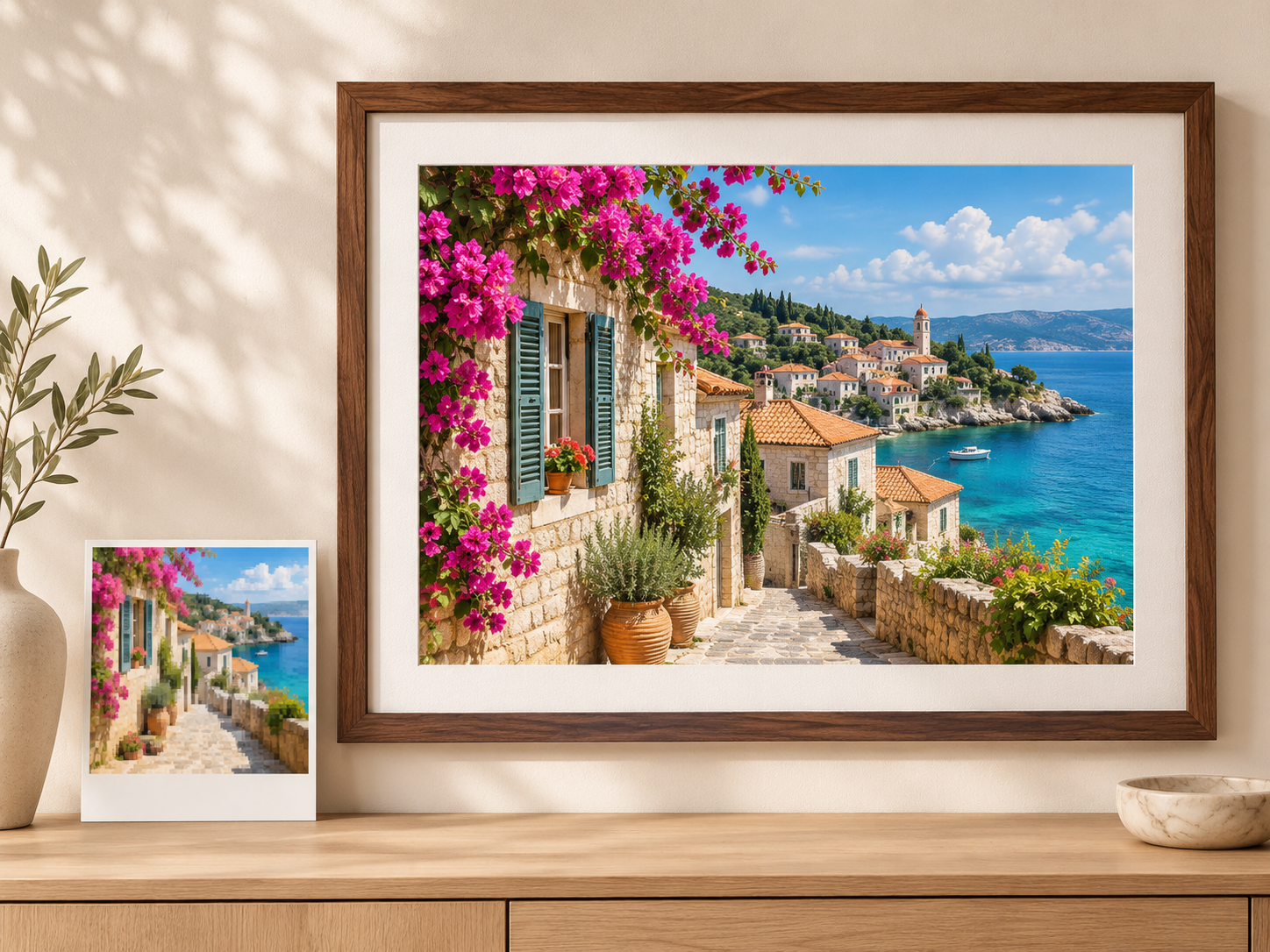
High-resolution images for print
Prints need far more pixels than screens. A 4×6 inch print at 300 DPI needs about 1800 × 1200 pixels and an 8×10 needs about 3000 × 2400, so a 4K upscale gives you room to print and crop.
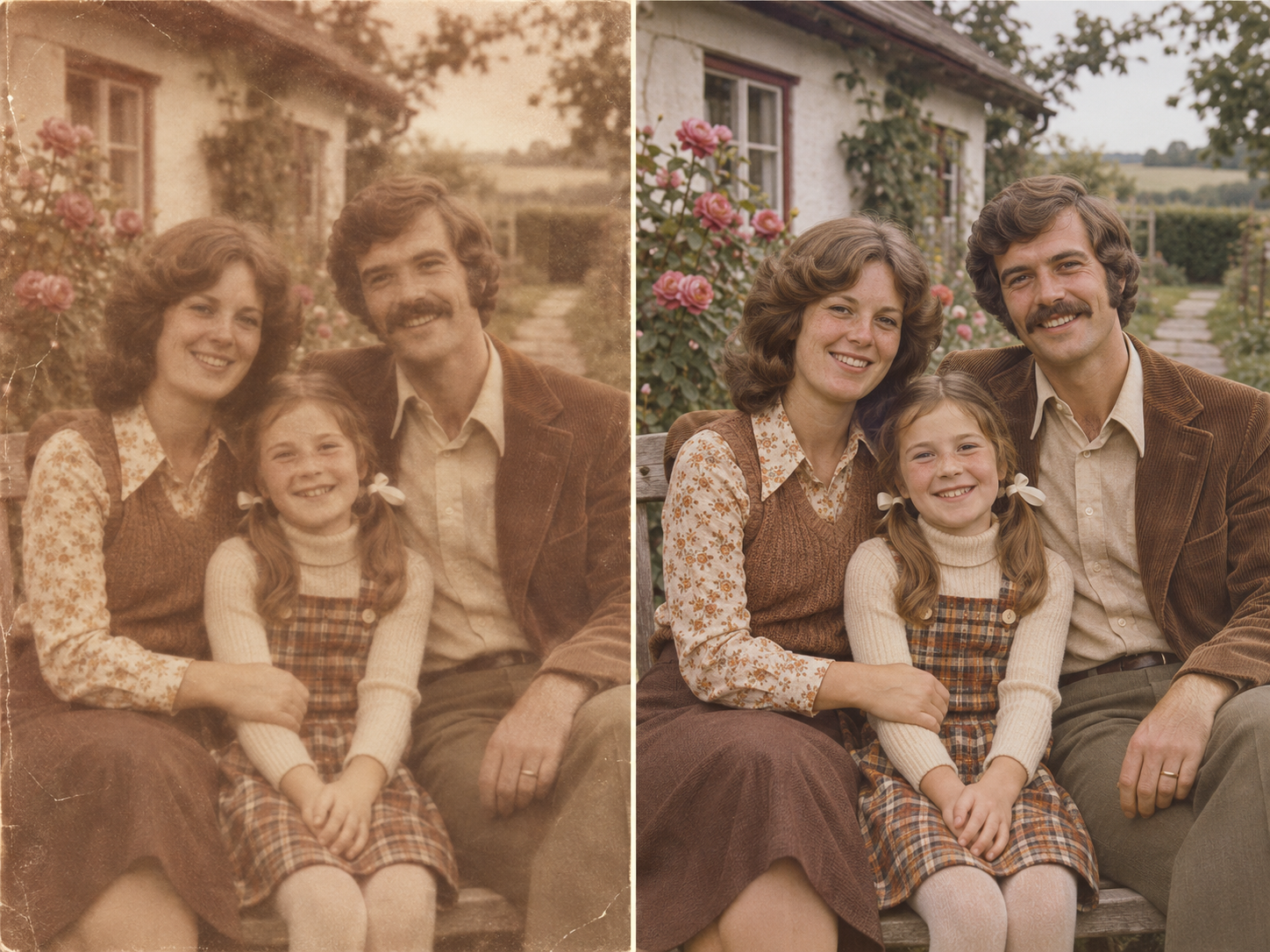
Old and low-quality photos
Scanned prints and early phone photos are often small, grainy and faded. Choose Old photo in the tool to upscale and clean them up together, or use the AI photo enhancer when the problem is blur or damage rather than size.
Why Use Our Free Image Upscaler
Looking for an image upscaler free online, without installing anything? This one runs in your browser, and the starter credits on a new account let you upscale an image free at Standard size before you decide on 4K.
Real 4K output
Choose 4K, 2K or Standard. 4K is the largest size and is selected by default here, which makes this a photo upscaler 4K prints and screens can use.
No watermark
We do not add a watermark to upscaled images, whether you use free or paid credits.
Works in your browser
Nothing to install. Upload, upscale and download from any modern browser on desktop or phone.
Before and after slider
Drag the slider, zoom in or view the images side by side to check the detail before you download.
Tuned for what you upload
A quality upscaler should treat a face differently from a building. Pick portrait, old photo, product or landscape, and add optional instructions such as "keep the film grain".
Saved to My Creations
Every result is saved to your account, so you can download it again later or upscale it once more.
FAQ
Is this 4K image upscaler really free?
It is free to start, but 4K upscales use paid credits. Creating an account costs nothing and new accounts get a one-time pack of starter credits, which covers a Standard upscale. A 4K upscale costs more than the starter pack, and the exact credit cost is shown on the Upscale button before you run it.
How do I upscale an image to 4K?
Upload a JPG, PNG or WebP image, keep 4K selected and press Upscale. When it finishes, compare the result with the slider and download it as PNG or JPG.
What is 4K resolution?
4K resolution usually means 3840 × 2160 pixels, the standard for 4K TVs and monitors. That is four times as many pixels as 1080p (1920 × 1080).
Can I convert any image to 4K?
Yes, any JPG, PNG or WebP image up to 10 MB can be upscaled to 4K resolution. But if the original is very small or very blurry, the detail the model can add is limited, and faces or text may not match the original exactly.
What's the difference between an image upscaler and an image enhancer?
An image upscaler increases resolution, so the picture has more pixels and can be shown or printed larger. An image enhancer improves quality at a similar size, removing blur, noise and damage. For blurry or damaged photos, try our AI photo enhancer; it can also output at 4K, so it doubles as an image enhancer 4K tool.
Do I need to sign up?
Yes. You need a free Imagine Image account to upscale images. You can choose a file while signed out, but pressing Upscale opens the sign-in window first.
What image formats are supported?
You can upload JPG, PNG and WebP images up to 10 MB. Upscaled images can be downloaded as PNG or JPG.
Imagine Image is an independent tool and is not affiliated with, endorsed by, or sponsored by Google. Product names are trademarks of their respective owners. Last updated: 2026-11-06.