GPT Image 2.6
GPT Image 2.6 is OpenAI's newest image model and the engine behind ChatGPT Images 2.6. It follows GPT Image 2 with faster renders, animated GIFs and SVG export. Try it online in the generator below — no install needed.
1:1 ratio does not support 4K
Examples
Configure parameters and click Generate
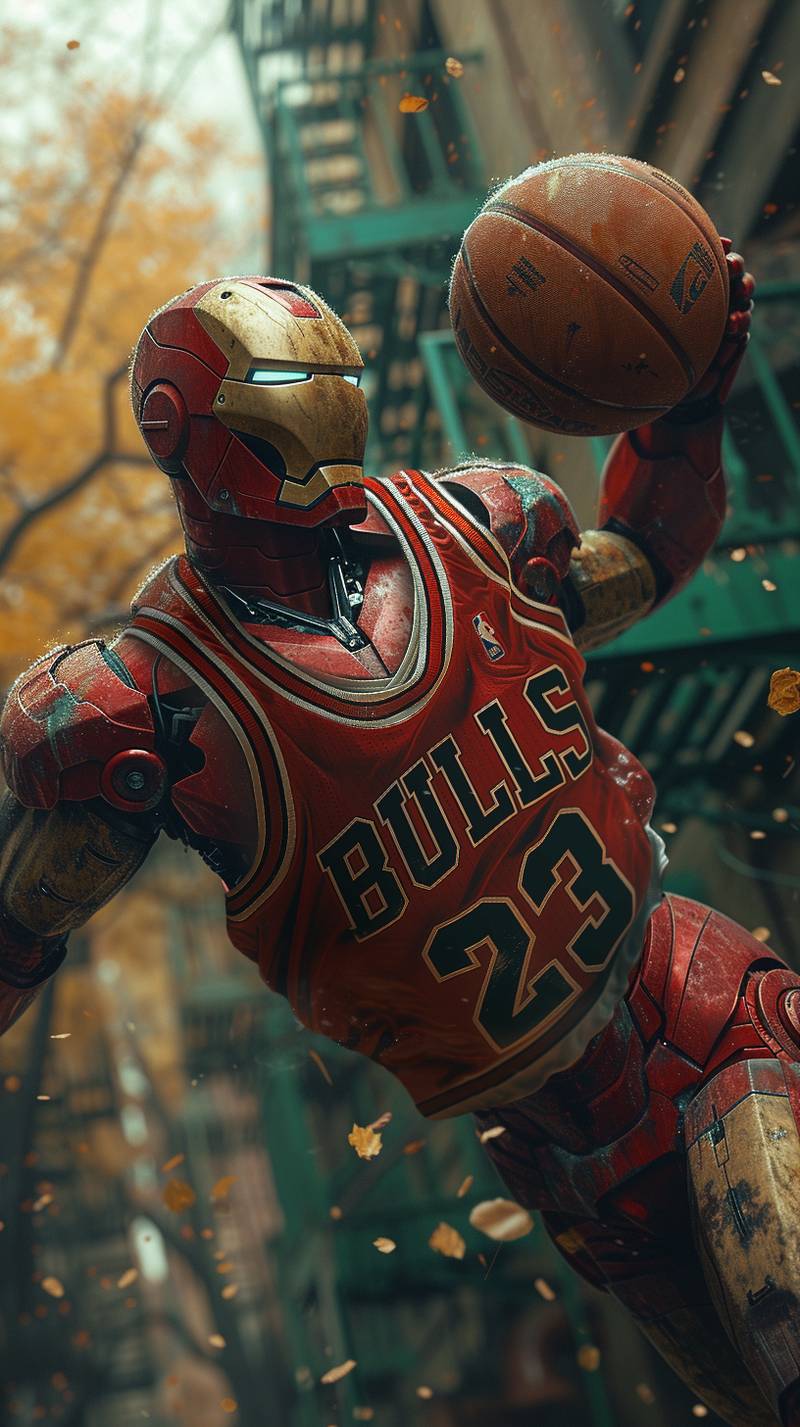
Precise Design Mockup
A clean visual mockup with accurate composition and polished presentation.
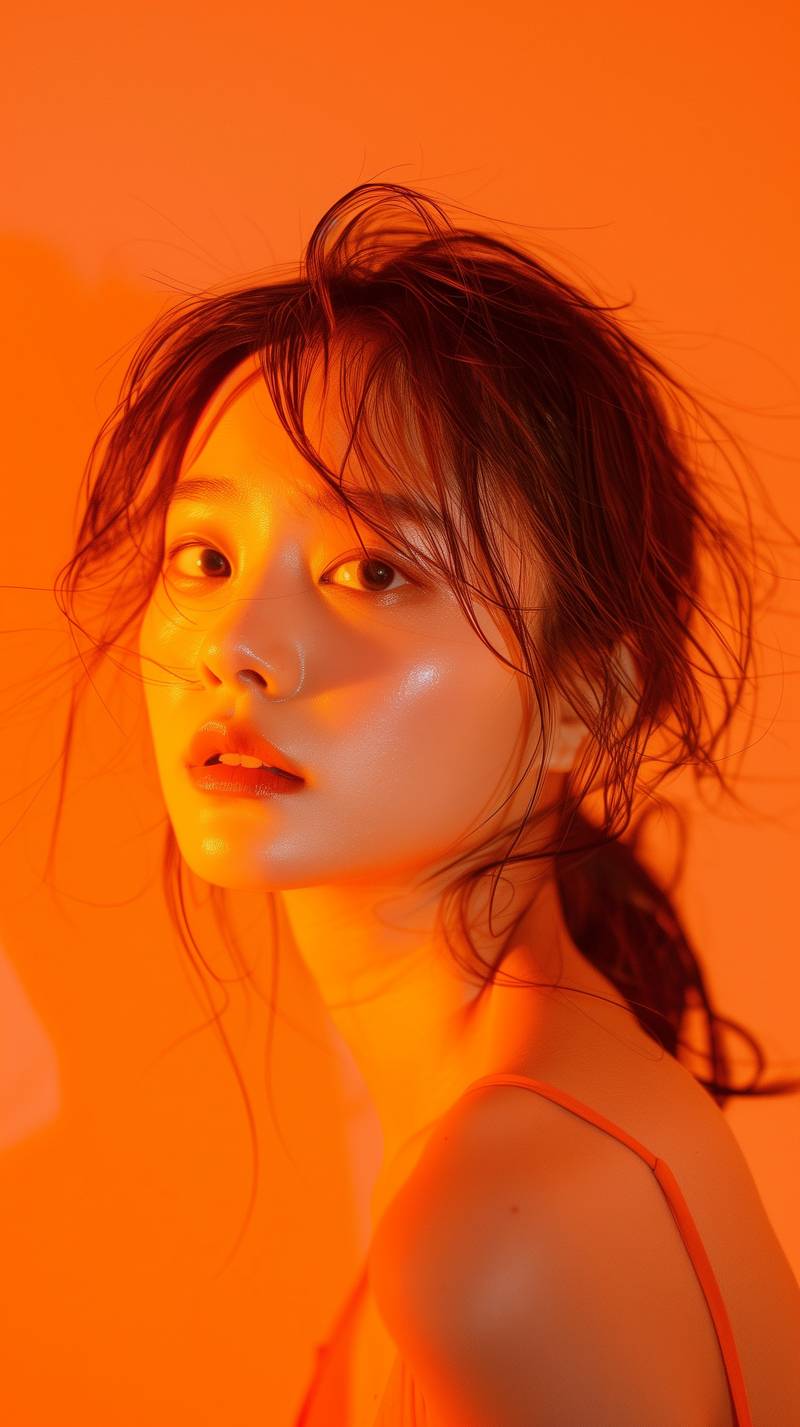
Detailed Illustration
A detailed illustration with controlled style, balanced color, and clear subject hierarchy.
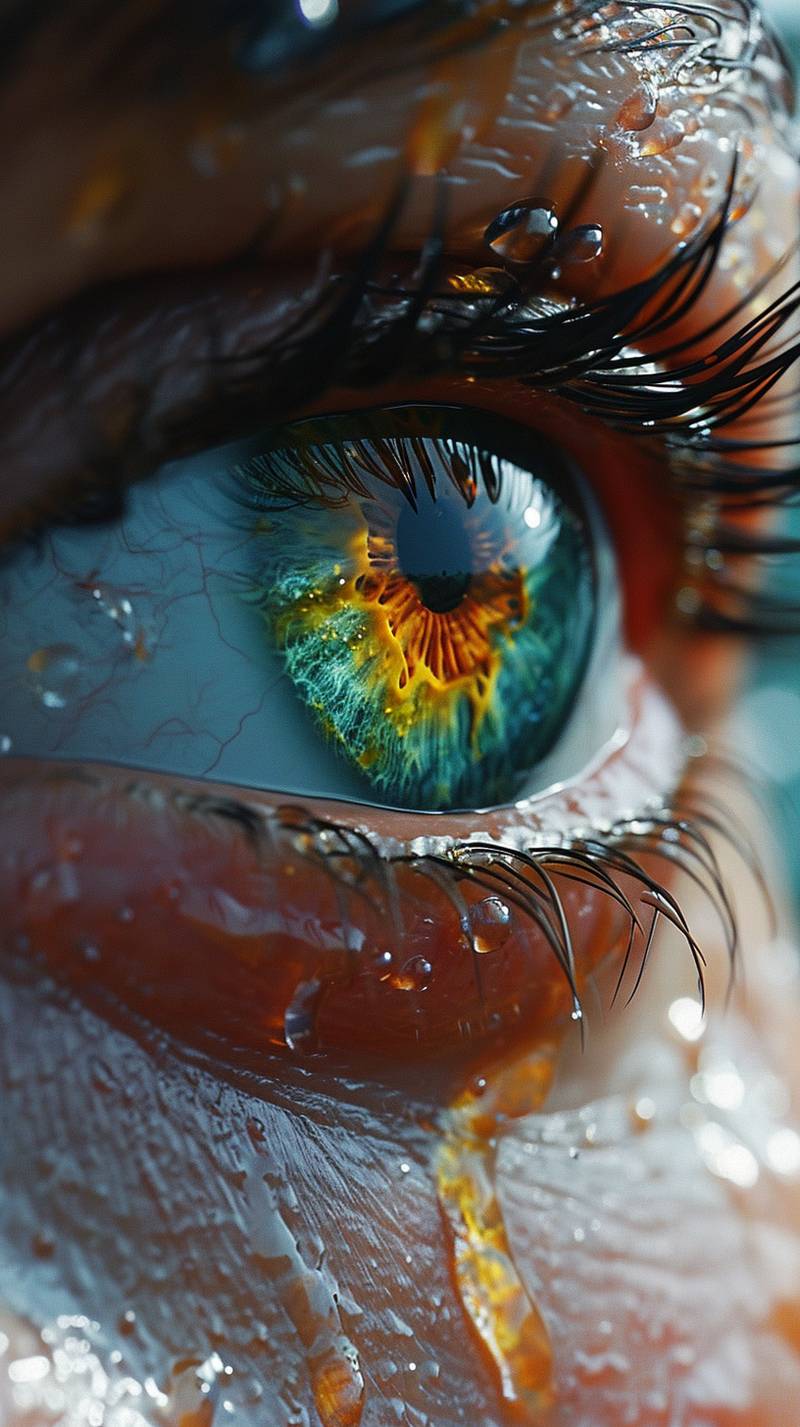
Brand Visual
A brand-ready visual with elegant lighting and realistic texture detail.

Alien Garden Portrait
A vertical alien character portrait with colorful eyes, multicolored hair, and autumn atmosphere.
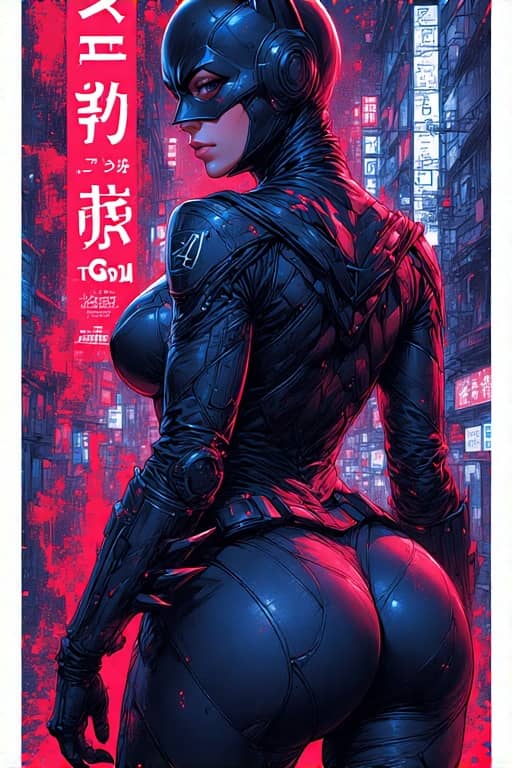
Tokyo Character Poster
A precise poster-style character composition with cyberpunk detail and strong vertical layout.

Detailed Character Render
A precise vertical character render with clean surfaces, strong framing, and refined color.
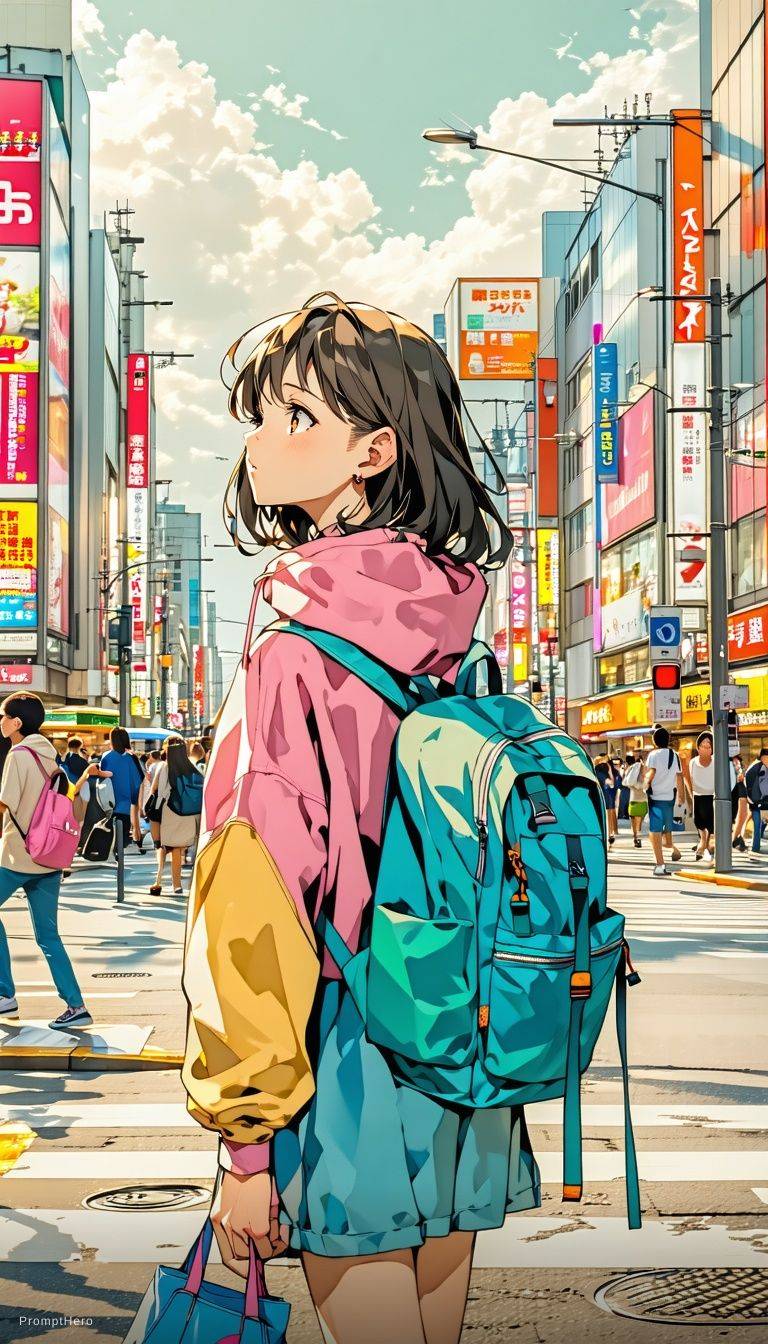
Cinematic Anime Frame
A polished anime-style frame with expressive faces, bloom lighting, and cinematic depth.
What's New in ChatGPT Images 2.6
OpenAI Images 2.6 is available in ChatGPT, Codex and the API. Here is what changed compared with the previous generation.
Animated GIFs
The model can now output short animations: mascots, reaction images, storyboards and looping product shots.
Up to 50% faster
OpenAI says Images 2.6 generates up to 50% faster than before, so drafts and re-rolls come back sooner.
Two API models: Flare and Sunburst
Developers choose between GPT-Image-2.6 Flare, tuned for speed, and GPT-Image-2.6 Sunburst, tuned for detail and consistency.
Markup in the API
Image markup, previously a ChatGPT feature, now works through the API, so you can point at the exact region you want changed.
SVG export
Export vector SVG files that scale cleanly for websites, apps and print.
New complexity parameter
A complexity setting controls how much the model plans before drawing. Low suits most edits; medium or high suits scenes with many elements and constraints.
Consistent across edits
Characters and products hold their look across multiple rounds of editing, which makes campaign sets and series practical.
Create Animated GIFs with GPT Image 2.6
The headline addition is motion. GPT Image 2.6 GIF output lets you take a still character, logo mascot or product shot and turn it into a short loop, without opening an animation tool.
That makes ChatGPT Images 2.6 a practical AI GIF generator for everyday work: reaction images for social posts, quick animated storyboards to pitch an idea, or a looping product image for a landing page. Even a rough hand-drawn sketch can become an animated character.
OpenAI has not published GIF length, frame rate or file-format details.
- Animate a brand mascot or character
- Social reactions and meme GIFs
- Animated storyboards
- Looping product images
- Sketches turned into animated characters
GPT Image 2.6 vs GPT Image 2.5
| Feature | GPT Image 2.6 | GPT Image 2.5 |
|---|---|---|
| Generation speed | Up to 50% faster, per OpenAI | Previous baseline |
| Animated GIFs | Yes | Not available |
| SVG export | Yes | Not available |
| Markup in the API | Yes | ChatGPT only |
| Complexity parameter | Low, medium or high | Not available |
Based on the features OpenAI lists as new in Images 2.6. OpenAI has not published side-by-side benchmark numbers.
Flare vs Sunburst: Which GPT Image 2.6 Model to Use
The API splits GPT Image 2.6 into two models. Pick Flare when turnaround matters and Sunburst when the final frame has to be right.
| GPT-Image-2.6 Flare | GPT-Image-2.6 Sunburst | |
|---|---|---|
| Built for | Speed | Detail and consistency |
| Fastest render | Around 6 seconds at quality low | Not published |
| Recommended quality | Low for fastest results | Medium or high |
| Strengths | Improved typography and layout for posters, product shots and other professional visuals | Finer detail and stronger consistency across multiple edits |
| Best for | Fast drafts, posters, product images, high-volume work | Final assets, multi-step edits, characters and products that must stay on-model |
What You Can Make with GPT Image 2.6
Four starting points, each with a sample prompt you can copy into the generator. Treat these GPT Image 2.6 prompts as templates and swap in your own subject.

Animate a brand mascot
Bring a mascot or character to life with a wave, a jump or a blink — useful for onboarding screens, stickers and launch posts.
Prompt: “Our round orange fox mascot waving hello, simple flat style, white background, smooth looping animation”

Memes and reaction GIFs
Make an AI meme GIF or a reaction image for social media and group chats, in any style you describe.
Prompt: “A cat in sunglasses slowly lowering them in disbelief, reaction GIF, bold caption "wait what"”

Looping product GIFs
Turn a product shot into a looping product GIF for a store page, ad or email header.
Prompt: “A matte black water bottle rotating slowly on a light grey studio backdrop, soft shadows, seamless loop”

Sketch to GIF
Upload a simple hand drawing and turn it into an animated character — sketch to GIF in one step.
Prompt: “Animate this pencil sketch of a little robot: it walks forward and waves, keep the hand-drawn line style”
GPT Image 2.6 vs Nano Banana
The two come from different labs: GPT Image 2.6 is OpenAI's model, while Nano Banana is the popular nickname for Google's Gemini image generation and editing models. Both handle text-to-image and editing an existing photo from a plain-language instruction.
Where Images 2.6 stands out on paper is its new output types and controls: animated GIFs, SVG export, region-level markup in the API and the complexity parameter, plus a choice between Flare and Sunburst. If your main job is fast photo edits, Nano Banana remains a strong option — see our Nano Banana 2.1 page to try it and compare results yourself.
GPT Image 2.6 FAQ
What is GPT Image 2.6?
GPT Image 2.6 is OpenAI's newest image generation model and the successor to GPT Image 2. It powers ChatGPT Images 2.6 and is available in ChatGPT, Codex and the API. Headline additions include animated GIFs, SVG export and generation that OpenAI says is up to 50% faster.
Is GPT Image 2.6 free?
Yes, you can try it online for free on this page. The generator runs on free daily credits, and paid plans add more volume.
How much does the GPT Image 2.6 API cost?
OpenAI has not published GPT Image 2.6 pricing for the API yet. Usage limits for Flare and Sunburst have not been announced either.
Can GPT Image 2.6 make GIFs?
Yes. GPT Image 2.6 can animate brand mascots and characters, create reaction images and memes, build animated storyboards and turn product images into loops. It can even animate a simple hand-drawn sketch.
What's the difference between Flare and Sunburst?
Flare is the faster model and Sunburst is the more detailed one. Flare can return an image in about 6 seconds at quality low and has improved typography for posters and product shots. Sunburst, used at medium or high quality, gives finer detail and stronger consistency across multiple edits.
How is GPT Image 2.6 different from GPT Image 2.5?
GPT Image 2.6 is faster and adds new output types and controls. OpenAI says it generates up to 50% faster, and it adds animated GIFs, SVG export, markup in the API, a complexity parameter and two API models, Flare and Sunburst.
Is ChatGPT Images 2.6 the same as GPT Image 2.6?
Yes, they are the same model generation. ChatGPT Images 2.6 is the product name inside ChatGPT, while GPT-Image-2.6 is the model name used in the API.