Free · No watermark · No account
AI Image Generator
Describe what you want to see and get it back in seconds. Text to image in any style — photoreal, anime, 3D, illustration — at full resolution, with nothing stamped on it and no signup before your first render.
- Free daily renders
- Full resolution downloads
- Commercial use included
Examples
Configure parameters and click Generate
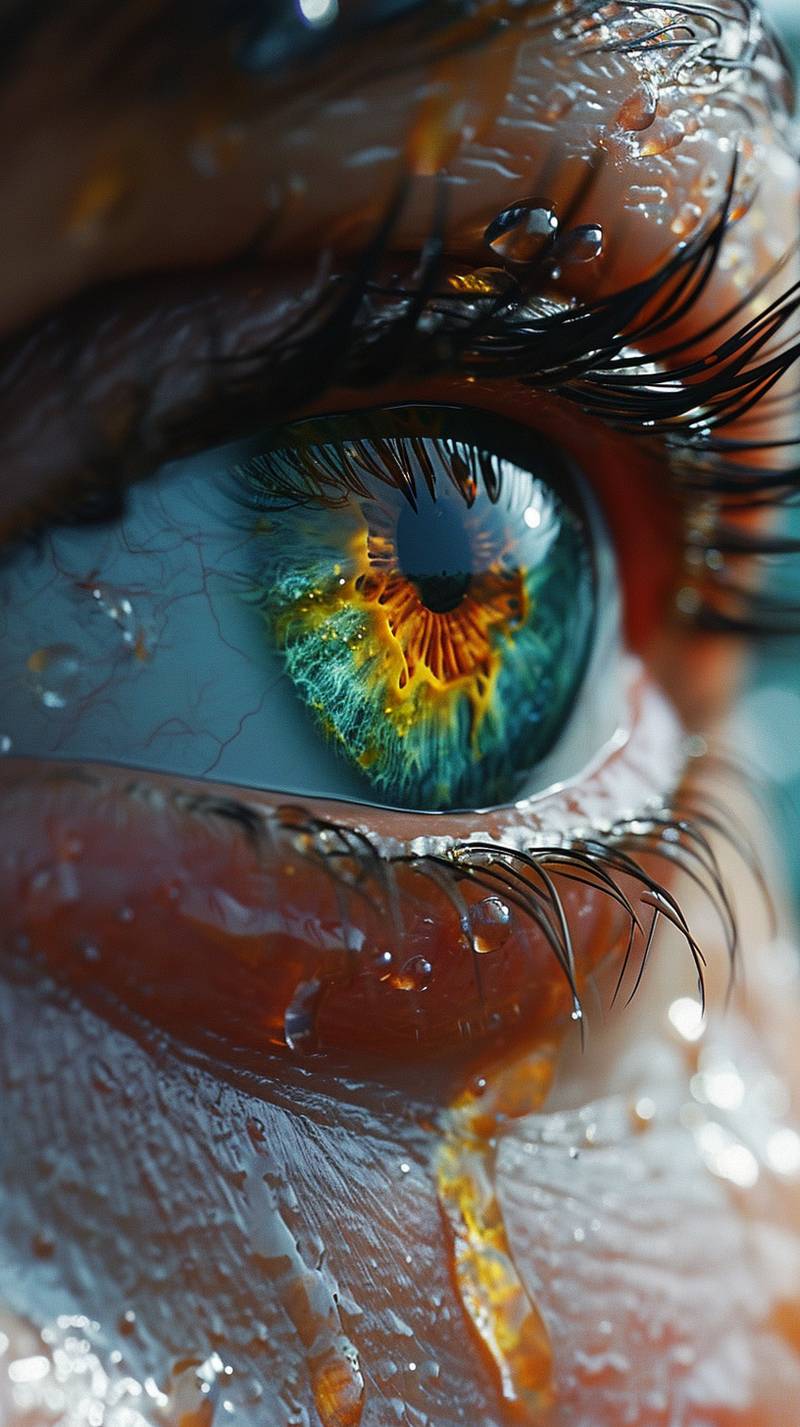
Editorial Portrait
A cinematic portrait with soft rim light, detailed skin texture, and studio depth.
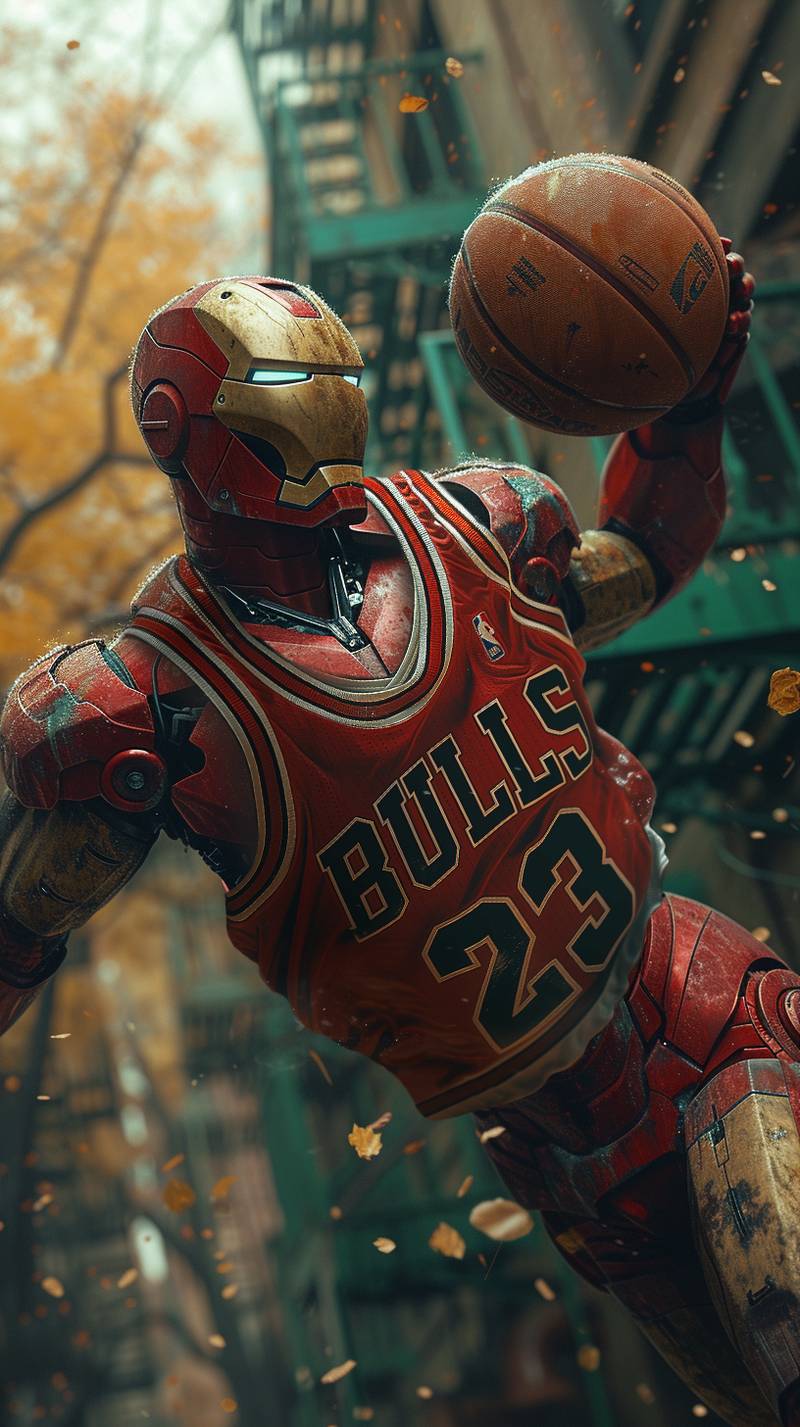
Product Mood Shot
A refined product composition with premium lighting and crisp material detail.
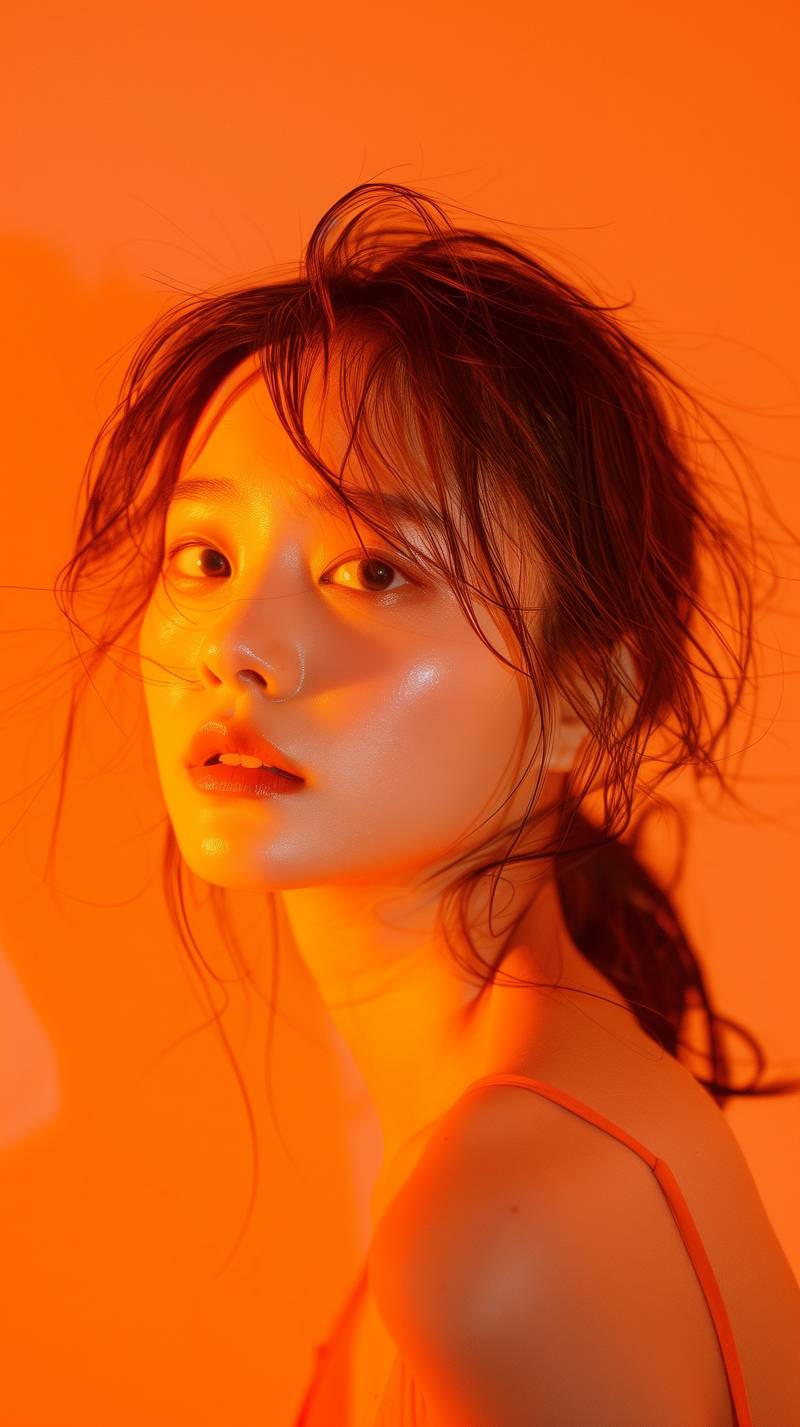
Concept Scene
A high-detail concept image with atmospheric lighting and strong subject focus.
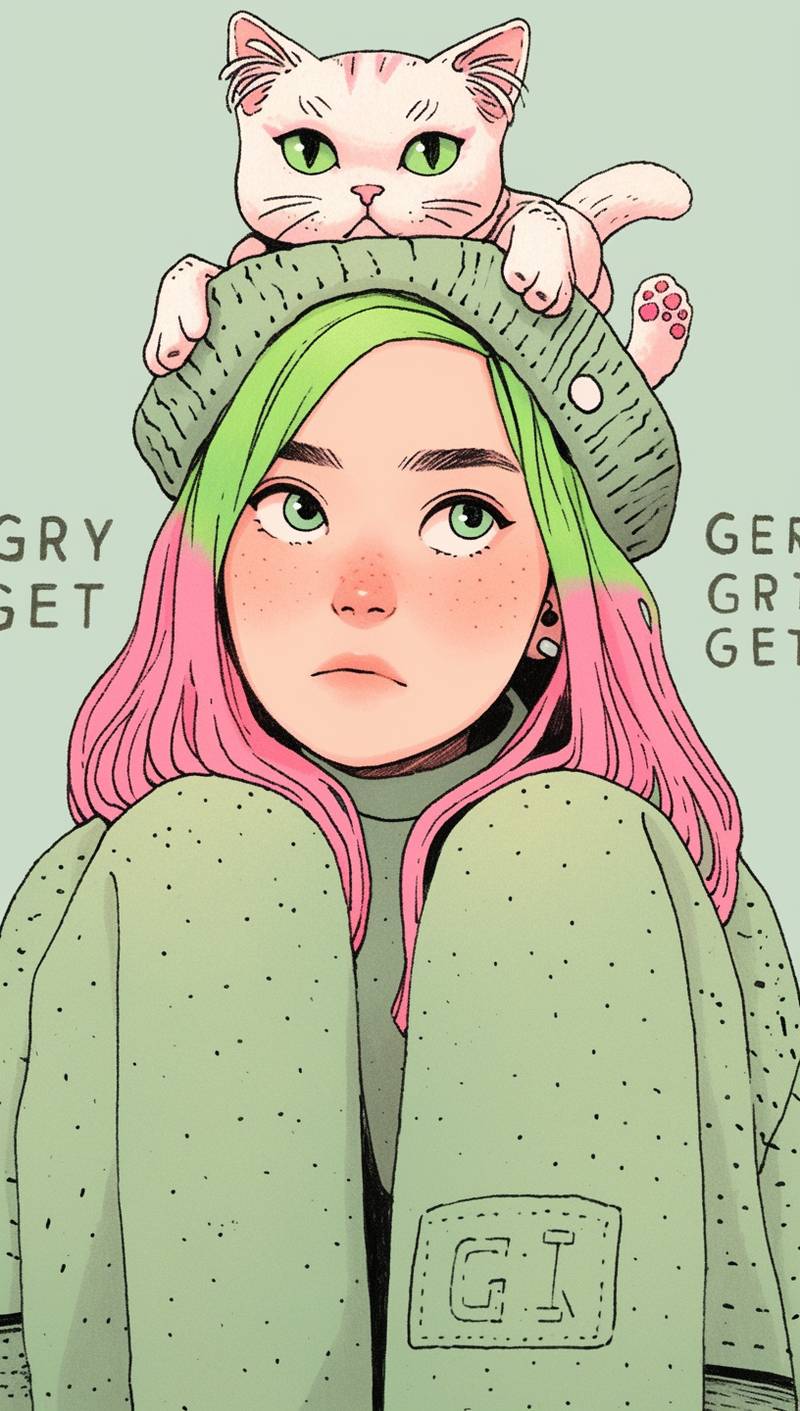
Quirky Character
A stylized illustrated portrait with playful expression, pink hair, and flat-shaded detail.
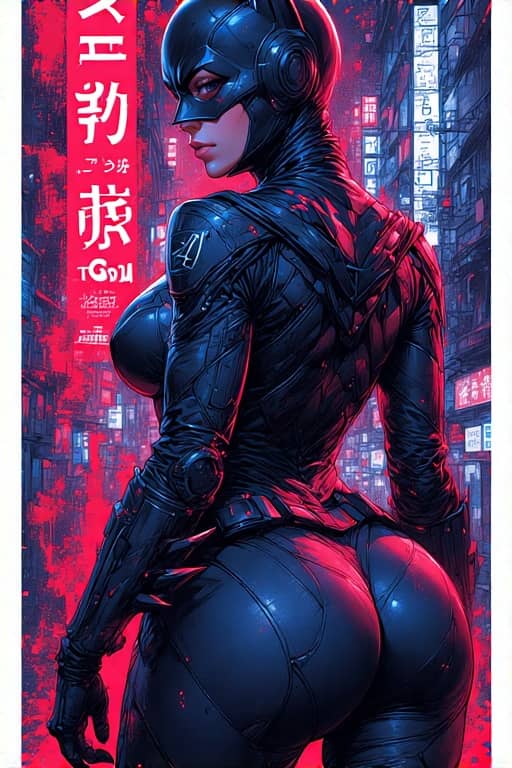
Cyberpunk Poster
A vertical Japanese cyberpunk poster with bold framing and cinematic city energy.
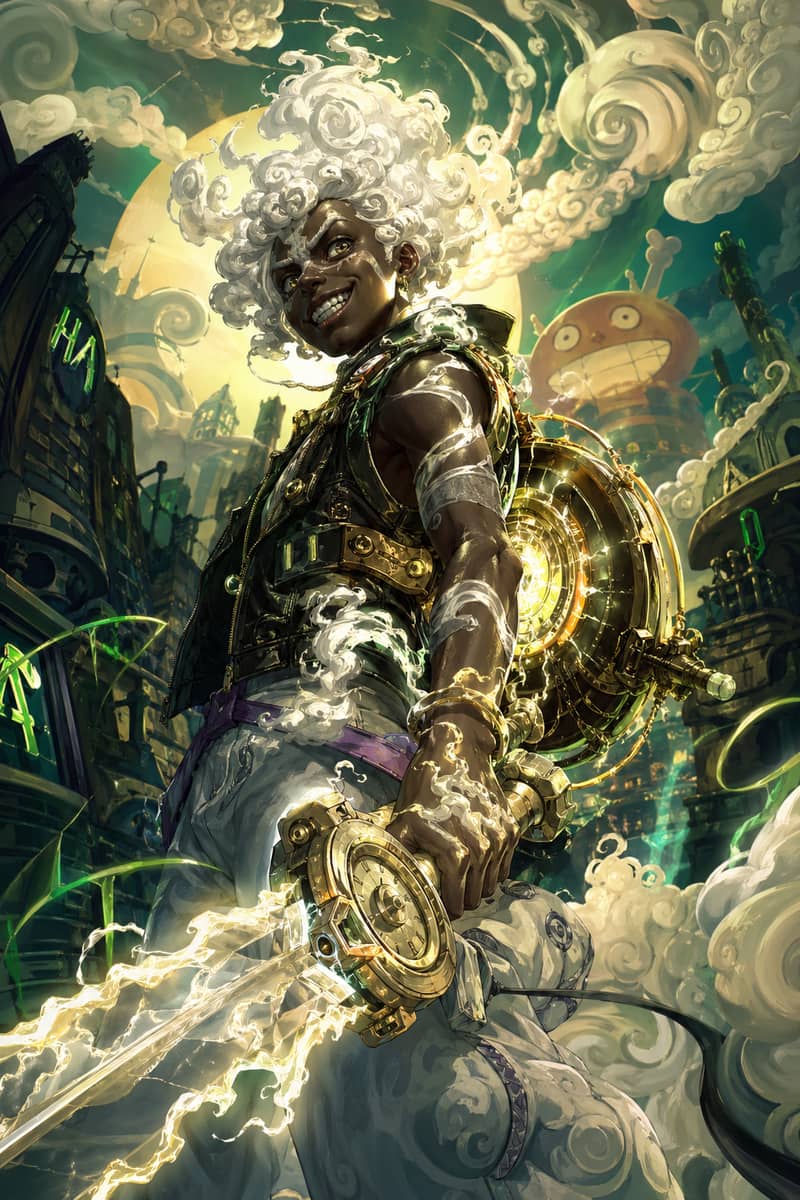
Cloud-Hair Hero
An ethereal youth with glowing cloud-like hair and mythic anime-inspired energy.
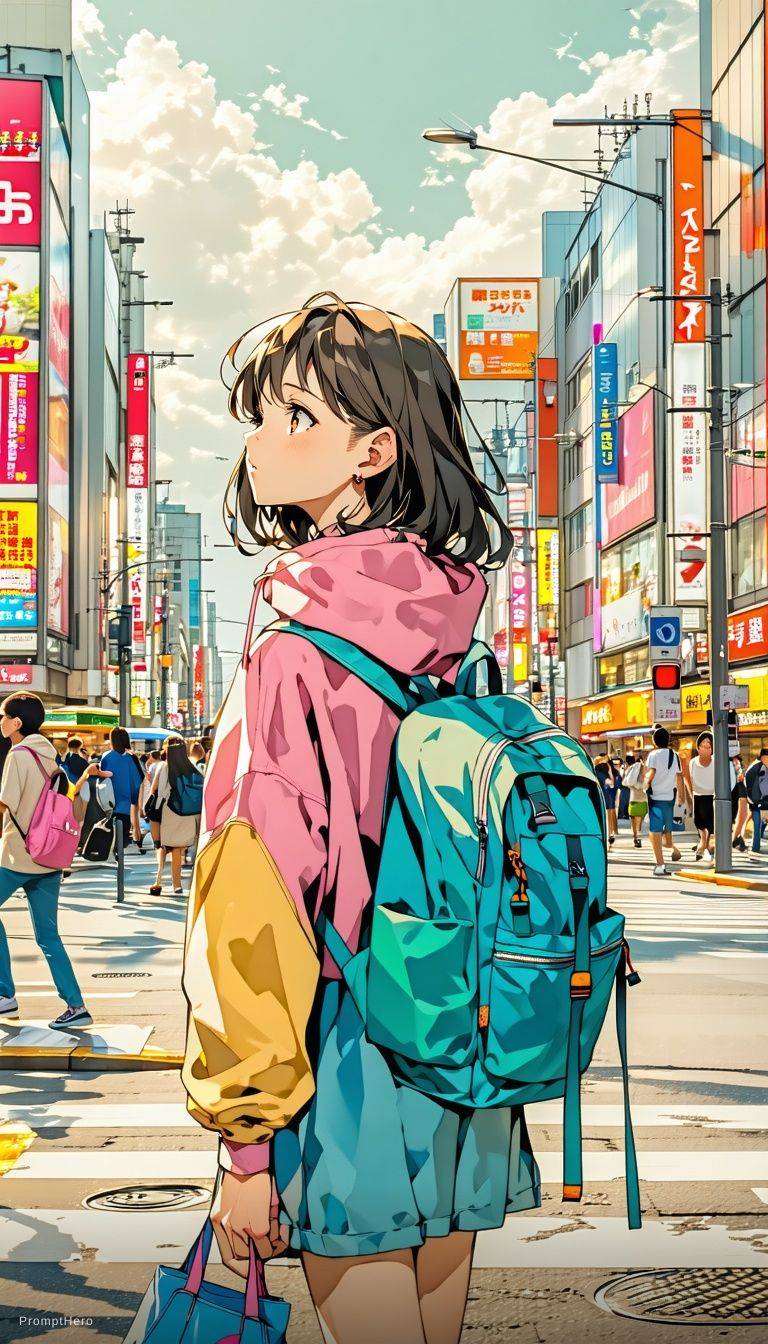
Expressive Anime Duo
A cinematic anime-style character scene with expressive eyes and glowing volumetric light.
How Text to Image Works
An AI image generator turns a written description into a picture. You type a sentence, the model interprets it, and a few seconds later you have an image that did not exist before. There is nothing to install, no layers to manage and no drawing skill involved — the whole interface is a text box and a generate button.
What you are really doing is negotiating. The model has an opinion about what your words mean, and your prompt is the instruction that narrows it down. Vague prompts produce generic images, not because the model is weak but because you left the decisions to it. Specific prompts produce specific images.
This is text to image specifically: starting from words, with no source picture. If you already have an image and want to change it, that is a different workflow with different rules — the composition carries over instead of being invented each time.
Everything here is free to start. There is no account required before your first render, no watermark on the output, and no resolution penalty for not paying.
How to Write a Prompt That Works
Most bad results are prompt problems, not model problems. Six habits that fix the majority of them.
Write a sentence, not keywords
Strings like "8k, ultra detailed, masterpiece, trending on artstation" were a workaround for older models that read tags better than grammar. Current models read plain description better than tag soup, and the quality words mostly add noise.
Name the light
Lighting does more for an image than any other single word you can add. Describe what you would see, not which software rendered it.
Say where the camera is
Framing is a decision the model will make for you if you do not. Close-up, wide shot, from below, overhead — one phrase changes the whole image.
Put rendered text in quotes
For posters, signage or packaging, quote the exact words and keep them short. Headlines and single words are reliable; a paragraph of body copy is not, on any model.
State counts and positions plainly
Modern models generally follow explicit counts and left-right placement, so it is worth writing them down rather than hoping.
Change one clause at a time
When a result is nearly right, edit a single phrase and re-run. Rewriting the whole prompt tells you nothing about which change was responsible, and costs the same number of credits.
A prompt skeleton that works for almost anything
"A woman in a red raincoat waiting at a bus stop, wet city street at night, neon reflections in the puddles, medium shot from across the road, cinematic film still"
Styles People Generate Most
Each of these is a preset in the panel above, and each responds to slightly different prompting. Pick the closest one and describe the rest.
Photorealistic
The default expectation for product shots, portraits and anything meant to look captured rather than made. Prompt it like a photographer: name the lens behaviour, the light and the depth of field rather than the subject alone.
Example Prompt"Portrait of an older man in a wool coat, overcast daylight, shallow depth of field, 85mm look"
Anime and manga
One of the highest-volume styles anywhere in AI generation. Say whether you want clean modern linework or a softer painted look, and name the palette — anime is a family of styles, not one.
Example Prompt"Anime illustration of a student on a train at dusk, clean linework, warm sunset palette"
3D render
Soft studio CGI in the style of modern animated films and app illustrations. Works well for icons, mascots and product concepts. Name the material — matte, glossy, clay, plastic.
Example Prompt"A friendly robot mascot in soft matte plastic, pastel studio background, gentle rim light"
Illustration and editorial
Flat colour, limited palettes, textured brushwork — the visual language of magazine art and book covers. Naming a palette constraint ("three colours only") does more than naming an artist.
Example Prompt"Editorial illustration of a city at night, three-colour palette, flat shapes with grain texture"
Logos and icons
Simple, centred, high-contrast, minimal detail. The trap is asking for too much: a logo that works is one idea, not a scene. Keep the description to a single object and a single style word.
Example Prompt"Minimal line-art logo of a mountain inside a circle, single weight, black on white"
Posters and covers
Layout-heavy work where the text matters as much as the art. Quote the headline exactly, keep it short, and specify where it sits in the frame.
Example Prompt"Travel poster, headline "HOKKAIDO" across the top, snowy pines below, muted print colours"
Product and e-commerce
Clean staging, controlled light, neutral or textured surfaces. Describe the surface and the light source separately — that pair does most of the work.
Example Prompt"A ceramic mug on a marble surface, soft window light from the left, neutral background"
Wallpapers and backgrounds
Generate tall for phones and wide for desktops, and leave deliberate empty space where icons or text will sit. Abstract and landscape prompts both work well here.
Example Prompt"Abstract gradient landscape in deep blue and amber, soft grain, generous empty space at the top"
How to Generate an Image in 3 Steps
Describe what you want to see
One plain sentence covering the subject, the setting and the light. Skip the quality keywords — they do less than a specific description of the scene.
Pick a style and a shape
Choose the closest style preset and the aspect ratio you actually need — square for social, wide for banners, tall for phone screens. Generating at the right shape beats cropping afterwards.
Generate, adjust one thing, download
Hit generate and wait a few seconds. If it is close, change a single clause and re-run, then download the full-resolution file.
What You Get on Every Tier
No watermark
Nothing is stamped, badged or cornered — including on free renders.
Full resolution
The free tier serves the same file sizes paid plans do.
No signup to start
Generate from this page without creating an account.
Every style unlocked
No style, aspect ratio or quality setting is held behind a plan.
Commercial use
Use what you make in client work, products and advertising.
One balance, three modes
The same credits cover text to image, image to image and image to video.
The Models Behind the Prompt Box
Imagine Image is an interface, not a foundation-model lab. Renders are produced by leading third-party image models accessed through their providers' public APIs, and what we build is the prompt handling, the presets, the editor and the free tier around them.
Model routing is deliberately invisible. There is no model picker to learn — you describe what you want, the request goes to whichever engine handles that job best, and when a stronger model ships it appears behind the same prompt box without you changing anything.
We say this openly because it is the honest answer to a question people ask anyway: the ceiling on quality here is the ceiling of the models we route to, plus whatever our defaults and post-processing add. Using a provider's API makes us their customer, not their partner.
Best model per job
Photoreal, illustration and text-heavy layouts route differently.
No model selector
One prompt box, no research required before you start.
Upgrades land silently
New generations replace old ones without changing your workflow.
What It Still Gets Wrong
Honest limits, so you know when a bad result is worth re-rolling and when it is worth doing differently.
Long passages of text
Headlines, signage and single words render reliably. A paragraph of body copy inside an image does not, on any current model.
How to fixGenerate the art, add long text in a normal editor afterwards.
Exact brand assets
Existing logos, packaging and typefaces will come back approximated rather than reproduced.
How to fixGenerate the scene and composite your real asset on top.
Hands and fine detail
Better than it was, still the first place a render falls apart — along with jewellery, complex patterns and small background objects.
How to fixFrame tighter or re-roll; a wider shot hides less.
Precise technical accuracy
Diagrams, maps, anatomical illustration and anything where a detail being wrong makes it useless are outside what a generator is for.
Named real people
Depictions of identifiable real people are restricted, and prompts naming them will usually be refused.
How to fixDescribe the appearance you want generically instead of naming someone.
AI Image Generator FAQ
Is this AI image generator free?
Yes. Free daily credits cover text to image, results come back at full resolution, and nothing is watermarked. Paid plans add volume, batch generation and shorter queues rather than better output.
Do I need to sign up or create an account?
No. You can generate from this page without an account. Signing in only matters if you want your history saved, higher daily limits or longer video renders.
Do generated images have a watermark?
No, on any tier including free. There is no logo, badge or corner stamp added to your files.
Can I use the images commercially?
Yes, including client projects, products, advertising and monetised content, provided your prompt does not infringe someone else's rights.
How do I write a good AI image prompt?
Describe the subject, the setting, the light and the framing in a plain sentence, and skip quality keywords like "8k" or "masterpiece". If a result is close, change one clause and re-run rather than rewriting everything.
What is a negative prompt and do I need one?
It lists things you do not want to appear. It is optional and less necessary than it used to be — most of the time a clearer positive description does more than a long list of exclusions.
Which aspect ratio should I use?
Square for social posts and avatars, wide for banners, thumbnails and slides, tall for stories and phone wallpapers, portrait for posters and covers. Generate at the shape you need rather than cropping later — the model composes for the frame it is given.
Can it put readable text in an image?
Short text, yes — headlines, signage, labels and single words. Put the exact wording in quotation marks in your prompt. Long paragraphs are unreliable on every current model, so add those in an editor afterwards.
Can I generate anime, photorealistic or 3D images?
Yes — presets cover photoreal, cinematic, anime, illustration, 3D render, watercolour, pixel art, product shots and logos, and you can describe any style not in the list directly in the prompt.
Which AI models does this use?
Requests route automatically to leading third-party image models accessed through their providers' public APIs. There is no model picker, and routing changes as better models ship. We do not train our own foundation models.
Why was my prompt refused?
Content filters block sexual content, graphic violence, anything involving minors, and depictions of identifiable real people. Classifiers are blunt, so an ordinary prompt is occasionally caught by a single ambiguous word — describing the subject generically usually resolves it.
Does it work on mobile?
Yes. The generator is built mobile-first and is fully usable one-handed on a phone, with no app to install.
Can I edit or animate what I generate?
Yes. Any result can be sent straight into image to image for a restyle or into image to video for a short clip, without downloading and re-uploading it.
Is there an API?
An API covering all three modes is in private testing. Join the waitlist from the home page and we will send credentials and documentation when the next batch of slots opens.
Write One Sentence and See
Free daily renders, full resolution, no watermark, no account. Scroll up and describe something.
Start generatingProduct names and trademarks mentioned are the property of their respective owners. Imagine Image is an independent tool and is not affiliated with, endorsed by, or sponsored by xAI, OpenAI, or Google.