Second generation · Free tier · No watermark
Imagine Image 2.0
The second-generation engine behind every render on this site. Sharper text inside images, faces that survive a re-roll, and a first result that arrives in seconds — free to try, with no account and no watermark.
- Free daily renders
- Full-resolution downloads
- Text, image and video modes
Examples
Configure parameters and click Generate
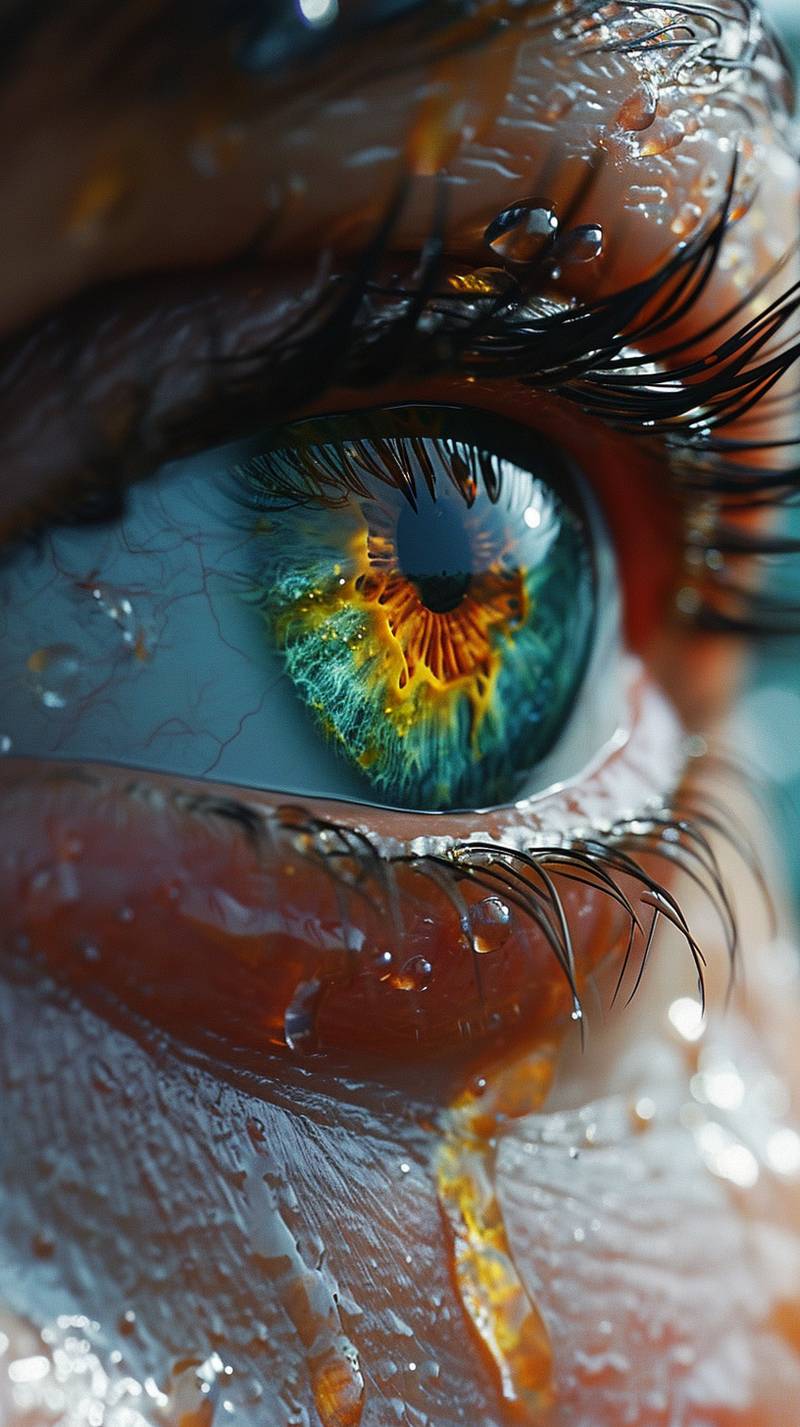
Editorial Portrait
A cinematic portrait with soft rim light, detailed skin texture, and studio depth.
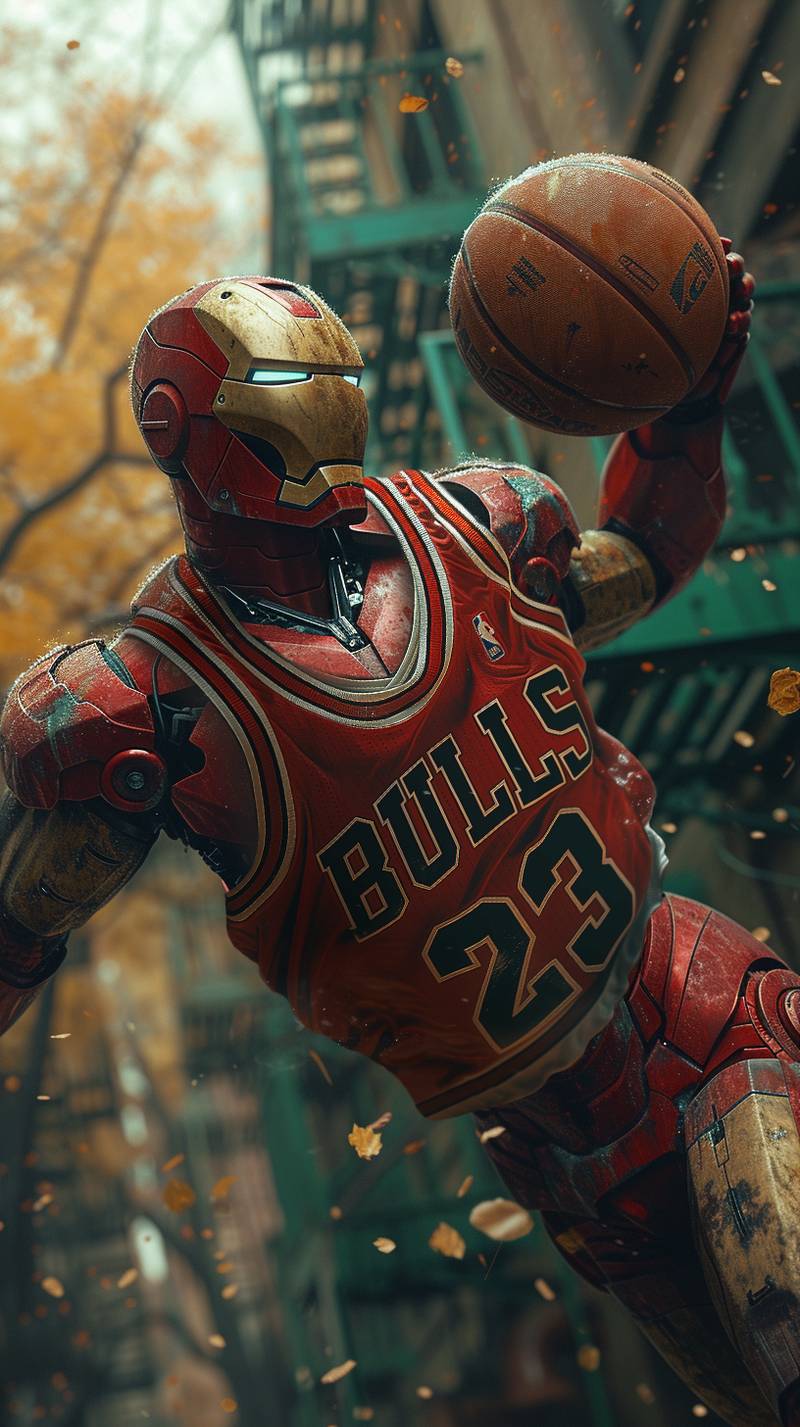
Product Mood Shot
A refined product composition with premium lighting and crisp material detail.
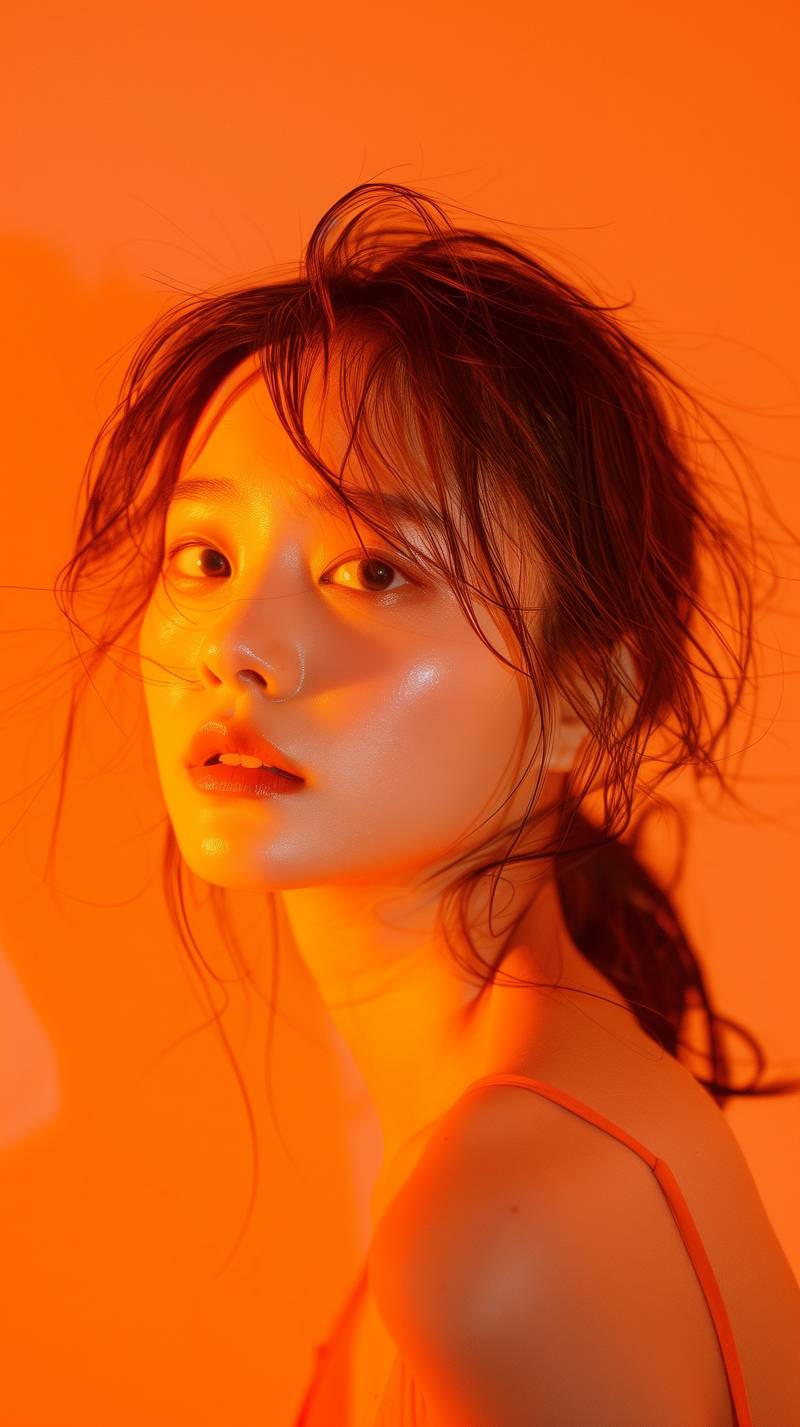
Concept Scene
A high-detail concept image with atmospheric lighting and strong subject focus.
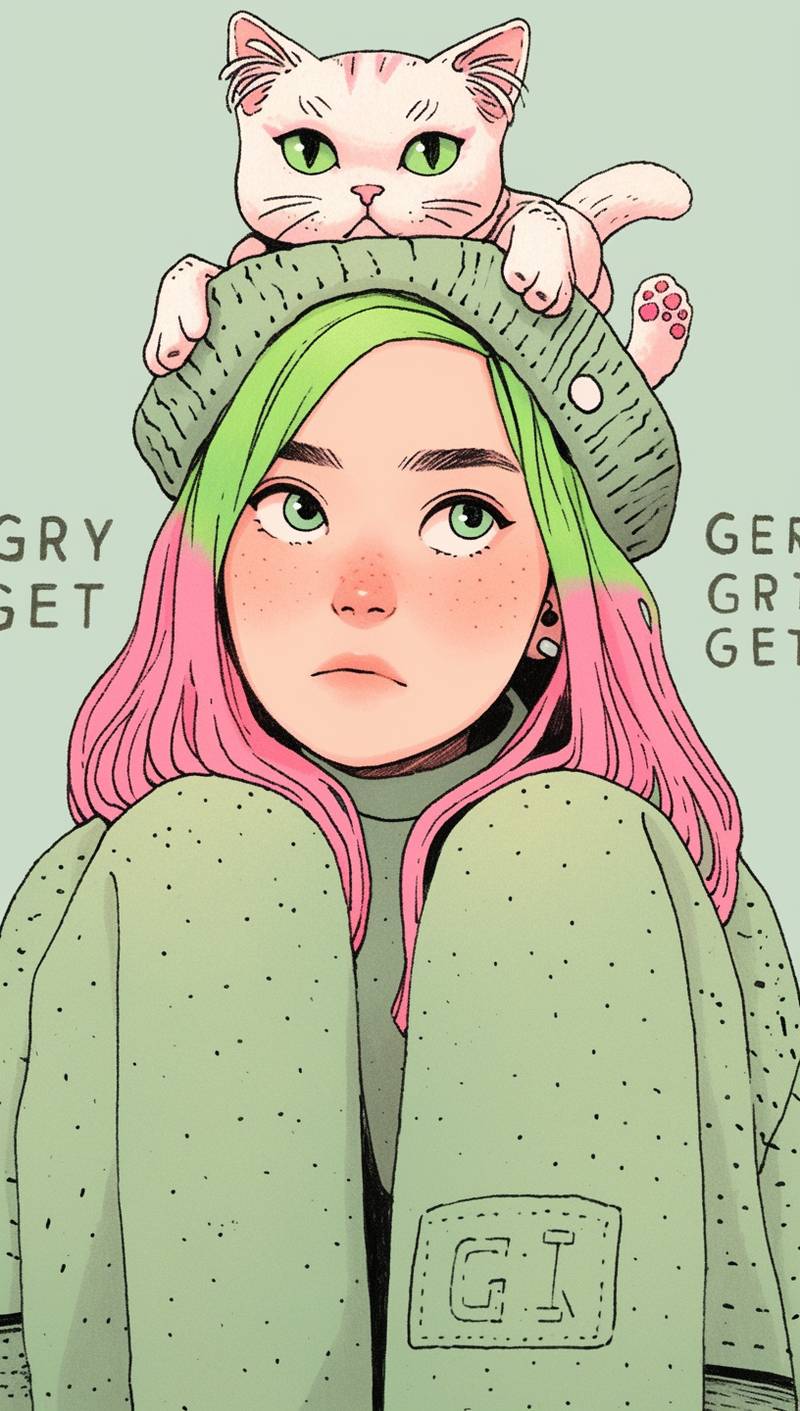
Quirky Character
A stylized illustrated portrait with playful expression, pink hair, and flat-shaded detail.
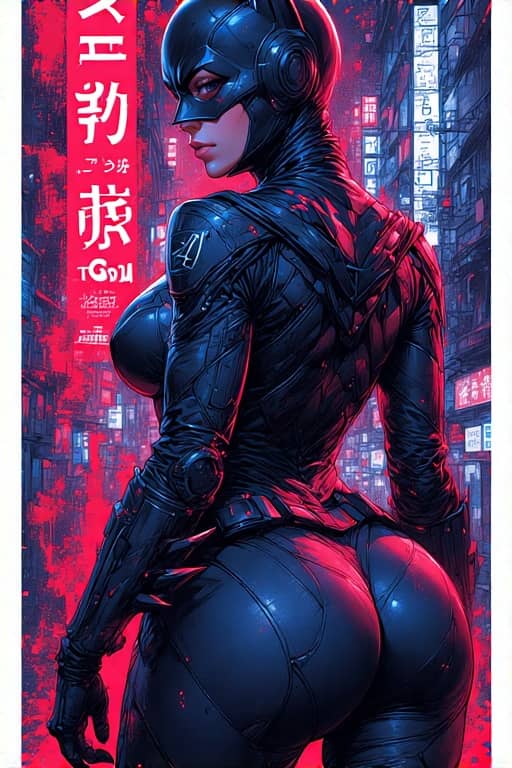
Cyberpunk Poster
A vertical Japanese cyberpunk poster with bold framing and cinematic city energy.
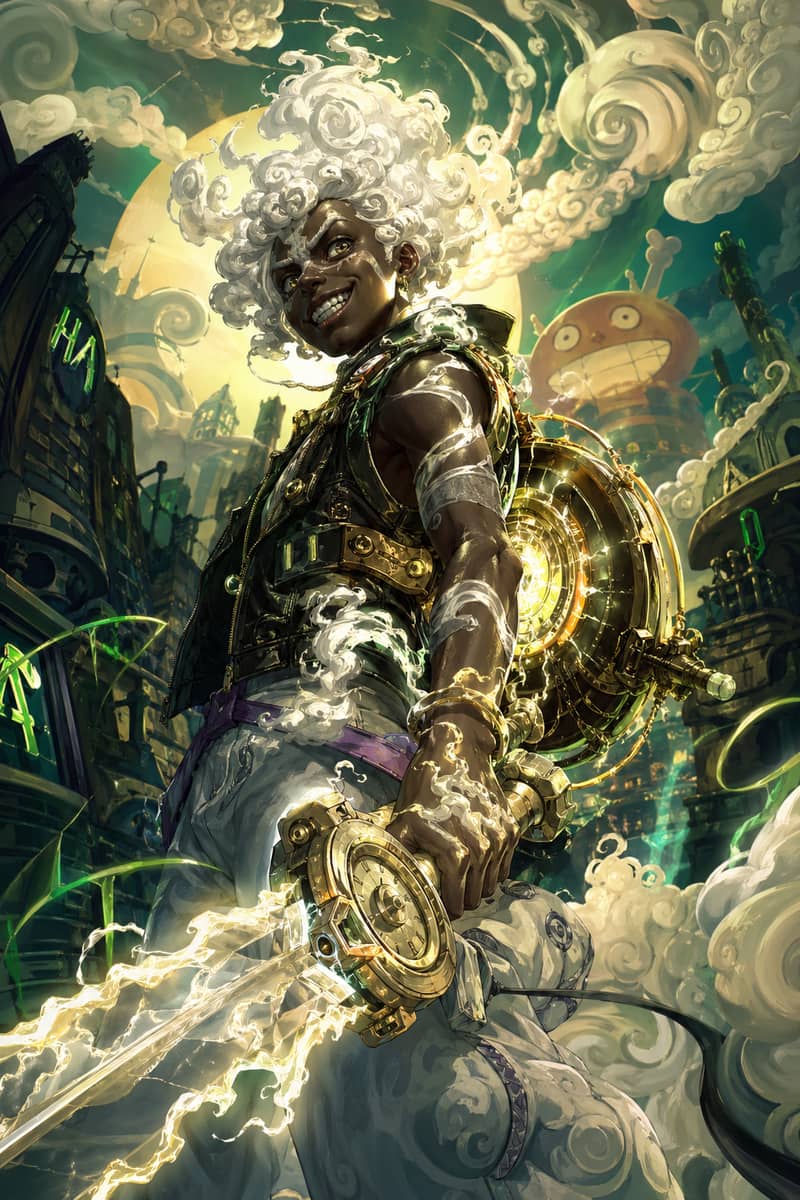
Cloud-Hair Hero
An ethereal youth with glowing cloud-like hair and mythic anime-inspired energy.
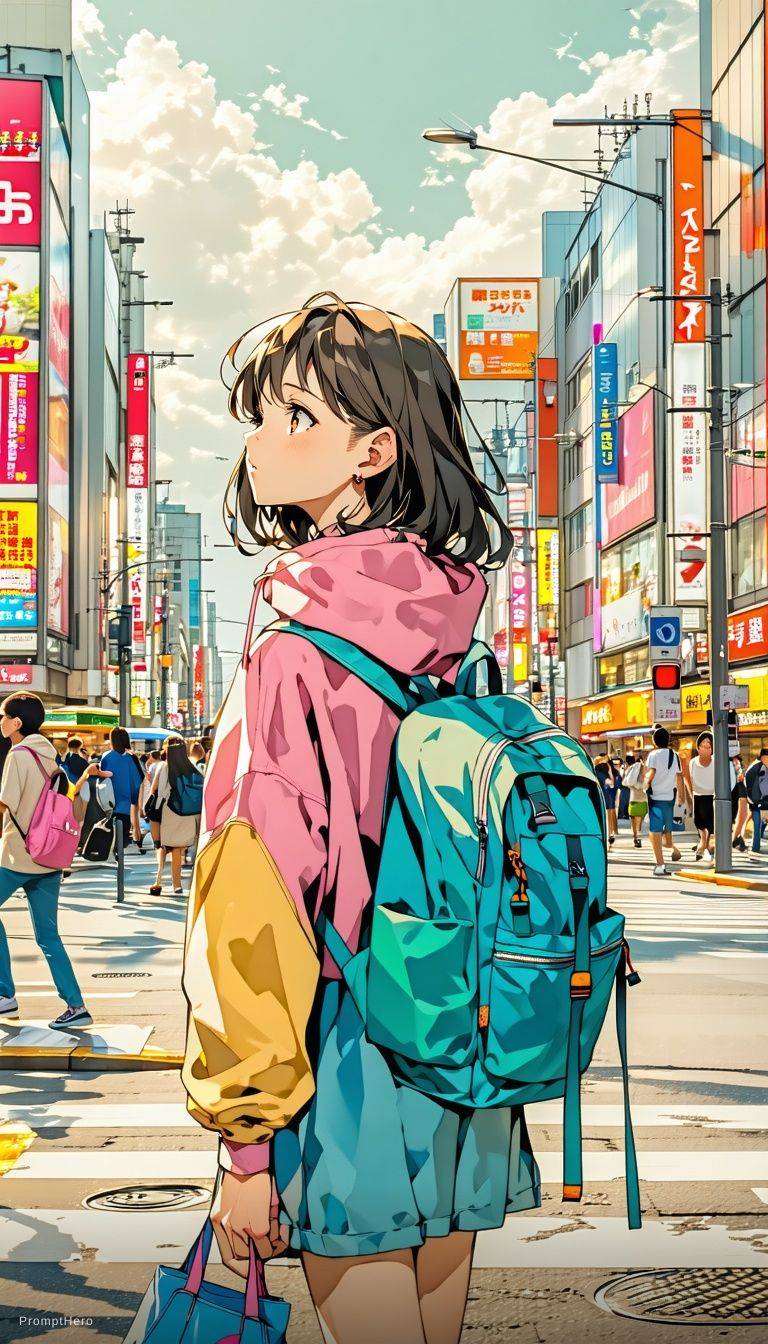
Expressive Anime Duo
A cinematic anime-style character scene with expressive eyes and glowing volumetric light.
What Is Imagine Image 2.0?
Imagine Image 2.0 is the current generation of our AI image generator — the engine that runs every text-to-image, image-to-image and image-to-video request on imagineimage.io. Where 1.0 was a competent free tool with familiar weak spots, 2.0 was rebuilt around the four things people actually re-rolled for: unreadable text, drifting faces, ignored instructions and slow queues.
Nothing about the interface changed. There is still one prompt box, no model picker and no syntax to memorise. What changed is what comes back out of it. A poster mock-up now returns letterforms you can read. A character keeps the same face across eight renders. A prompt that specifies three objects on the left returns three objects on the left.
It is free to use. The starter tier includes daily renders across all three modes, returns files at full resolution, and adds no watermark — the same output a paid plan gets, just less of it per day.
If you arrived here searching for Imagine 2.0, Image 2.0 or Imagine AI 2.0, those are all shorthand for the same thing on this site: this engine, running behind the prompt box below.
Same prompt box
No new syntax, no model selector — 2.0 replaced 1.0 in place.
Free without an account
Daily renders on the starter tier, full resolution, no watermark.
All three modes
Text to image, image to image and image to video all run on 2.0.
What's New in Imagine Image 2.0
Four changes account for almost all of the difference between this version and the first. Each one removes a reason people used to re-roll.
Readable text inside images
Signage, posters, book covers and packaging mock-ups come back with letterforms that hold together instead of dissolving into decorative shapes. Short headlines and single words are reliable; dense paragraphs of body copy still are not, and that limitation is honest rather than hidden.
1.0 Letters collapse into shapes that look like text from a distance
2.0 Short headlines and labels render as actual, legible words
Facial consistency across re-rolls
Identity now holds when you regenerate the same prompt, and it survives an image-to-image pass. That single change is what makes character sheets, avatar sets and multi-shot storyboards practical instead of a lottery you play until two frames happen to match.
1.0 Every re-roll produced a different person
2.0 The same face persists across renders and edit passes
Better prompt following
Counts, spatial positions and colour assignments land far more often. Asking for three items, a subject on the right, or a specific colour on a specific object now usually works on the first attempt rather than after five arguments with the model.
1.0 Counts and positions were suggestions the model often ignored
2.0 Explicit counts, positions and colours are respected
Faster first render
Queue time and generation time both dropped, so the gap between finishing a prompt and judging the result is measured in seconds. That matters more than raw quality for iteration: cheap, fast attempts are what let you refine a prompt one clause at a time.
1.0 Long enough to switch tabs and forget what you asked for
2.0 Fast enough to iterate without losing your train of thought
Imagine Image 2.0 vs 1.0: Same Prompt, Both Versions
Every pair below was generated from an identical prompt with no cherry-picking beyond taking the first result from each version. The differences you see are the differences you should expect.
Poster with a headline
Prompt used: "vintage travel poster for Kyoto, bold headline text at the top, muted print colours"
The headline is the whole test — 1.0 produced letter-shaped decoration, 2.0 produced words.
Character across four renders
Prompt used: "portrait of a young woman with short silver hair and a red jacket, soft studio light"
Re-rolled four times per version. 2.0 returns the same person; 1.0 returns four people.
Counted objects
Prompt used: "three ceramic mugs on a wooden table, one blue on the left, two white on the right"
Counts and left-right placement are where prompt following becomes visible.
Product packaging mock-up
Prompt used: "matte black coffee bag with a small serif logo, studio backdrop, shallow depth of field"
Logo legibility and material rendering both improved in 2.0.
Three Modes, One Engine
Version 2.0 is not a separate product from the rest of the site — it is what powers all three modes. The improvements compound differently in each one.
Text to image
Describe a scene and render it from scratch. This is where better prompt following shows up most directly: counts, positions and colour assignments are followed on the first attempt more often than they were on 1.0.
Open the AI image generator →Image to image
Upload a photo and describe only what should change. Facial consistency matters most here — a restyle now keeps the person recognisable instead of quietly replacing them with a stranger who has a similar haircut.
Learn more about image to image →Image to video
Animate a still into a short clip. Because 2.0 reads depth and subject before it animates, a portrait gets a slow push-in rather than a warping face, and a landscape gets parallax rather than a sliding flat plane.
Learn more about image to video →
How to Prompt Imagine Image 2.0
The engine changed, so some habits that were necessary on 1.0 are now counterproductive. These are the ones worth unlearning.
- 01
Drop the keyword soup
Strings like "8k, ultra detailed, masterpiece, trending on artstation" were a workaround for weak prompt following. On 2.0 they mostly add noise. A plain sentence describing the scene outperforms a comma-separated pile of quality tags.
- 02
Put text in quotes
When you want words rendered inside the image, quote them exactly: a sign reading "OPEN LATE". Keep it short — headlines and labels are reliable, full paragraphs are not.
- 03
State counts and positions plainly
"Two chairs on the left, one lamp on the right" is now worth writing, because it is now usually obeyed. On 1.0 this was wasted effort.
- 04
Edit one clause at a time
Renders are fast enough that changing a single phrase and re-running beats rewriting the whole prompt. It also tells you which clause was responsible for the change.
- 05
Use image to image for identity
If you need the same face across a set, generate one portrait you like and run the rest as image-to-image passes from it rather than re-rolling text-to-image and hoping.
- 06
Describe the change, not the scene
On an image-to-image run, "make the jacket leather" works better than re-describing the entire photograph with one detail altered.
Imagine 2.0, Image 2.0, Imagine AI 2.0 — What People Actually Mean
Version 2.0 turned into a search term of its own the moment second-generation image models started shipping in 2026, and the number now gets attached to almost every product in the category. Imagine 2.0, Image 2.0 and Imagine AI 2.0 are not official product names anywhere — they are shorthand people use when they remember the version but not the vendor.
On this site all three point at the same thing: Imagine Image 2.0, the engine described on this page. If that is what you were looking for, the prompt box above is it.
One name is worth separating out explicitly, because the overlap causes real confusion. Imagine Image 2.0 is not Grok Imagine 2.0. Grok Imagine 2.0 is a model built by xAI; Imagine Image is an independent product that can reach models like it through xAI's public API, the same way any developer can. That is a customer relationship, not a partnership, sponsorship or endorsement, and the matching version numbers are coincidence rather than lineage.
The name similarity has a duller explanation than most people expect: "imagine" and "image" are ordinary English words, and a lot of products in this category reached a second generation in the same year.
How to Use Imagine Image 2.0 in 3 Steps
From an empty prompt box to a downloaded file, the whole loop takes under a minute and costs nothing on the free tier.
- 1
Describe your idea, or upload a photo
Type what you want to see in plain English. For an image-to-image or image-to-video run, upload your source photo first and describe only the change you want, not the entire scene.
- 2
Pick a mode and an aspect ratio
Choose text-to-image, image-to-image or image-to-video, then set the shape — square for social, wide for banners, tall for phone screens. Everything runs on the same engine; there is no model to select.
- 3
Generate, re-roll, download
Hit generate and wait a few seconds. Change one clause and re-run if it is close but not right, then download the full-resolution file with no watermark on it.
Is Imagine Image 2.0 Free?
Yes. The starter tier runs on 2.0, not on a downgraded older engine, and it includes daily renders across text-to-image, image-to-image and image-to-video. Files come back at full resolution with no logo, no corner stamp and no diagonal banner.
Paid plans buy volume, longer video durations and priority queueing. They do not unlock a better model, a hidden quality setting or a watermark removal you were never charged for in the first place — everyone is generating with the same engine.
You can start without creating an account. Signing in only becomes useful when you want your history saved, higher daily limits, or access to longer renders.
No watermark
Free renders come back unbranded and print-ready.
No signup to start
Generate straight from this page without an account.
Full resolution
The free tier serves the same file sizes paid plans do.
Commercial use
You can use what you generate in client and product work.
Imagine Image 2.0 FAQ
The questions people ask most before a first render.
What is Imagine Image 2.0?
It is the current generation of the AI image generator at imagineimage.io, powering text-to-image, image-to-image and image-to-video on the site, and improves on 1.0 in four specific areas: text rendering inside images, facial consistency across re-rolls, prompt following, and generation speed.
Is Imagine Image 2.0 free to use?
Yes. The free starter tier runs on 2.0 and includes daily renders across all three modes, at full resolution and without a watermark. Paid plans add volume, longer clips and priority queueing rather than a different model.
How is version 2.0 different from 1.0?
Four things changed. Text inside images is legible for headlines and labels instead of decorative. Faces stay consistent when you re-roll or run an image-to-image pass. Counts, positions and colour instructions are followed far more often. And the first result arrives in seconds rather than long enough to lose your train of thought.
When was Imagine Image 2.0 released?
It rolled out in 2026 and replaced version 1.0 in place — there is no version switch in the interface, and every render on the site now uses 2.0.
What do Imagine 2.0, Image 2.0 and Imagine AI 2.0 mean?
They are shorthand searches rather than official product names. People usually mean whichever second-generation image model they last read about. On this site, all three refer to Imagine Image 2.0.
Is Imagine Image 2.0 the same as Grok Imagine 2.0?
No. It is our own release name for the engine on this site. Grok Imagine 2.0 is a model built by xAI, which Imagine Image can reach through xAI's public API as a customer. That is not a partnership, sponsorship or endorsement, and the matching version numbers are a coincidence.
Do I need an account to generate?
No. You can generate from this page without signing up. An account only matters if you want saved history, higher daily limits or longer video renders.
Can it put readable text in an image?
For short text, yes. Headlines, signage, labels and single words on packaging render as legible letterforms. Put the exact words in quotation marks in your prompt. Dense body copy is still unreliable, and no amount of prompting fixes that.
Does it keep faces consistent?
Identity holds across re-rolls of the same prompt and survives image-to-image passes, which is what makes avatar sets and character sheets workable. For the tightest consistency across a large set, generate one portrait you like and run the rest as image-to-image passes from it.
Do renders have a watermark?
No. Renders are returned clean at full resolution on every tier, including the free one. There is no logo, badge or corner stamp on your files.
Can I use the images commercially?
Yes, including client projects, products and advertising, provided your prompt and any uploaded source material do not infringe someone else's rights.
Does it work on mobile?
Yes. The generator is built mobile-first and is fully usable one-handed on a phone. There is no app to install, and uploads come straight from your camera roll.
Is there an API?
An API covering all three modes is in private testing. You can join the waitlist from the home page and we will send credentials and documentation when the next batch of slots opens.
Will there be an Imagine Image 3.0?
New model generations replace old ones in place, without a version switch or a migration on your side. When the next engine is ready it will appear behind the same prompt box, and this page will be updated to describe it.
Try Imagine Image 2.0
Free daily renders, no account, no watermark. Type a sentence and see what the second-generation engine does with it.
Start generating freeProduct names and trademarks mentioned are the property of their respective owners. Imagine Image is an independent tool and is not affiliated with, endorsed by, or sponsored by xAI, OpenAI, or Google.