Free · No signup · Prompt, not OCR
Image to Text AI — Turn Any Photo into a Ready-to-Use Prompt
Read this before you upload: this is not text extraction. Imagine Image reads your picture the way a prompt engineer would and writes the prompt that would recreate it — subject, composition, style, lighting, lens, mood — ready to paste into any generator. If you came to lift printed characters off a scan, you want an OCR tool instead.
- Free daily runs
- No signup to start
- Copy, edit, regenerate
Image to Prompt, Not Text Extraction
The phrase image to text usually means OCR: point a scanner at a receipt, get the characters back. Not here. This image to text ai reads a picture and writes something new about it — a description a generative model can act on. Nothing is copied out of your image; a prompt is written about it.
So when you turn image into prompt here, what comes back reads like this: "low-angle portrait of a woman in a red raincoat, neon-lit street at night, shallow depth of field, 35mm, cinematic teal-and-orange grade". That sentence is the whole product — an image to prompt generator, free to use, handing back the vocabulary.
Keep that in mind for the rest of the page: every time we say image to text, we mean image to prompt. If you need characters lifted off a document — an invoice, a screenshot, handwriting — an OCR tool is the right choice, and ImagineImage.io is not it.
| Feature | Image to prompt (this page) | OCR / text extraction |
|---|---|---|
| What it returns | A written prompt describing the picture | The literal characters printed in it |
| What it reads | Subject, style, light, lens, mood | Glyph shapes and layout |
| Good for | Recreating or remixing a look | Digitising documents and receipts |
| Next step | Paste the prompt into a generator | Paste the text into a document |
What an AI Image to Text Generator Actually Reads
An image to prompt ai does not recognise your picture the way a search engine does — it describes it. A vision model reports what it finds in the categories that matter to a generator, and the image to text generator assembles that into one usable paragraph instead of a list of tags.
That assembly step is what people underestimate. A pile of labels — "woman, street, night, rain" — reproduces nothing. A prompt carries weight in order: the subject, the framing, what the light is doing, the medium or camera, and how it all feels. It is why an image to text ai built for prompting reads differently from a captioning model built for accessibility.
Here is what an image to text run pulls out of a frame. Feed it six pictures you like and the shape of a good prompt stops being a mystery.
Subject
Who or what is in frame, and what they are doing.
Composition
Framing, angle, distance, and what sits behind the subject.
Style and medium
Photograph, 3D render, oil painting, anime, editorial illustration.
Lighting
Direction, hardness and colour: golden hour, hard flash, neon spill.
Camera and lens
Apparent focal length, depth of field and perspective.
Colour and mood
Palette, grade and atmosphere — what makes a copy feel the same.
Three Reasons People Convert an Image to Text
Nobody runs image to text for the paragraph itself. They want to make a picture, and the words are how they get there.
You saw an image and want to know how it was made
Something in your feed stops you — a colour grade, a lighting setup, a style you cannot name. Guessing costs an hour; photo to text ai costs one click. The prompt comes back with words you did not have: rim light, 85mm compression, muted analogue palette. It is why people search to extract prompt from image long before they search for a generator.
ExampleA moody product shot → "matte ceramic mug on wet slate, hard key light from camera left, cool grey palette".
You need a starting point for image to image
The workflow this tool was built for. Convert image to text ai first, read the prompt, change the one clause you want different — season, outfit, medium — then send the original picture and the edited prompt into image to image together. That gives you a controlled variation instead of a lucky one.
Example"…autumn park, warm light…" → three words changed → "…snow-covered park, flat winter light…".
You want a series that holds together
One image in a set works and the rest do not. Put the good one through the image to text generator, keep the prompt as a template, and swap only the subject clause for each new asset. It also rescues lost work: if you saved an image but not the prompt, this is the way back.
ExampleLock "soft studio light, seamless grey backdrop, 50mm" and change the product each run.
How to Convert an Image to a Prompt in 4 Steps
Upload the picture
JPG, PNG or WebP. A sharp, uncropped source describes better than a small screenshot — the model can only name what it can see.
Run image to text
One click. A vision model reads the frame and writes a single prompt paragraph covering subject, composition, style, lighting and colour.
Edit one clause
The prompt an image to text run returns is a draft, not a verdict. Cut what you do not want carried over, and change one thing at a time.
Paste it into a generator
Into image to image with the original attached to stay close to the source, or into text to image alone to build something new in the same style.
Prompt in Hand? Take It Straight into Image to Image
Image to text and image to image are two halves of one loop: the first gives you the words behind a picture, the second turns those words back into pictures. The studio below is that second half — paste your extracted prompt in, attach the source image, and run it.
Read the full image to image guide →Max 10MB per file
Examples
Configure parameters and click Generate
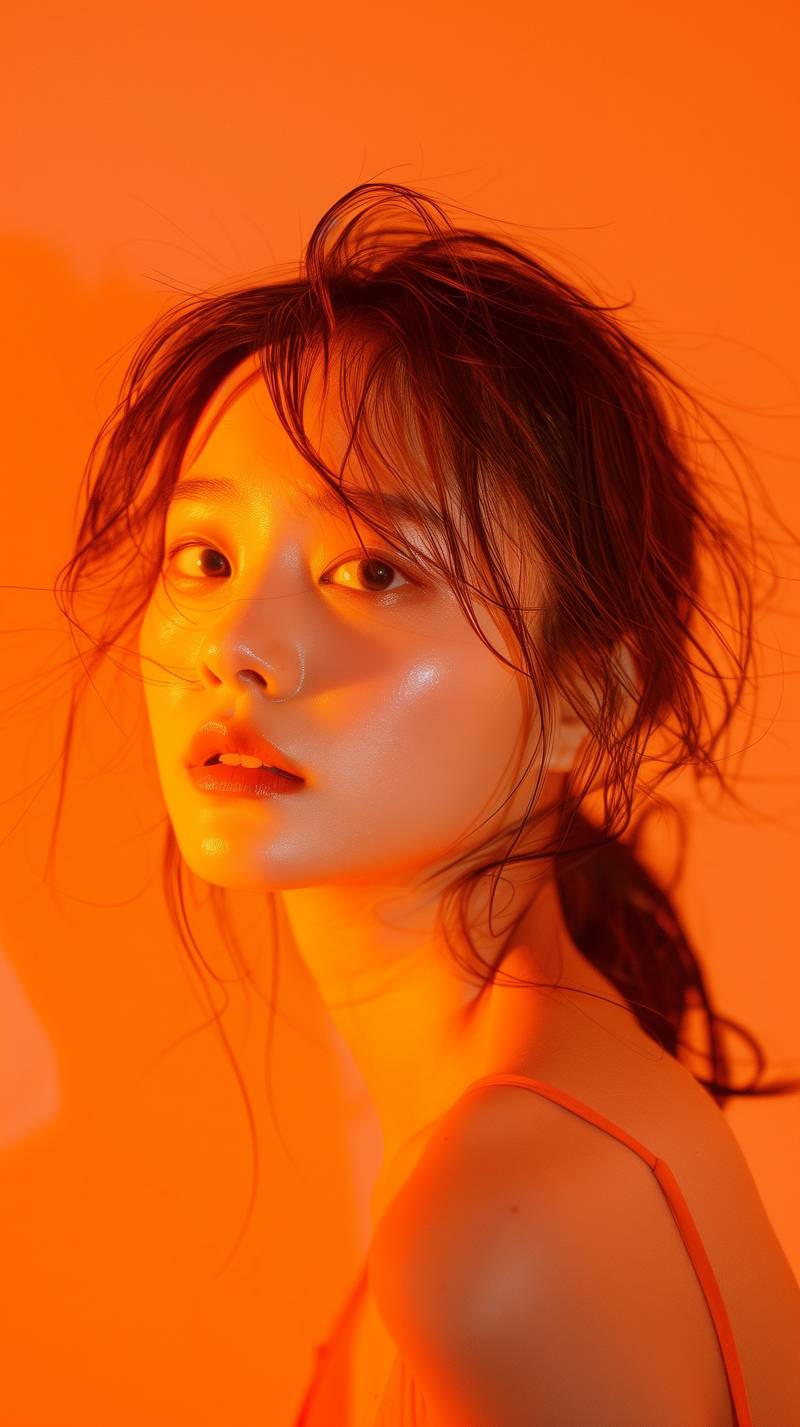
Reference Restyle
Transform a reference image into a polished alternate style while preserving the subject.
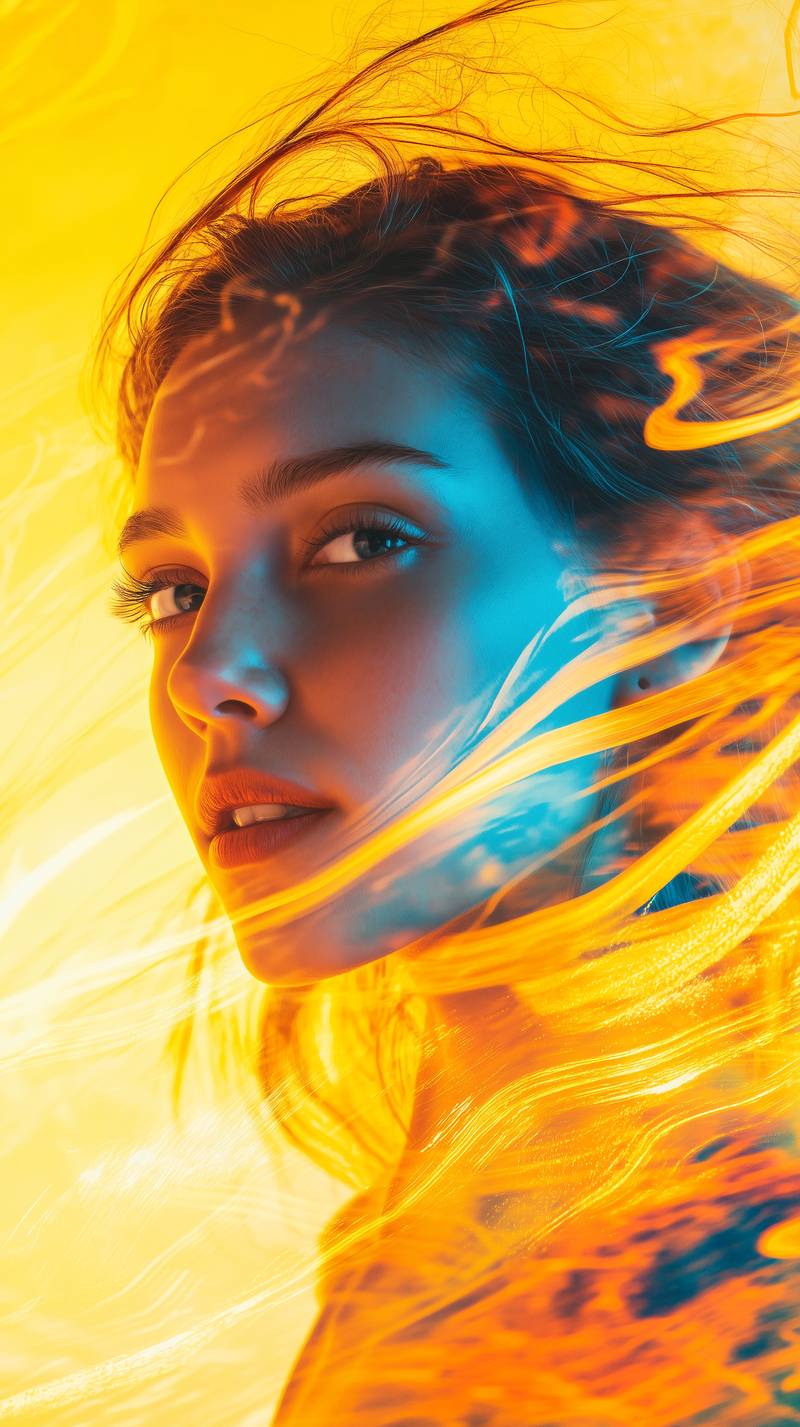
Scene Enhancement
Enhance a source image with richer lighting, color, and cinematic detail.
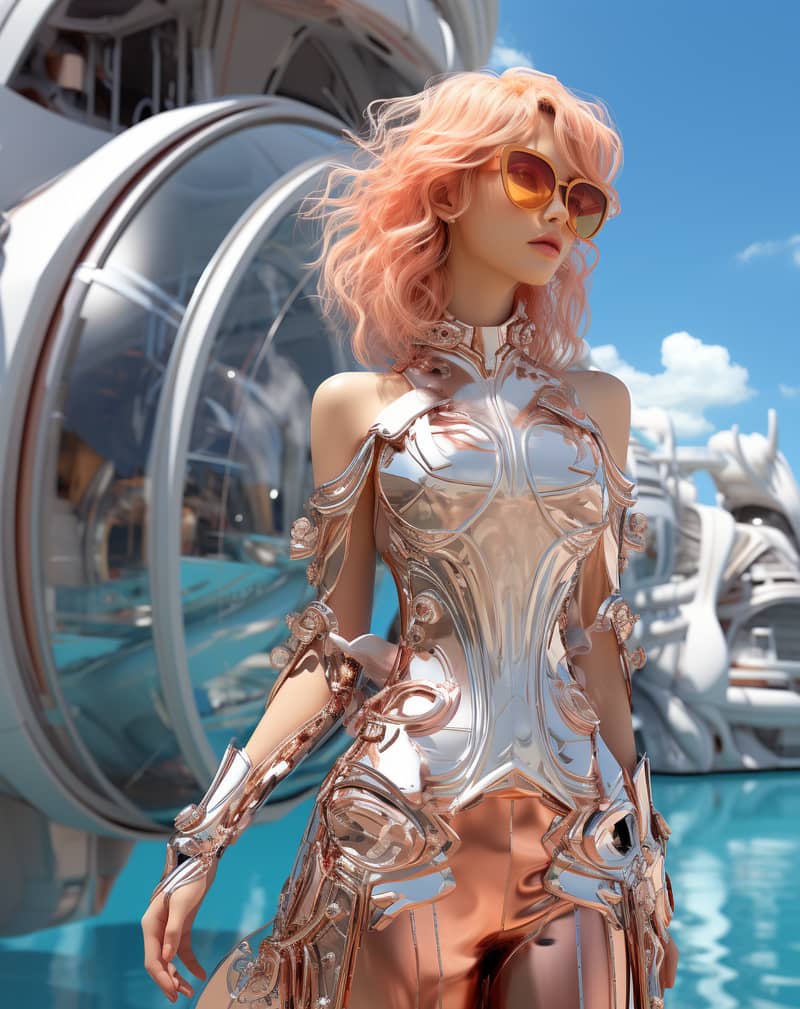
Creative Variation
Create a strong visual variation from an input image and editing prompt.
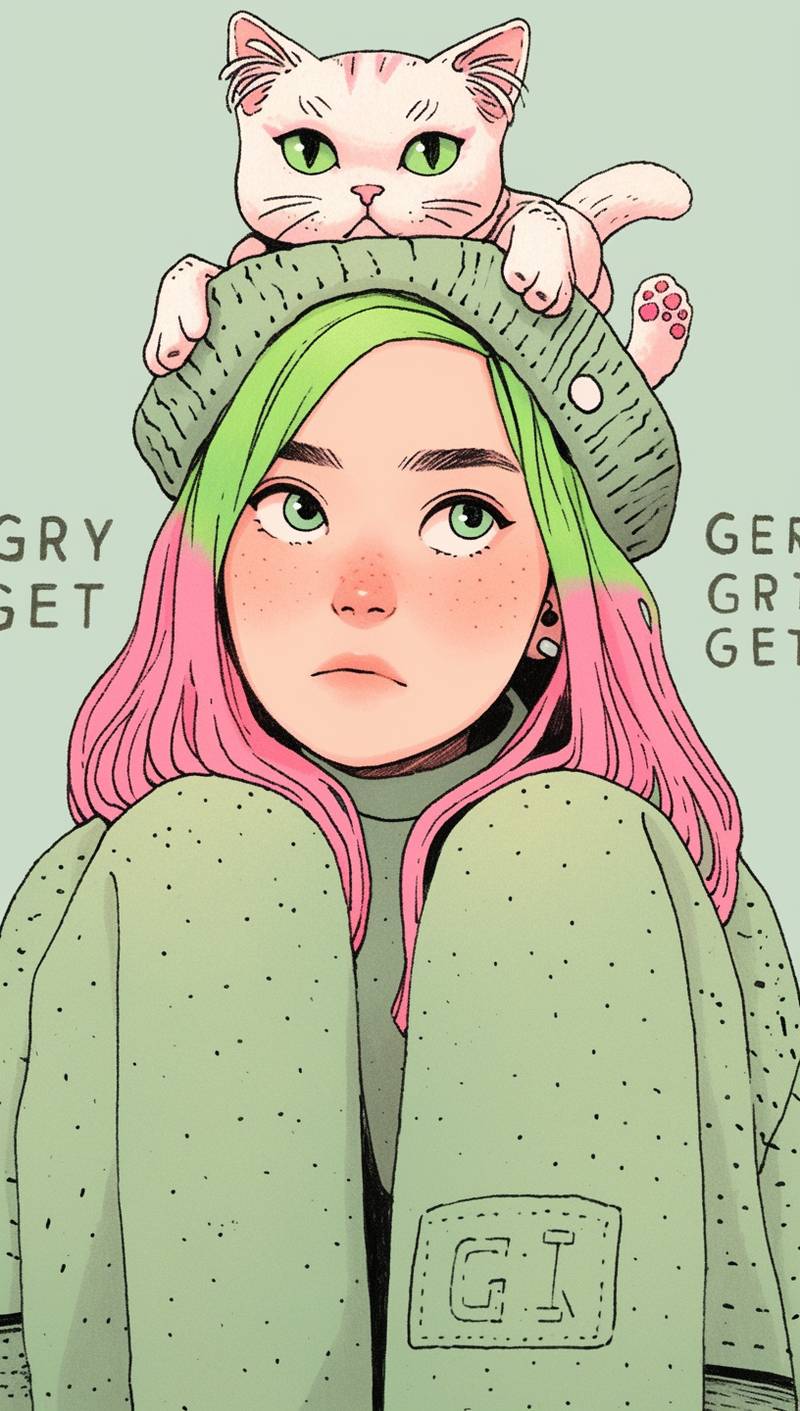
Portrait Restyle
Restyle a vertical portrait into a sharper illustrative direction while keeping character identity.
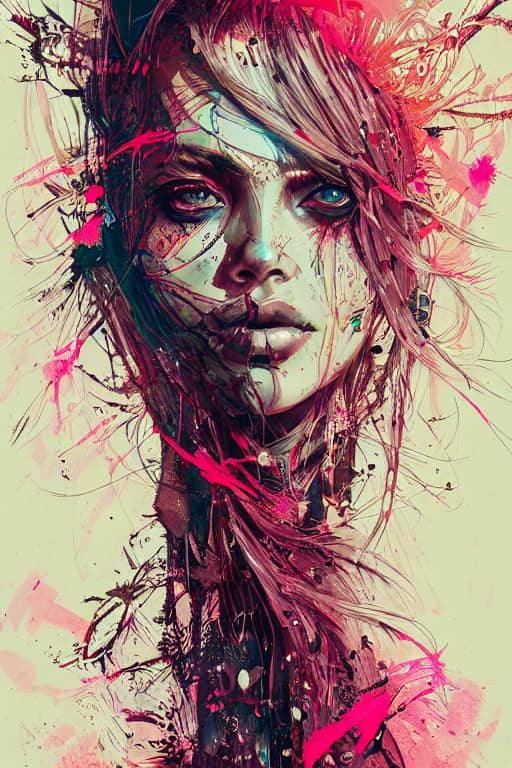
Fantasy Edit
Transform a character reference into a detailed fantasy key visual.
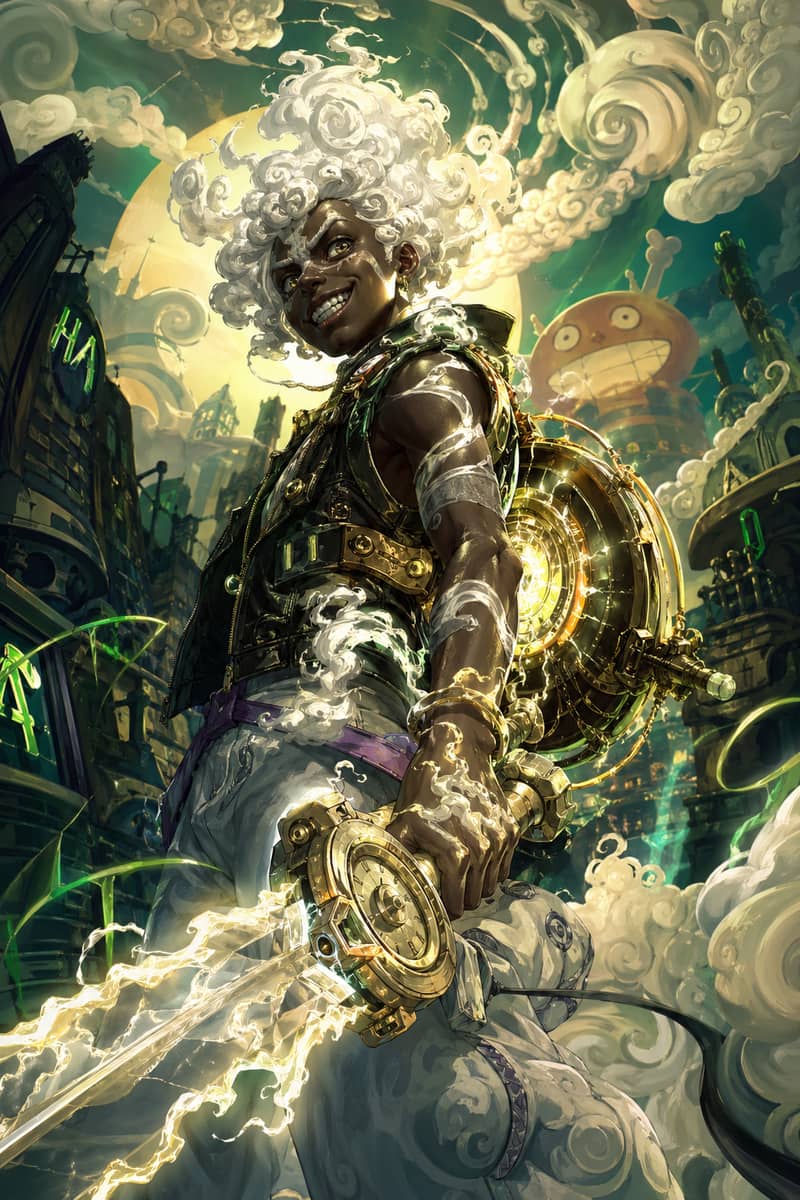
Hero Fusion Edit
Turn a character reference into a glowing mythic hero portrait with cloud-like energy.
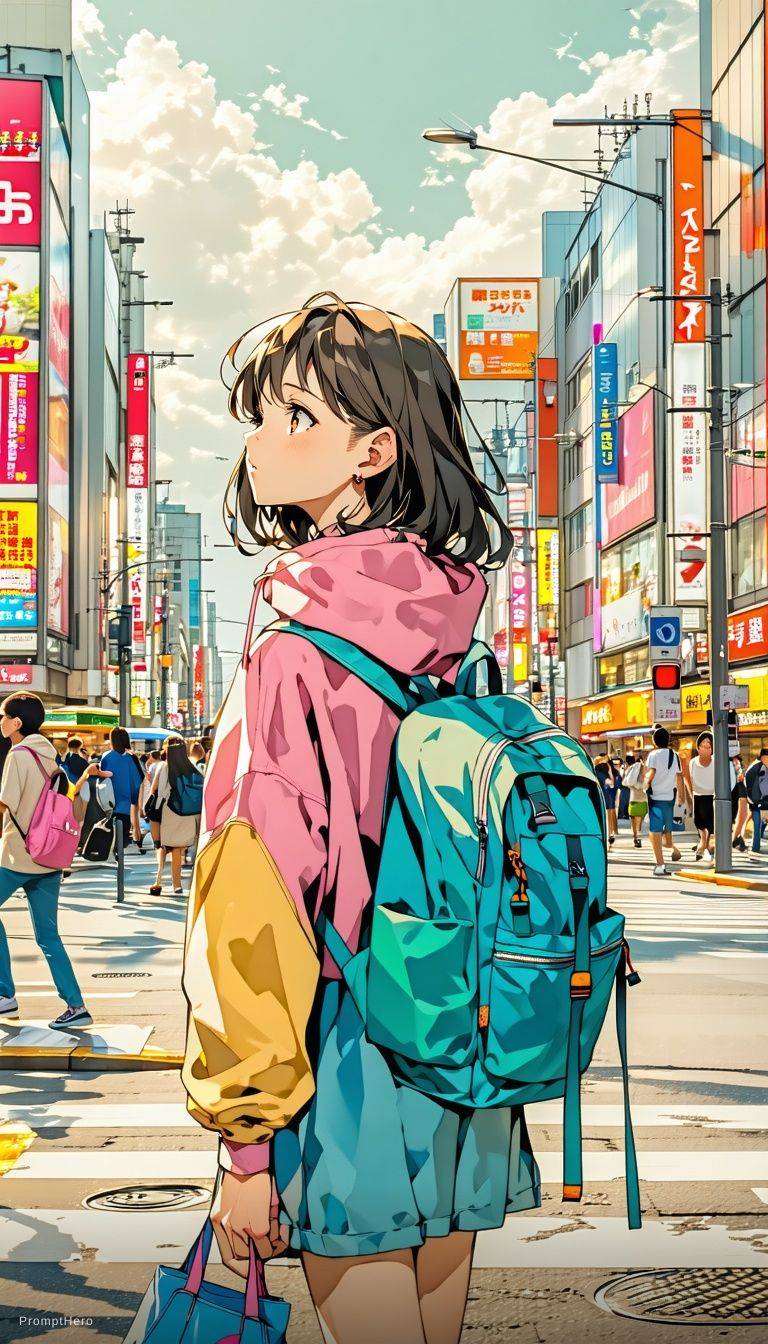
Anime Scene Edit
Transform a reference into a cinematic anime frame with expressive lighting and bloom.
What Image to Text Gets Wrong
Every image to text tool oversells itself. These are the failures you will actually hit, and what to do about each.
It will not read the text in your image
The most common disappointment, so it is worth saying twice: signage, packaging copy and handwriting are not transcribed. The tool notes that lettering exists and how it looks, not what it says.
How to fixFor actual characters on a page, use an OCR tool — a different product for a different problem.
The prompt will not reproduce the image exactly
No prompt can. The original came from a specific model, seed and settings, and words are a lossy description of all that. Expect the same look and feel, not the same pixels.
How to fixAttach the source and run image to image, which constrains composition in a way words never will.
Faces and named things come back generic
A specific person, a branded product or a copyrighted character is described in general terms — "a man with short dark hair" rather than a name. That is deliberate.
How to fixAdd the identity yourself in the generator, if you hold the rights to use it.
Blurry or tiny sources give vague prompts
This image to text generator describes only what it can resolve. A 200px compressed thumbnail produces a prompt as thin as the file it came from.
How to fixUpload the largest clean version you have before you convert the image to text.
Image to Text Free, Online, No Signup Required
Most tools promising image to text free mean a three-run trial and a paywall on the fourth. Here it is image to text online in the browser: free daily runs, nothing to install, image to text with no signup for your first ones. An account matters only for saved history and higher limits.
That matters because a reverse prompt is rarely the finish line. You will run a picture twice, edit a clause, compare a second reference, then take the result into a generator. A tool that charges before you know whether the prompt is any good is one you use once.
Everything else on ImagineImage.io — image to image, text to image, video — draws on the same free daily credits, so a prompt you extract here goes straight into a render.
Free daily runs
Credits refresh daily and cover image to text and image generation both.
No signup to start
Convert an image to text before creating any account.
Runs in the browser
Fully online — no install, no extension, works on mobile.
Yours to use
Copy the prompt anywhere: our studio, or any generator you already pay for.
Image to Text AI FAQ
Is this OCR or text extraction?
Neither. It is an image to prompt tool. OCR reads printed characters out of a scan; this reads a picture and writes a description an image generator can use. Uploaded a document expecting the words back? Wrong tool. Uploaded a photo wanting to know how to make one like it? Right one.
How do I convert an image to a prompt?
Upload the picture and read the prompt that comes back — one paragraph covering subject, composition, style, lighting and colour. Edit what you want changed, then paste it into image to image with the original attached, or into text to image alone.
Is image to text free?
Yes. Free daily runs cover it, nothing you copy out is watermarked, and you can start without an account. Paid plans add volume and saved history rather than better output.
Can I run image to text with no signup?
Yes — no signup is the default. Sign in only if you want your extracted prompts saved or a higher daily limit.
Does it work as a photo to text ai for phone pictures?
Yes. Photos, screenshots, renders and illustrations all work. The larger and clearer the upload, the more specific the returned prompt.
Will the prompt recreate the image exactly?
No, and no other tool's will. The original came from a particular model, seed and settings that words cannot fully carry, so you get the look and feel. For something closer, attach the source to image to image so the picture constrains composition, not the sentence.
How do I turn an image into a prompt I can reuse?
Extract the prompt, delete the clauses specific to that one picture, keep the ones describing light, medium and grade. What remains is a style template — swap the subject line per asset and the series stays consistent.
Is there an image to prompt generator that is free and unlimited?
Free, yes; unlimited, no. Daily credits reset every day and heavy use needs a plan. Anything advertising truly unlimited free generation is quietly rate-limiting you or watermarking the output.
Can I extract a prompt from an image I did not make?
Technically yes, and it is the most common use. Learning from a picture’s lighting and composition is fair; reproducing a copyrighted character or a real person’s likeness is not.
What formats and sizes work?
JPG, PNG and WebP up to 10MB. Upload the largest clean version you have — the model describes only what it can resolve.
How is this different from an image captioning tool?
A caption is written for a reader: short, literal, accessible. A prompt is written for a model: ordered, weighted, full of production vocabulary like focal length, key light and grade. This ai image to text tool writes the second kind.
Can I go from image to text to video?
Yes. Extract the prompt, add a motion clause — a camera move or an action — and use it in video generation. The style language transfers cleanly; the motion is the part you write yourself.
Upload a Picture. Get the Prompt.
One image, one paragraph back, and a generator on the same page to spend it in. Free, online, no signup to start.
Open the studioPrompts returned by this tool are model-generated descriptions, not a record of how the original image was made. You are responsible for holding the rights to any image you upload and for how you use the resulting prompt. Imagine Image is an independent tool and is not affiliated with, endorsed by, or sponsored by xAI, OpenAI, or Google.